7. RESTORING THE FACTORY-SHIPPED CONDITION USING A RECOVERY DVD
7-4
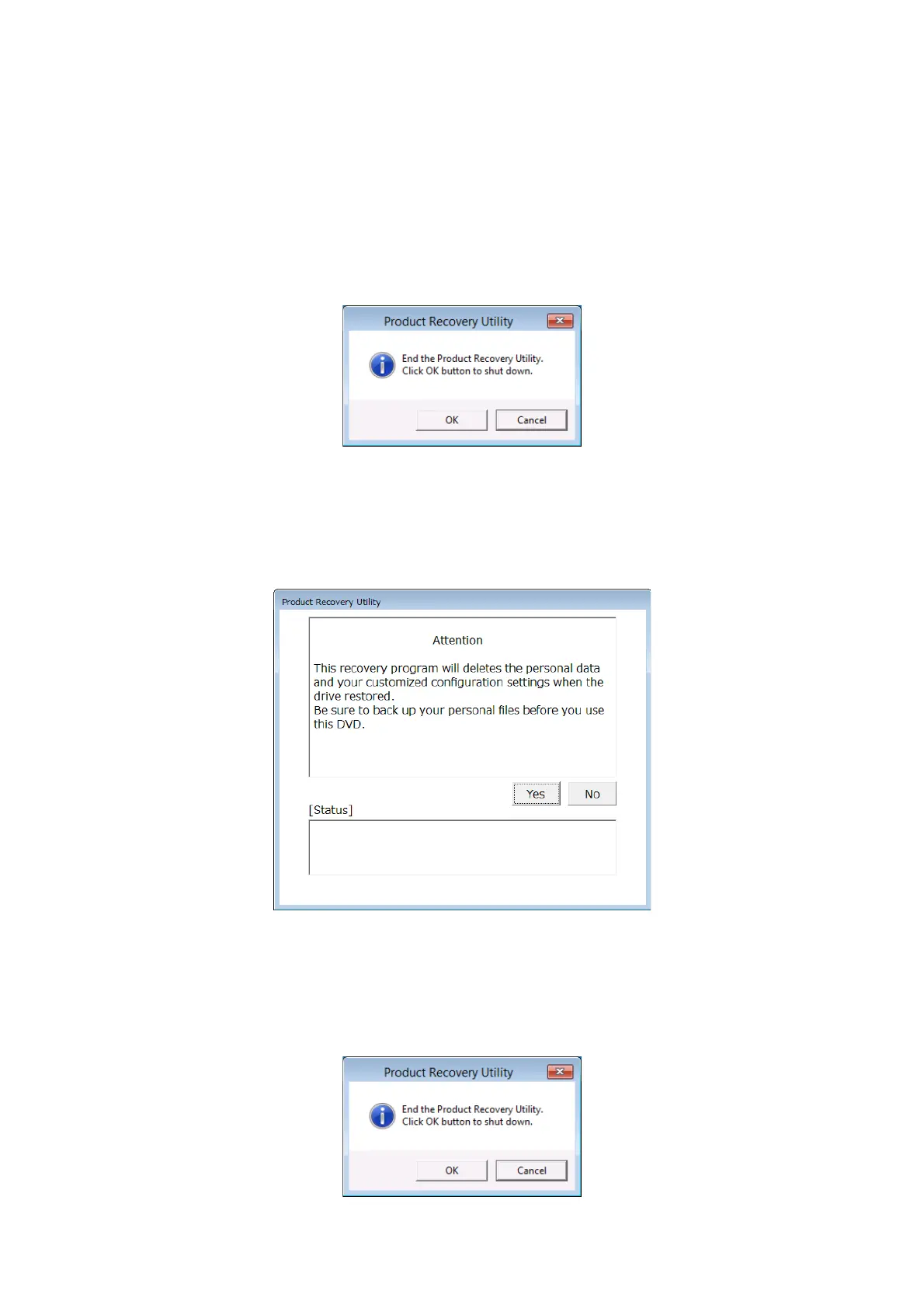
When you click No, the following message box is displayed. Click OK.
The recovery DVD is automatically ejected, and then the equipment is automatically
shut down.
If you want to go back to the confirmation window for the attention message, click
Cancel.
3. When you click Yes on the confirmation message window, the confirmation window for
the following attention message is displayed.
・If you are OK with the attention message, click Yes.
・If you are not OK with the message, click No.
When you click No, the following message box is displayed. Click OK. The recovery
DVD is automatically ejected, and then the equipment is automatically shut down.
If you want to go back to the confirmation window for the attention message, click
Cancel.



 To Next Page