When you install the cover of the equipment, do not put your fingers inside
the cover. If you do, your fingers may get caught and injured.
Before starting to work, see “6.3.2 Before installing or removing components”.
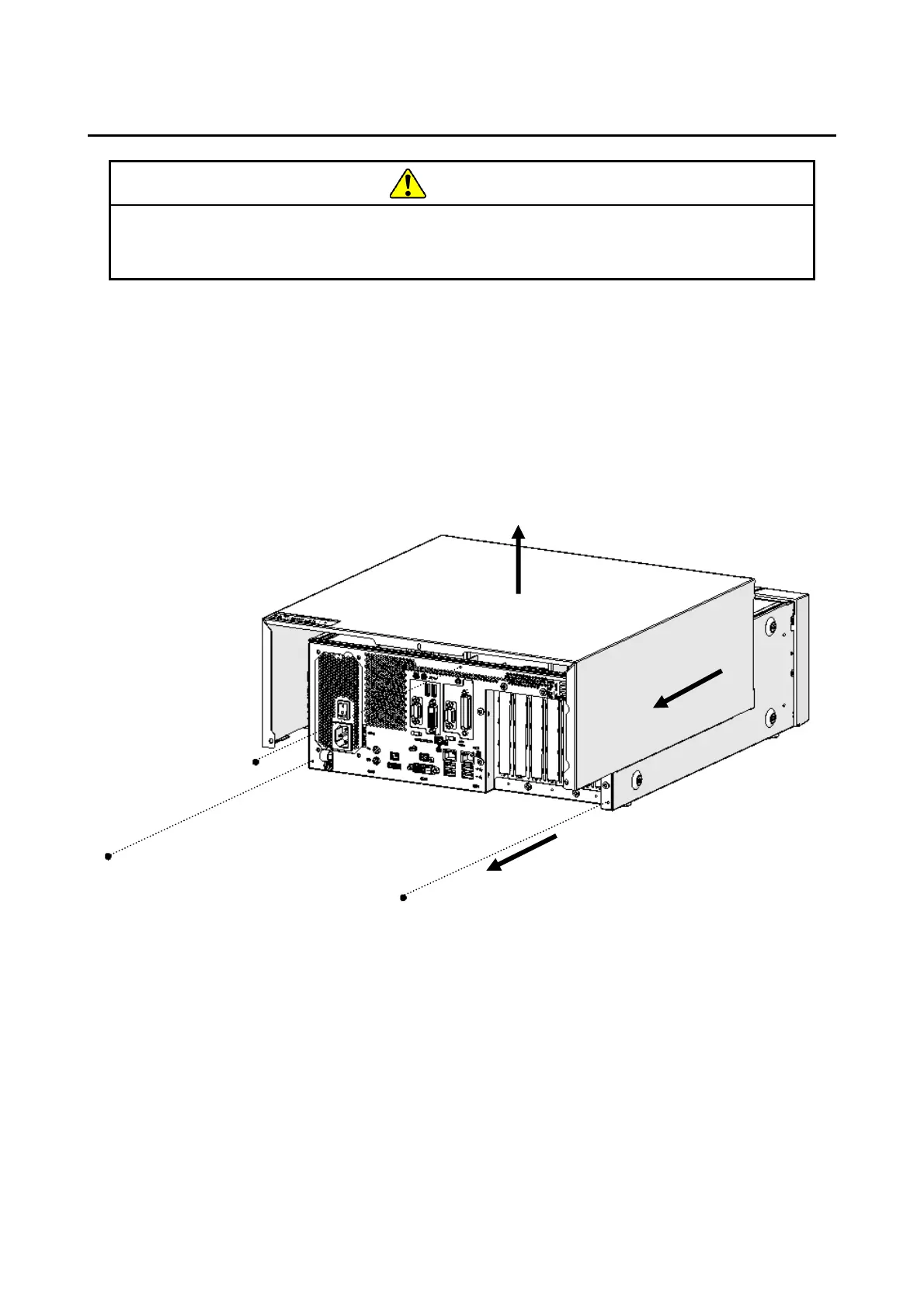
(1) Removing the cover of the equipment
[1] Remove the three screws on the rear of the equipment.
[2] Slide the cover to the rear of the equipment.
[3] Lift the cover up.
Figure 6-2 Removing the Cover of the Equipment
(2) Installing the cover of the equipment
When installing the cover of the equipment, reverse the procedure described in “(1)
Removing the cover of the equipment. Then according to Figure 6-2 install the center
screw first.



 To Next Page