5. SPECIFICATION
5-16
5.7 Boot menu
When starting up the system, you can boot from a device different from the boot device
priority in the BIOS setup menu, and start the BIOS setup menu and Internal Shell.
(1) Starting the Boot menu
When turn on the power, system initialization messages will be displayed. Press the F5 key
to launch the Boot menu.
(2) Maneuvering through the setup menu
Use the following keys to maneuver through the menu.
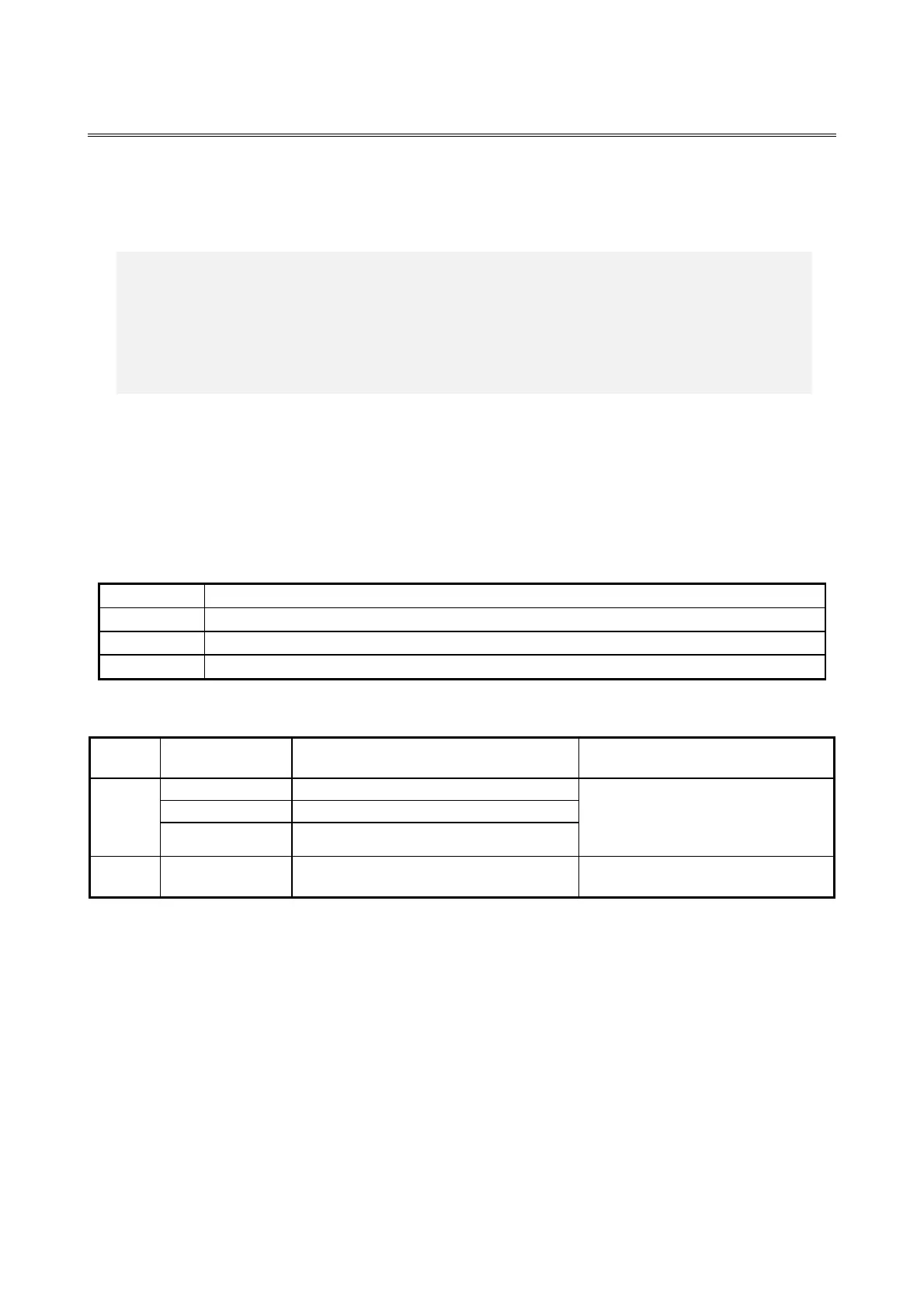
Table 5-17 Boot menu operation key
Used for exiting the setup or returning from a lower menu to a higher menu.
Used for selecting a sub-item under a menu group.
Used for starting a selected item.
Table 5-18 Boot menu list
Start up from internal DVD drive.
These are only displayed that the
devices are connected and enabled by
Boot Priority Order in the BIOS setup
menu.
Start up the Internal Shell.
(*1) The device name is displayed next to the item of Boot Menu.
< NOTE >
When the equipment is shipped, the Boot menu is configured in accordance
with the system configuration.
If the boot device is changed, the device may be unrecognized. Pay sufficient
attention when you change the Boot device.



 To Next Page