6. CHECKUP AND MAINTENANCE
6-5
6.3 Installing and Removing Components
6.3.1 Types and locations of installed components
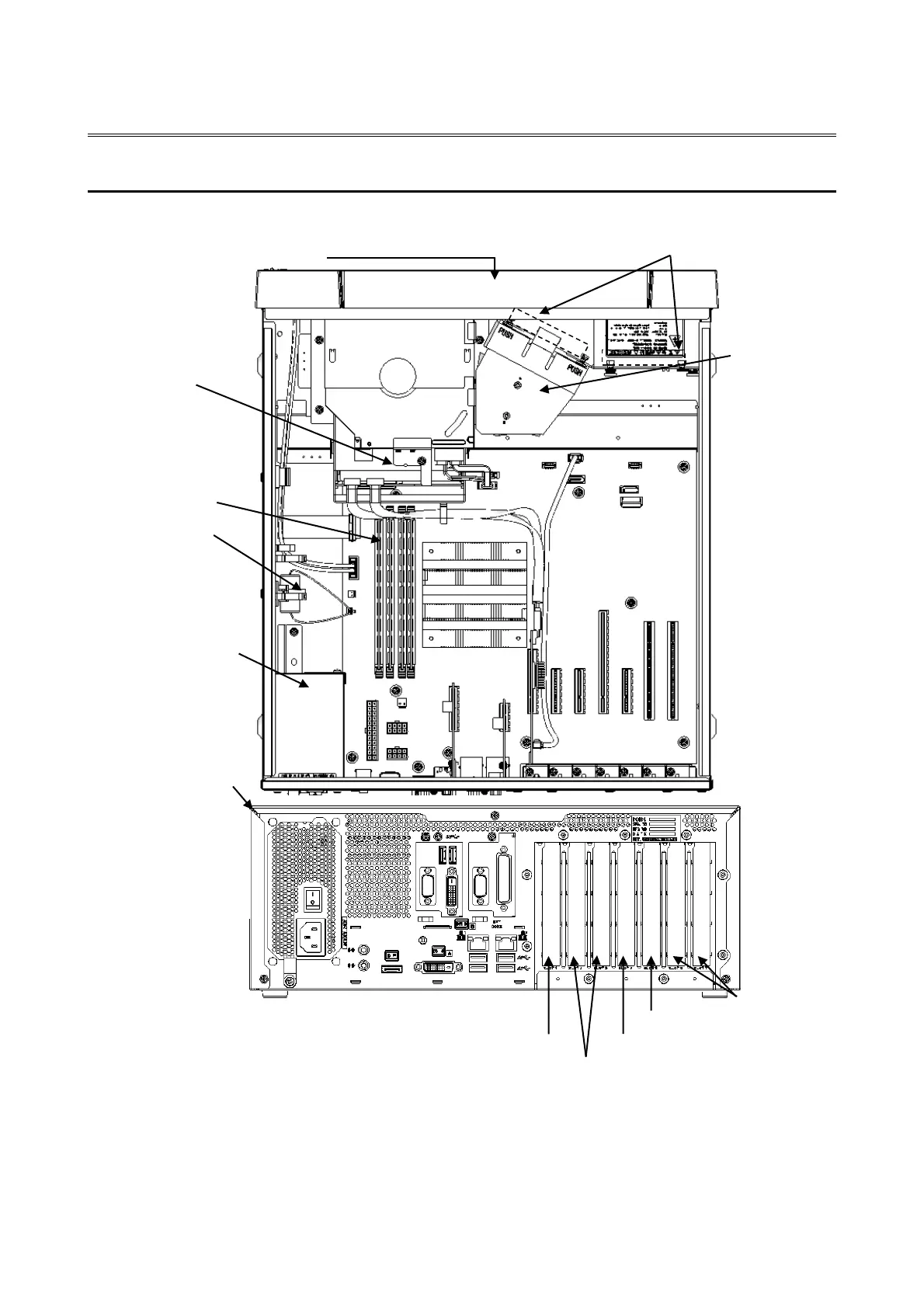
The figure below shows the types and locations of the components installed in this equipment.
(*1) This slot cannot be used because the RAID board is installed.
(*2) The internal connection is PCI Express x4, but the connector shape is PCI Express x8.
(*3) The internal connection is PCI Express x1, but the connector shape is PCI Express x4.
Figure 6-1 Types and Locations of Installed Components



 To Next Page