6. CHECKUP AND MAINTENANCE
6-22
6.3.9 Attaching and removing rubber feet
(1) Before attaching and removing rubber feet and cover screws
・Before starting to work, see “6.3.2 Before installing or removing components”.
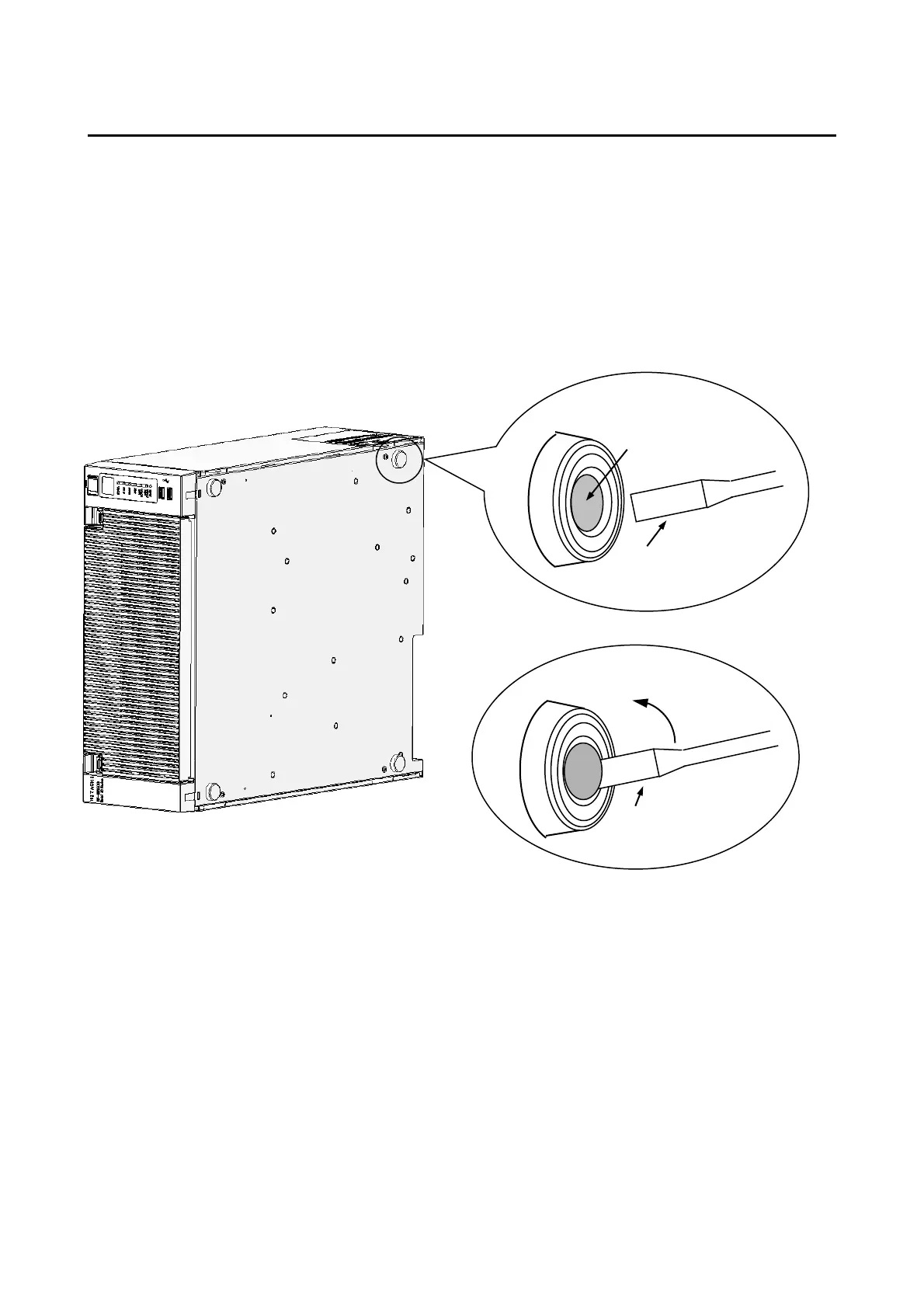
(2) Removing rubber feet
[1] Insert the blade of a slotted screwdriver into the center part of a mounted rubber foot.
[2] Gradually pry up the cap at the center of the rubber foot by gently pushing the handle of
the driver toward the bottom plate of the equipment.
Figure 6-13 Removing a Rubber Foot



 To Next Page