6. CHECKUP AND MAINTENANCE
6-3
(2) Cleaning a keyboard (optional)
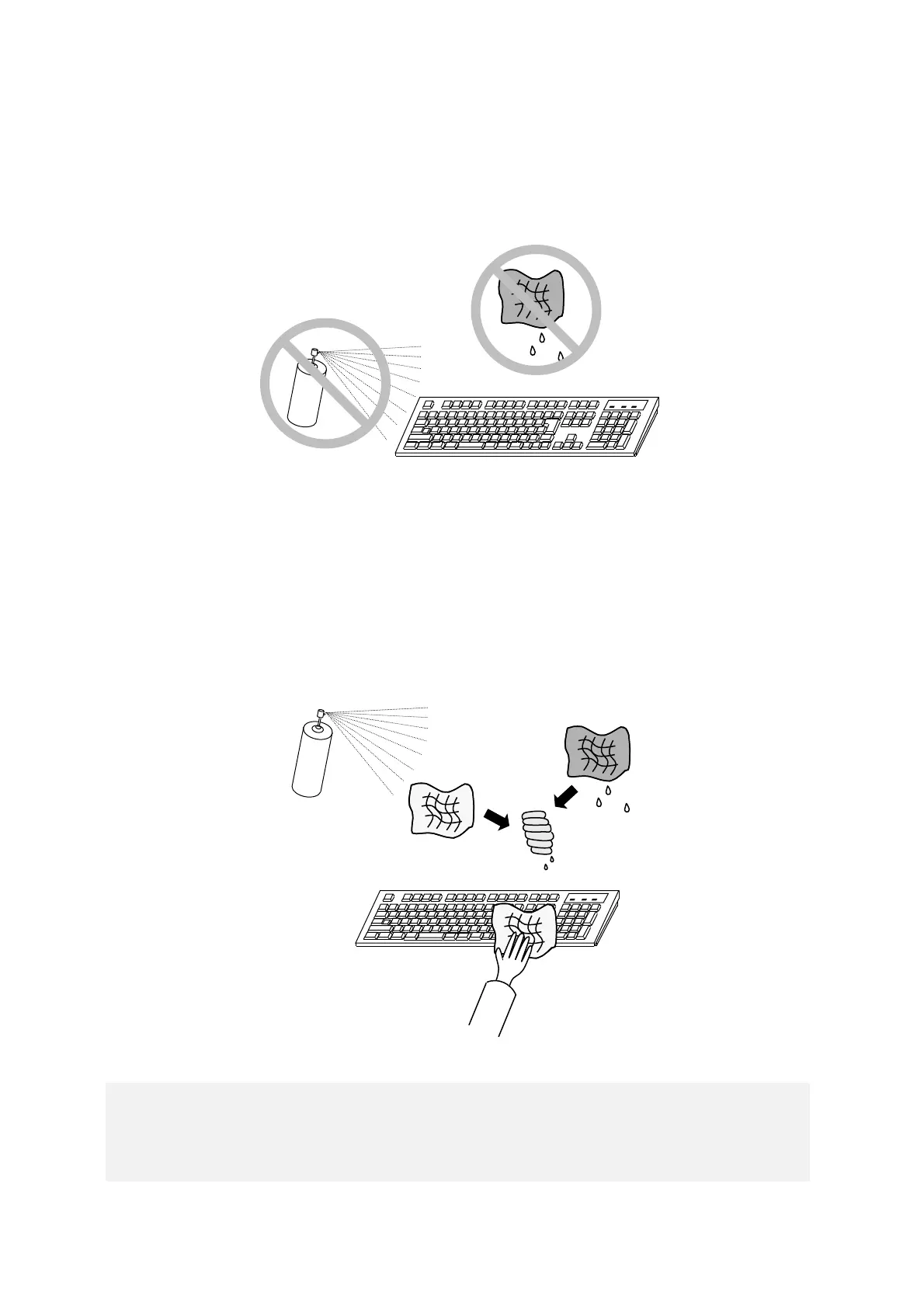
When you clean a keyboard, make sure you follow the instructions below:
● Do not spray detergent directly on to the keyboard or spill liquid detergent on it.
● Do not wipe the keyboard with a wet cloth. If you do, the equipment may fail.
● When you use detergent, spray a minimum amount of detergent on a cloth.
● Before wiping the keyboard with a wet cloth, wring out the cloth well.
● Use a soft cloth such as gauze.
● Before using detergent, carefully read the instructions on use of the detergent.
● Cover the whole keyboard with gauze, spray detergent all over it, leave it for a couple of
minutes, and wipe off the keyboard.



 To Next Page