8. MAINTENANCE OPERATIONS
8-2
<Monitoring>
(1) Hardware status monitoring
This function monitors the hardware status of this equipment including the status of the fans
and drives as well as the temperature inside the chassis.
(2) OS hangs monitoring
This function monitors the operational state of the OS by using a dedicated timer
implemented on this equipment. As long as a process with the highest priority (real-time priority
class) can run properly, the status lamp on the front of this equipment is lit in green.
(3) Watchdog timer monitoring
This feature monitors whether processes are scheduled properly, using the watchdog timer
implemented on this equipment. This feature also offers a library to use the watchdog timer.
<GUI feature settings>
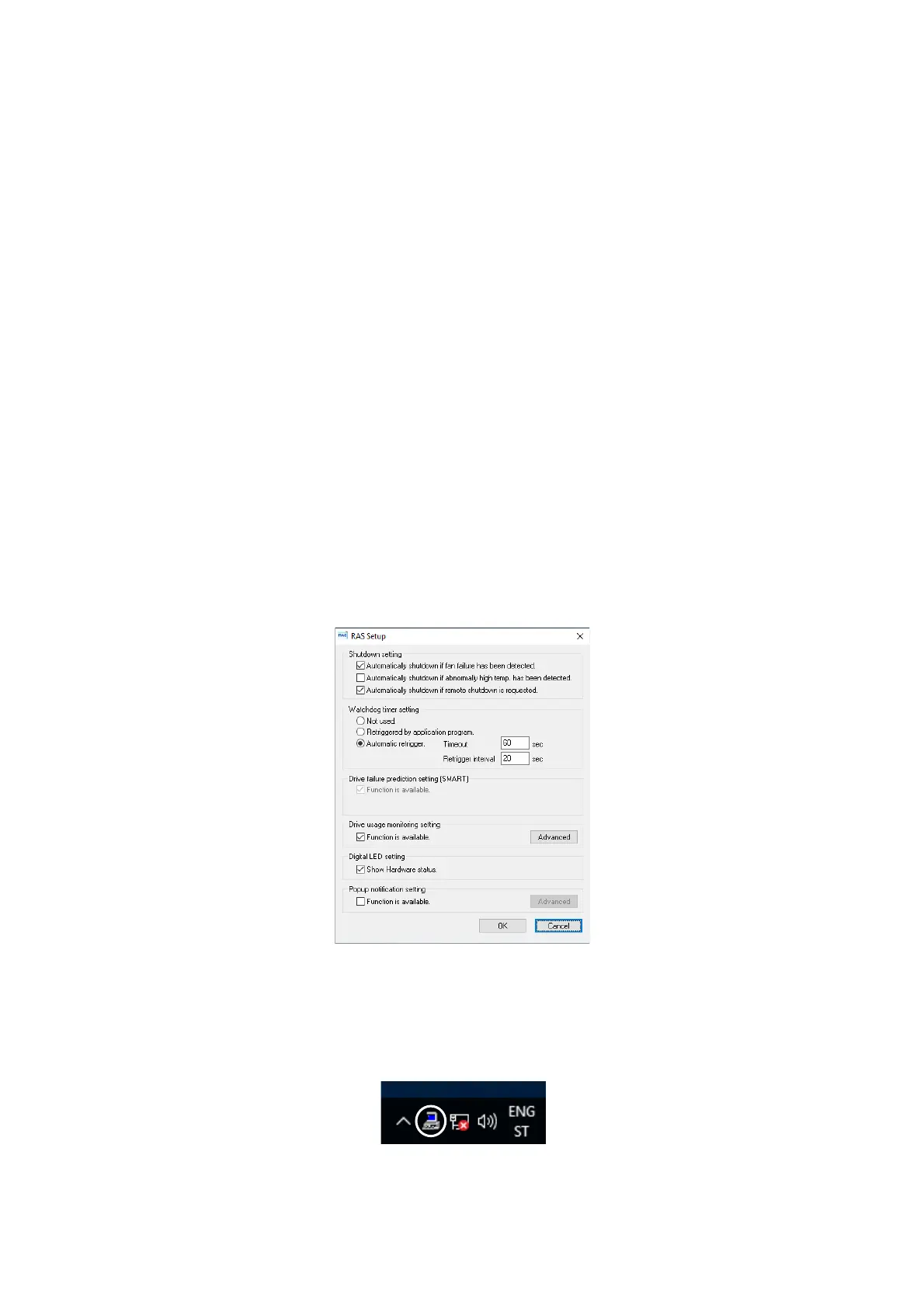
(4) RAS setting window
This window provides a graphical user interface for configuring RAS feature settings
including the condition of automatic shutdown and the setting of the watchdog timer.
<Status check>
(5) Hardware status window
This window displays the hardware status of this equipment by using a graphical interface.
There is always an icon in the notification area of the taskbar to display the hardware status.



 To Next Page