8. MAINTENANCE OPERATIONS
8-23
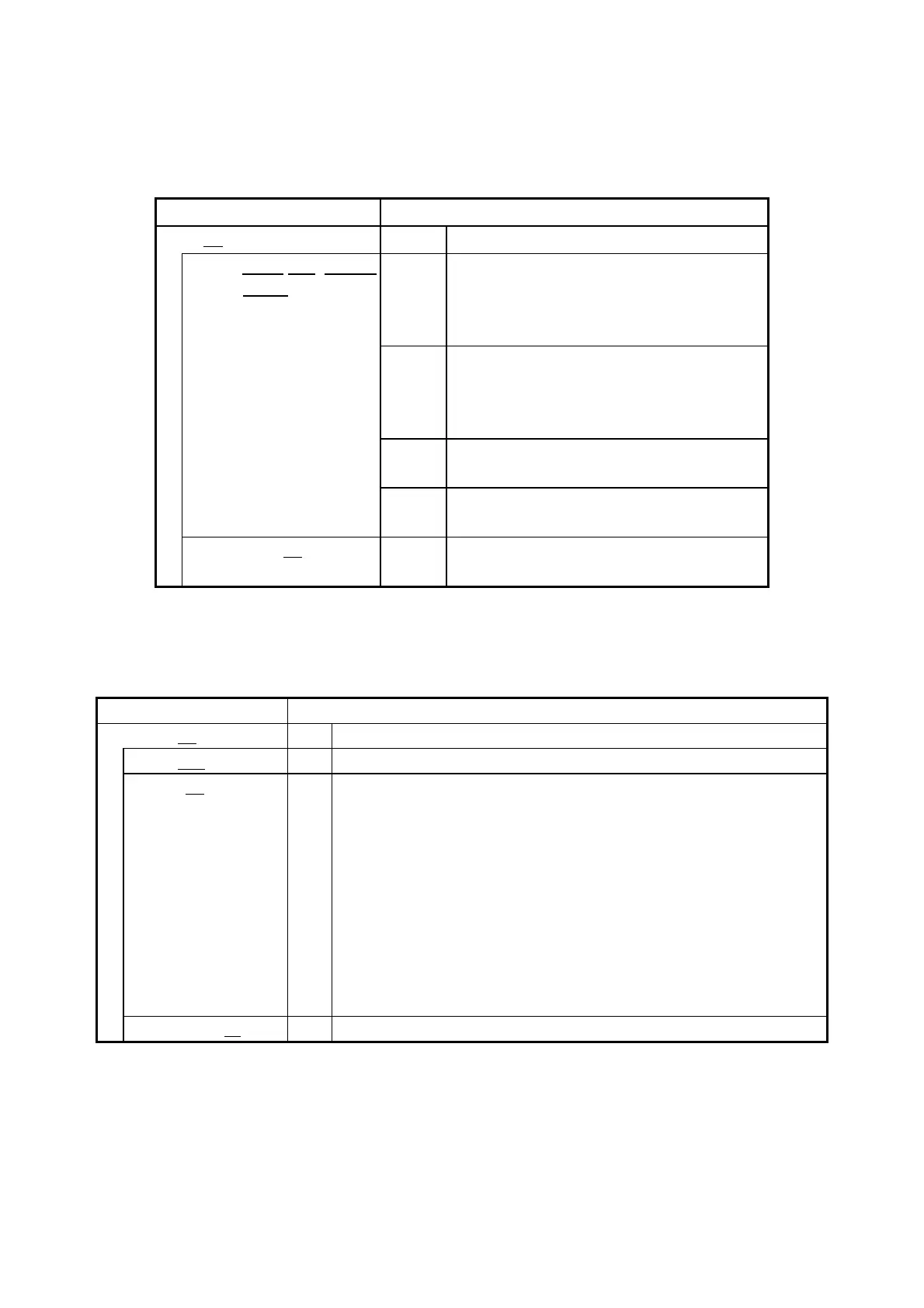
・ [RAID condition] section:
Shows the RAID status. The following table shows the list of items in this subsection
and their respective descriptions.
Shows the number of the RAID array.
Status: yy(zz ww, Media
Error)
Shows the RAID status
Optimal:Normal status
Degrade:Abnormal status
Unknown:Unknown status
Task in progress in the representation
below. Shown only when the task has
started.
Rebuild:Rebuilding
Completion rate of task in progress.
Shown only when the task has started.
Shown only when a media error is
detected during the task.
RAID level in the representation below.
1:RAID1
・ [Drive condition] section:
Shows the status of a drive. The following table shows the list of items in this
subsection and their respective descriptions.
Shows the drive bay number.
Shows the status of the drive.
Healthy: Normal
Not Connected: No disks are mounted.
Smart Detected: SMART is detected.
Offline: Offline
Rebuild: Rebuilding
Overrun: Power-on (=used) hours exceeded the threshold.
Unknown: Unknown status
Smart Detected, Overrun: SMART is detected and the
power-on hours exceeded the
threshold.
Shows the drive power-on (used) hours.



 To Next Page