< NOTE >
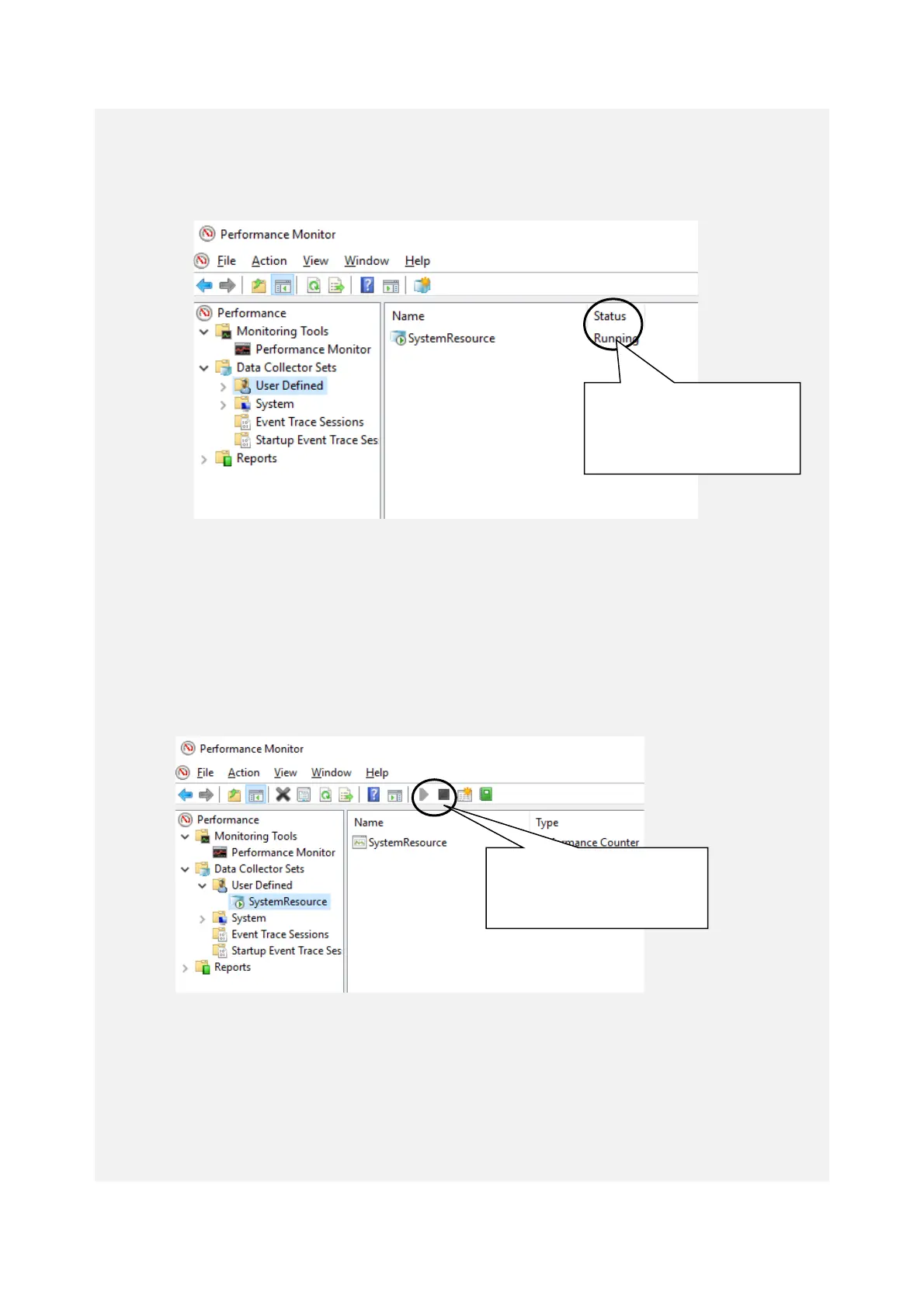
You may not be able to start collecting performance counter data when the system
load is high. After you start collecting performance counter data, confirm that the
status of the data collector set you are using is “Running”.
Confirm that the Performance Counter data collection has started properly.
In addition, if the system load is high or if you repeatedly start and stop collecting
performance counter data, sometimes you cannot start or stop collecting
performance counter data.
If this situation happens, terminate Performance Monitor, wait for a while, restart
Performance Monitor, and then start collecting the data.
Performance Counter data cannot be collected.
If you cannot start collecting performance counter data even after you have restarted
Performance Monitor, restart the system.



 To Next Page