C-10
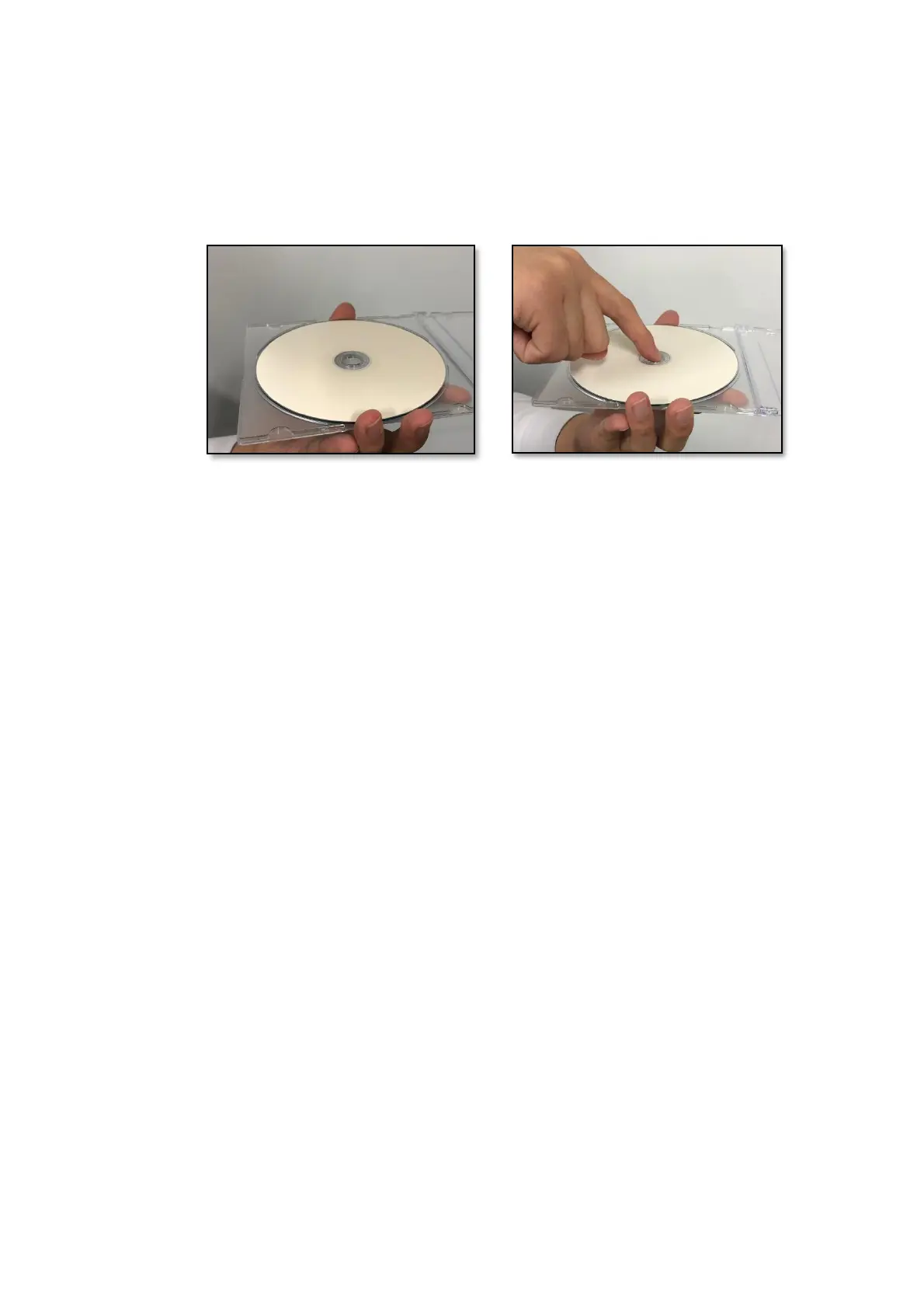
・When removing an Optical disc from the case, hold both ends of the case (Picture 1),
and then press the center part of the case (Picture 2) to remove the disc without putting
stress on the disc. If you bend the disc while removing it, the disc might become
distorted, which might result in errors during read or write operations on the disc.
[Picture 1] [Picture 2]
<Required actions>
・If an Optical disc is dirty, wipe a it with a soft dry cloth in the direction from the center
to the rim.



 To Next Page