4 - 4
4.2 Basic Operations
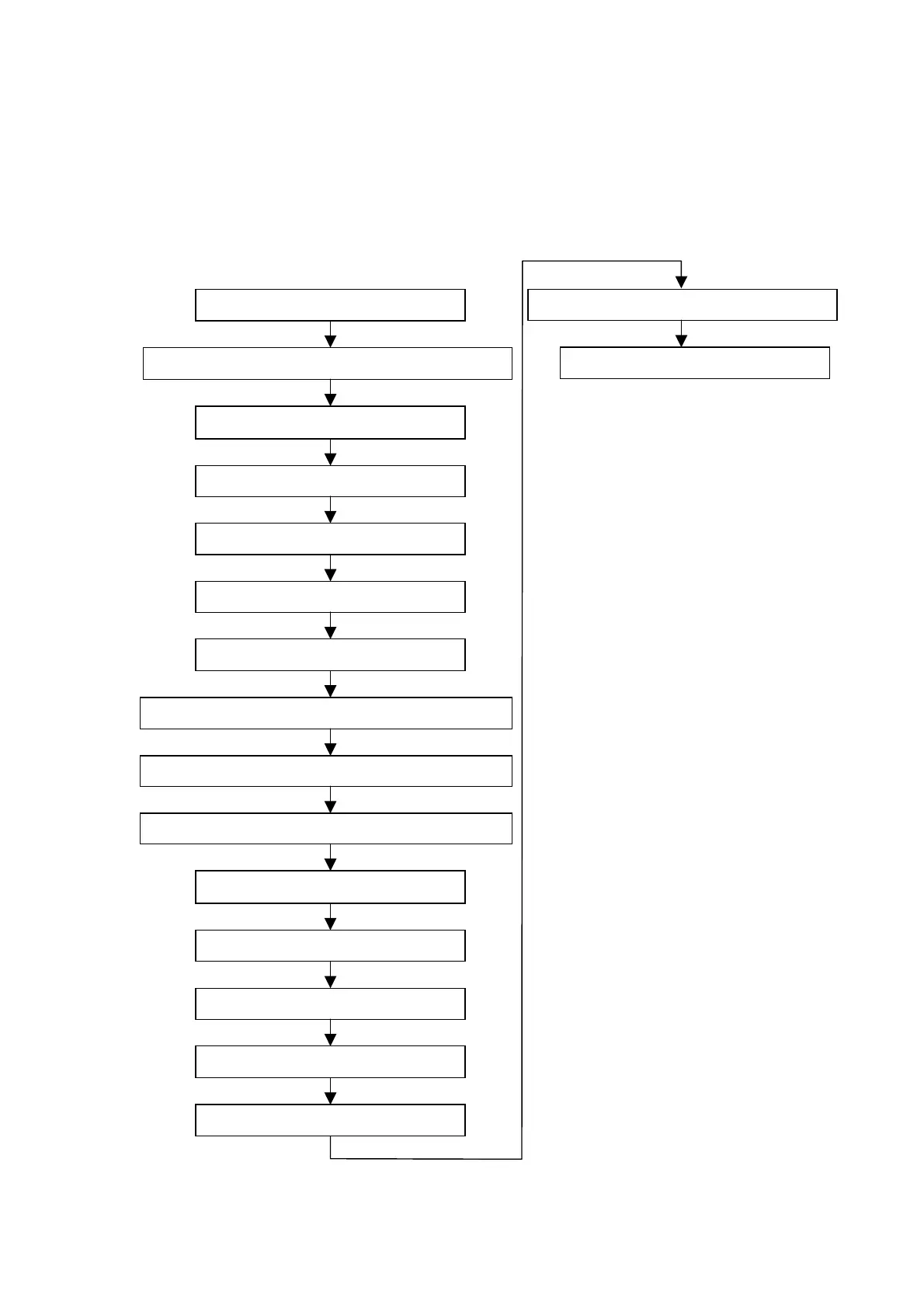
The flowchart below depicts the flow of basic operations. Details on the items that make up
the flowchart are provided in each subsection and in Section 4.3, Detailed Description of
Functions.
4.2.1 Starting the System
4.2.2 Fixing a Specimen and Adjusting its Height
4.2.3 Changing Specimens
4.2.4 Starting Observing an Image
4.2.6 Setting an Observation Mode
4.2.7 Setting an Observation Condition
4.2.8 Adjusting the Brightness/Contrast of an Image
4.2.9 Coarse Adjustment of the Focus
4.2.11 Setting an Image Mode
4.2.12 Setting a Magnification
4.2.13 Fine Focusing
4.2.5 Selecting a Display Mode
4.2.15 Checking the Image Data
4.2.16 Terminating the Image Observation
4.2.14 Saving the Image Data
4.2.10 Selecting an Observation FOV
4.2.17 Shutting Down the System



 To Next Page