4 - 18
4.2.4 Starting Observing an Image
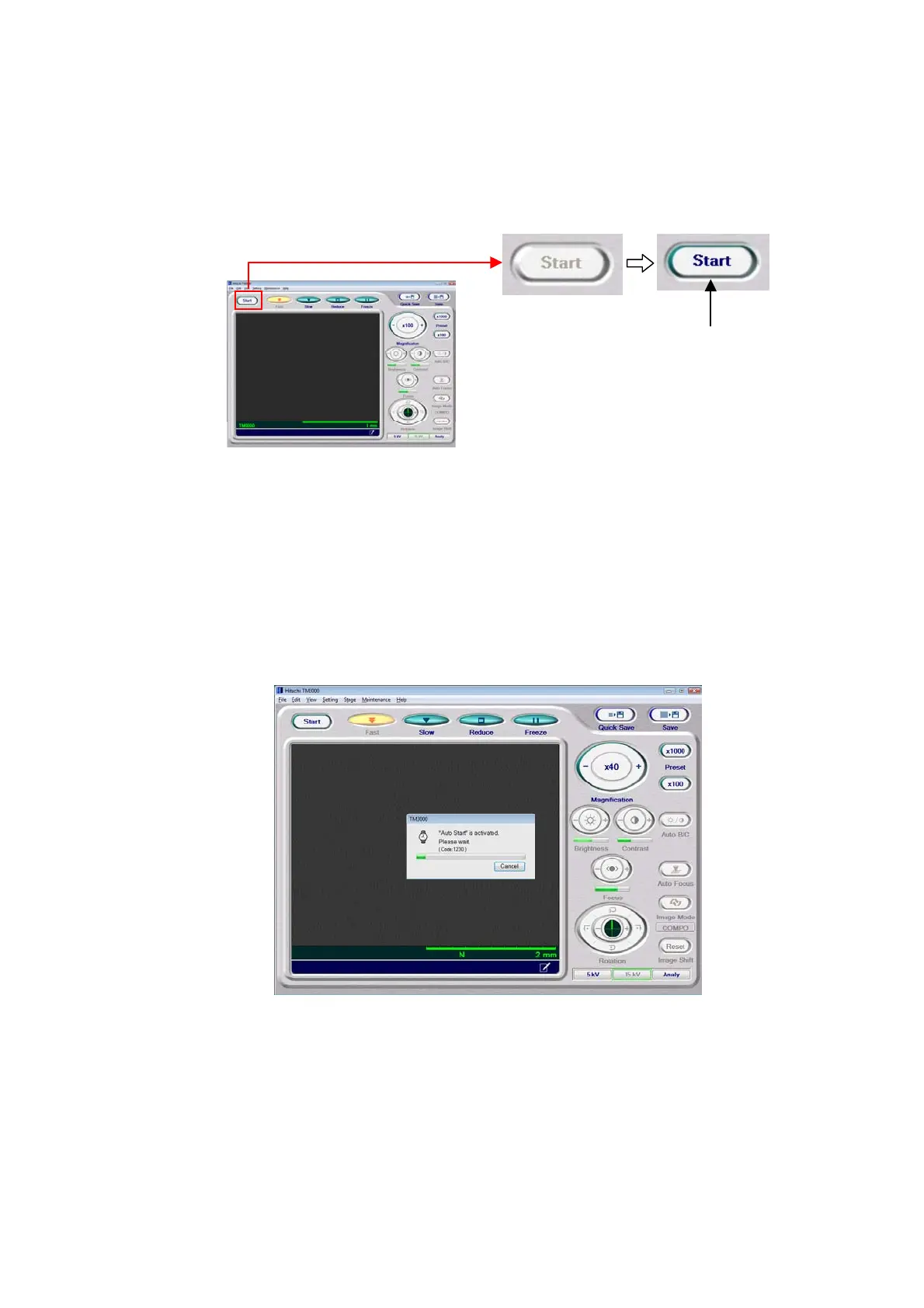
1. When the EVAC/LED (blue) on the main unit lights up solidly, the Start button on the
operation window is enabled for clicking.
Figure 4.2.4-1 Starting Observing an Image
2. Either click the Start button on the operation window or on the menu operation unit click
File Menu → Observation → Start (HV-ON) (O).
In Auto Start mode, auto-focusing and the Auto B/C function operate continuously and
display an image (the Auto Start mode operates only after the system is started after
specimen change or when the application is started).
Figure 4.2.4-2 Auto Start Activation Screen
Click



 To Next Page