2.2.4 Checking the Installation of Application
1. Verify that a [TM3000] shortcut exists on Desktop.
Figure 2.2.4-1 TM3000 Shortcut Icon
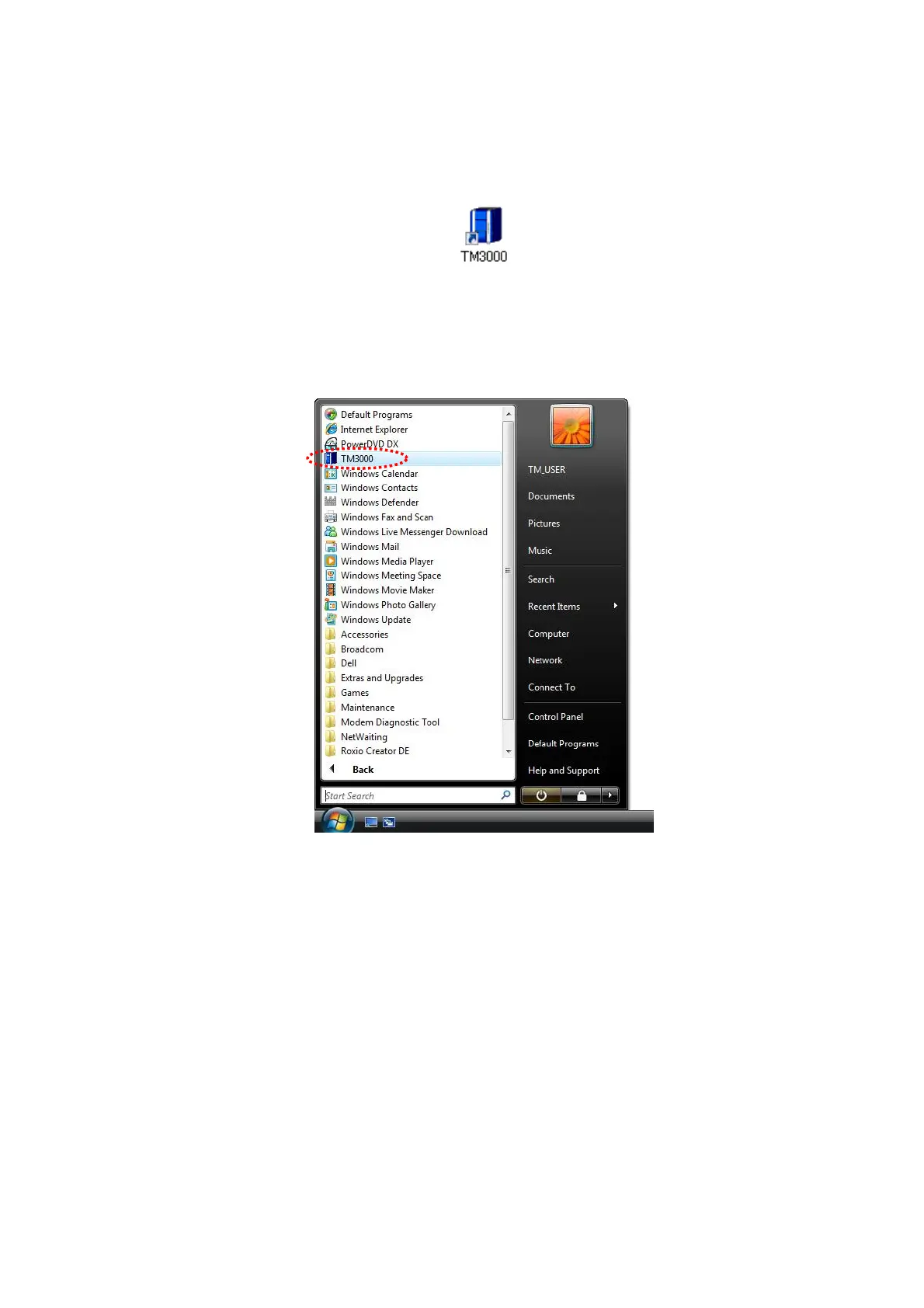
2. Verify that [TM3000] has been added to the Start program menu.
Figure 2.2.4-2 Checking the Application
3. The files containing the application are installed in a folder named [C:\Program
Files\TM3000\]. Do not edit, move, or delete the installed files.
2 - 17



 To Next Page