4 - 19
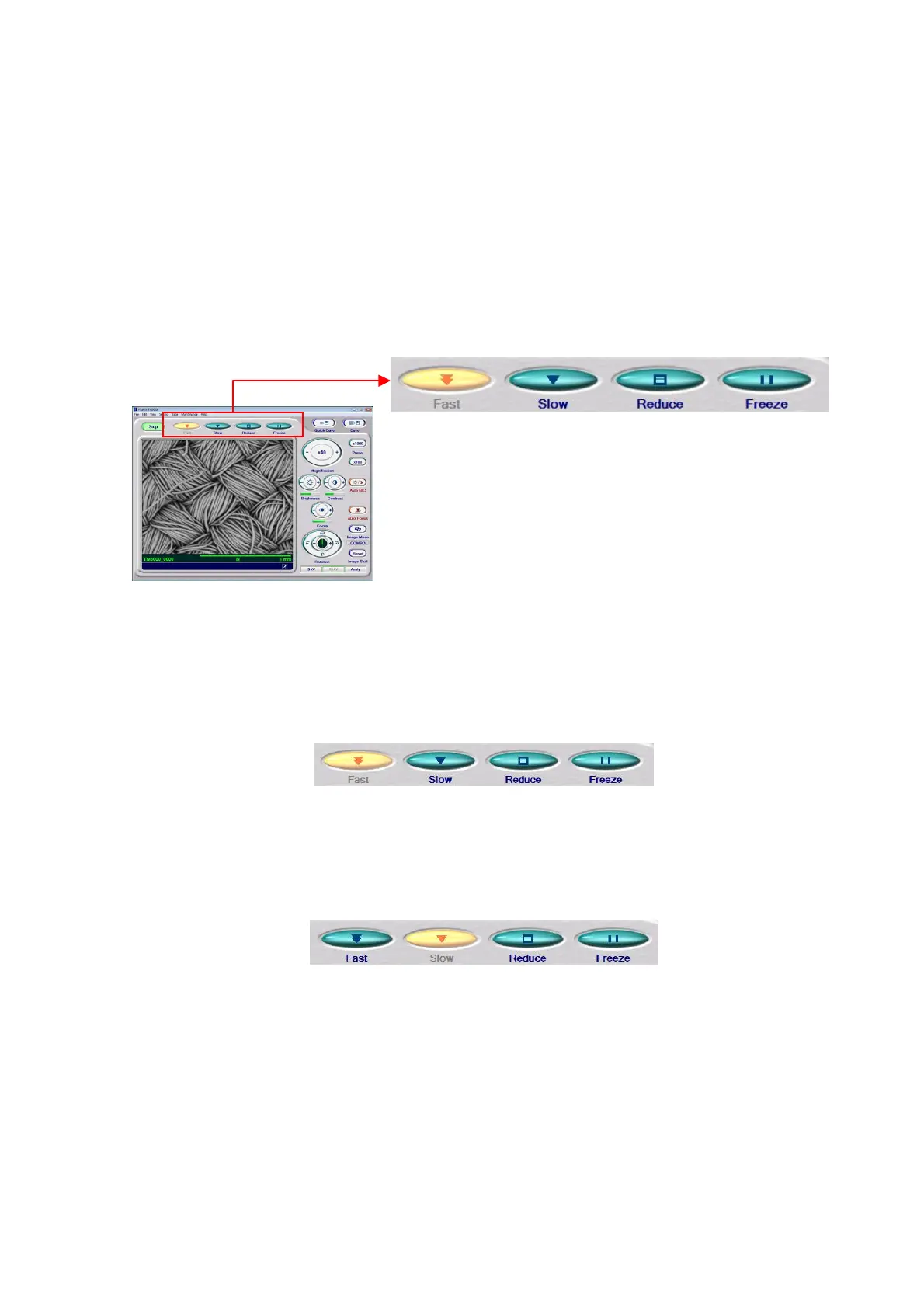
4.2.5 Selecting a Display Mode
Change the display mode for the image observation area to the Fast mode and find the
target observation FOV. In the next step, set the Reduce mode to adjust the brightness and
the focus.
A display mode can be set by using the following methods:
1. Clicking the Display Mode Selection Button The selected display mode is indicated
by a yellow button.
Figure 4.2.5-1 Display Mode Button
1a. Fast Mode This is a display mode well-suited for finding an observation position while
moving the specimen.
Figure 4.2.5-2 Display Mode Buttons (FOV Search)
1b. Slow Mode This is a display mode well-suited for verifying the image to be saved.
Figure 4.2.5-3 Display Mode Buttons (Image Check)



 To Next Page
 Loading...


