2 INSTALLATION AND SETUP
2.1 Connecting to the PC
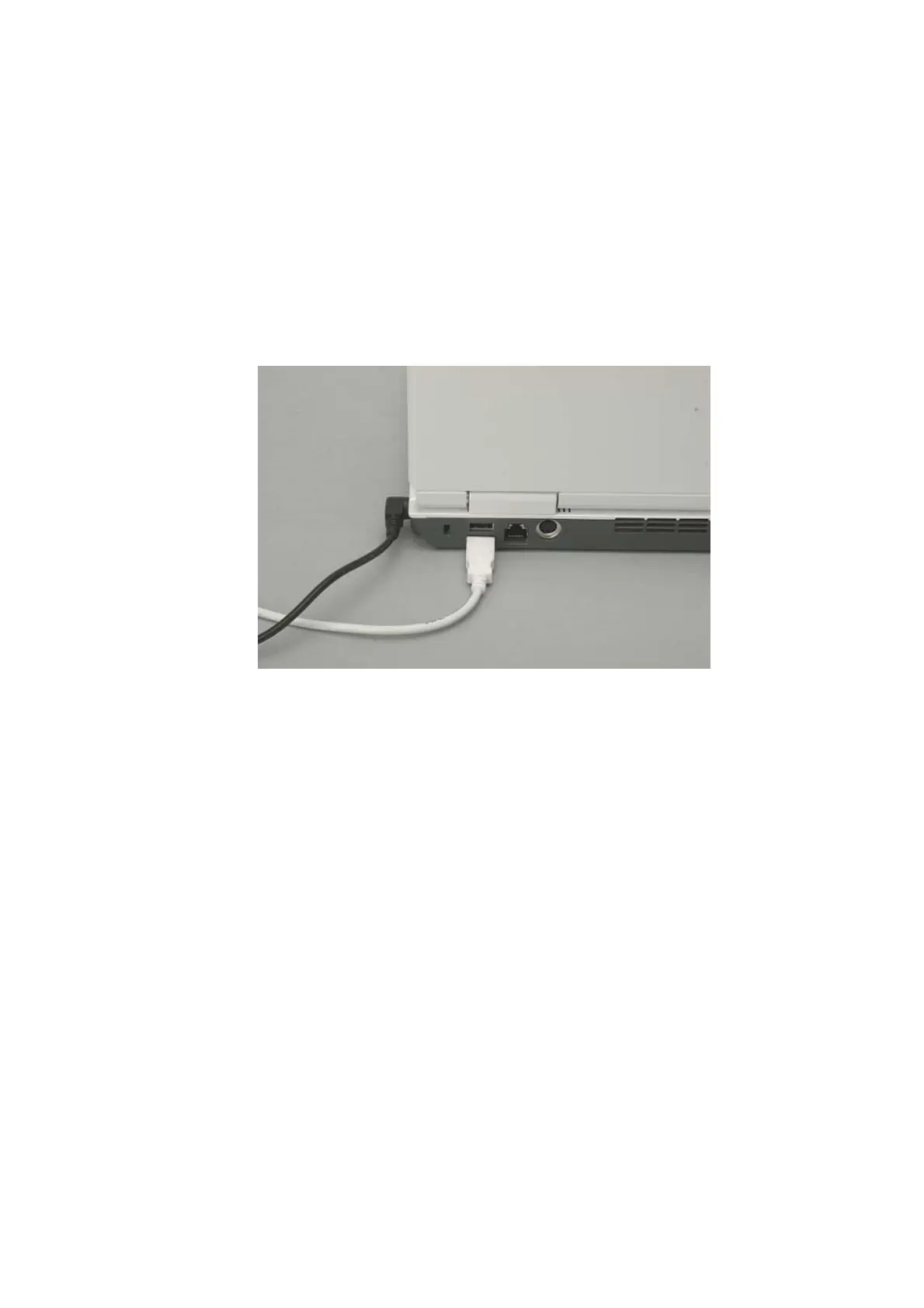
Connect the PC to the main unit as shown in Figure 2.1
1. Connect the USB cable protruding from the main unit to the USB port on the back of the
PC. (Because PCs are subject to frequent model change, the actually delivered model may
not look the same as the photograph below and the location of the USB port may differ.)
Figure 2.1 Connecting a USB Cable to the PC
2. Connect the power cable for the PC to a customer-provided outlet.
3. Connect the power cable for the main unit to a customer-provided outlet.
2 - 1



 To Next Page