4 - 55
4.3.10 Start/Stop Button
1. Start (HV-ON) Button
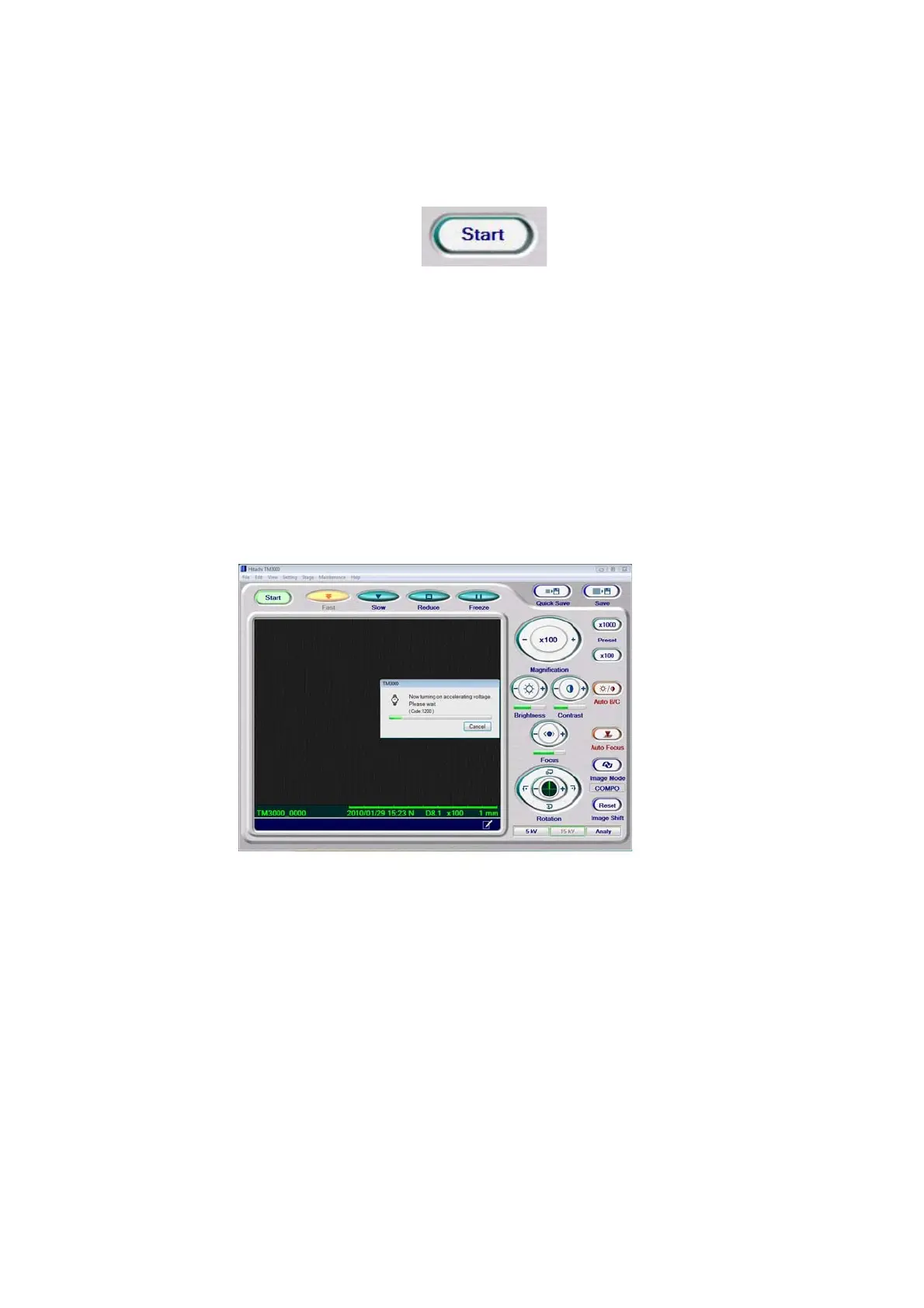
Figure 4.3.10-1 Start/Stop Button (Start)
[Start] means that electron beam irradiation is off (HV-OFF). Clicking the [Start] button turns
on the power source for the electron gun in order to irradiate the specimen with the electron
beam, and the process of heating by the filament commences, a process that requires
approximately 10 seconds. As a window indicating processing in progress appears, begin
observation operations after the window has disappeared. During the observation, the button
remains lit, and the display changes to [Stop]. During this operation, change the View mode
to an FOV search mode.
Figure 4.3.10-2 HV On Window
After launching the application or changing specimens, operate the Start button by executing
Auto Start (after filament heating, run auto focusing and Auto B/C adjustment). In this case,
set the observation magnification to 100x.



 To Next Page