4 - 57
4.3.11 View Mode Selection Button
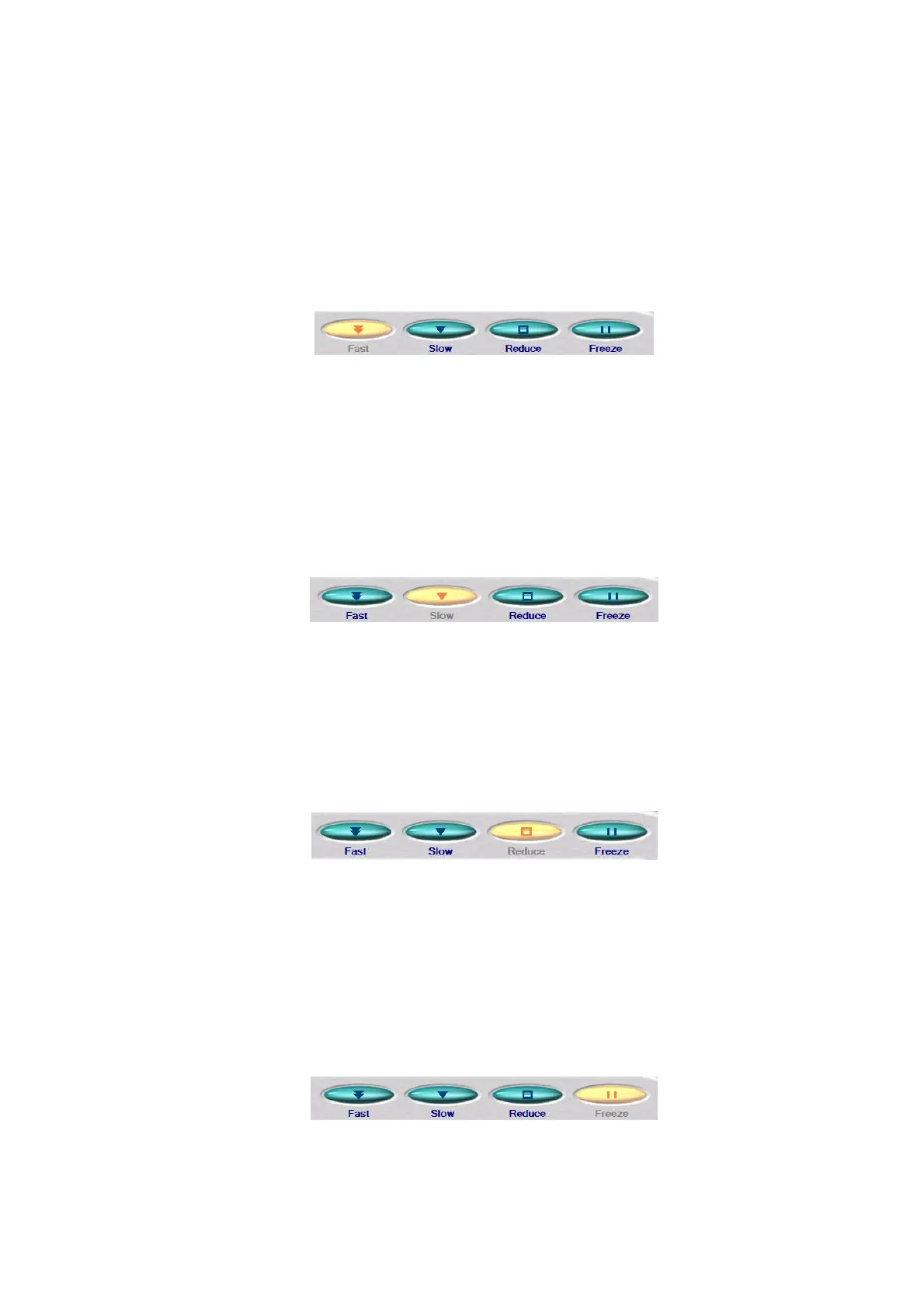
This button changes view modes. The current view mode button is indicated by a solidly lit
yellow button. Change to the view mode of your choice while viewing the image. The
following view modes are available:
1. Fast
Figure 4.3.11-1 View Mode Selection Buttons (Fast)
This is a view mode well-suited for the operation in which you search for a target position
while moving the observation position of the specimen.
2. Slow
Figure 4.3.11-2 View Mode Selection Buttons (Slow)
This is a view mode well-suited for performing verification when saving an image.
3. Reduce
Figure 4.3.11-3 View Mode Selection Buttons (Reduce)
This is a view mode well-suited for the adjustment of the brightness or focus of an
observation image.
4. Freeze
Figure 4.3.11-4 View Mode Selection Buttons (Freeze)



 To Next Page