4 - 30
4.2.11 Setting an Image Mode
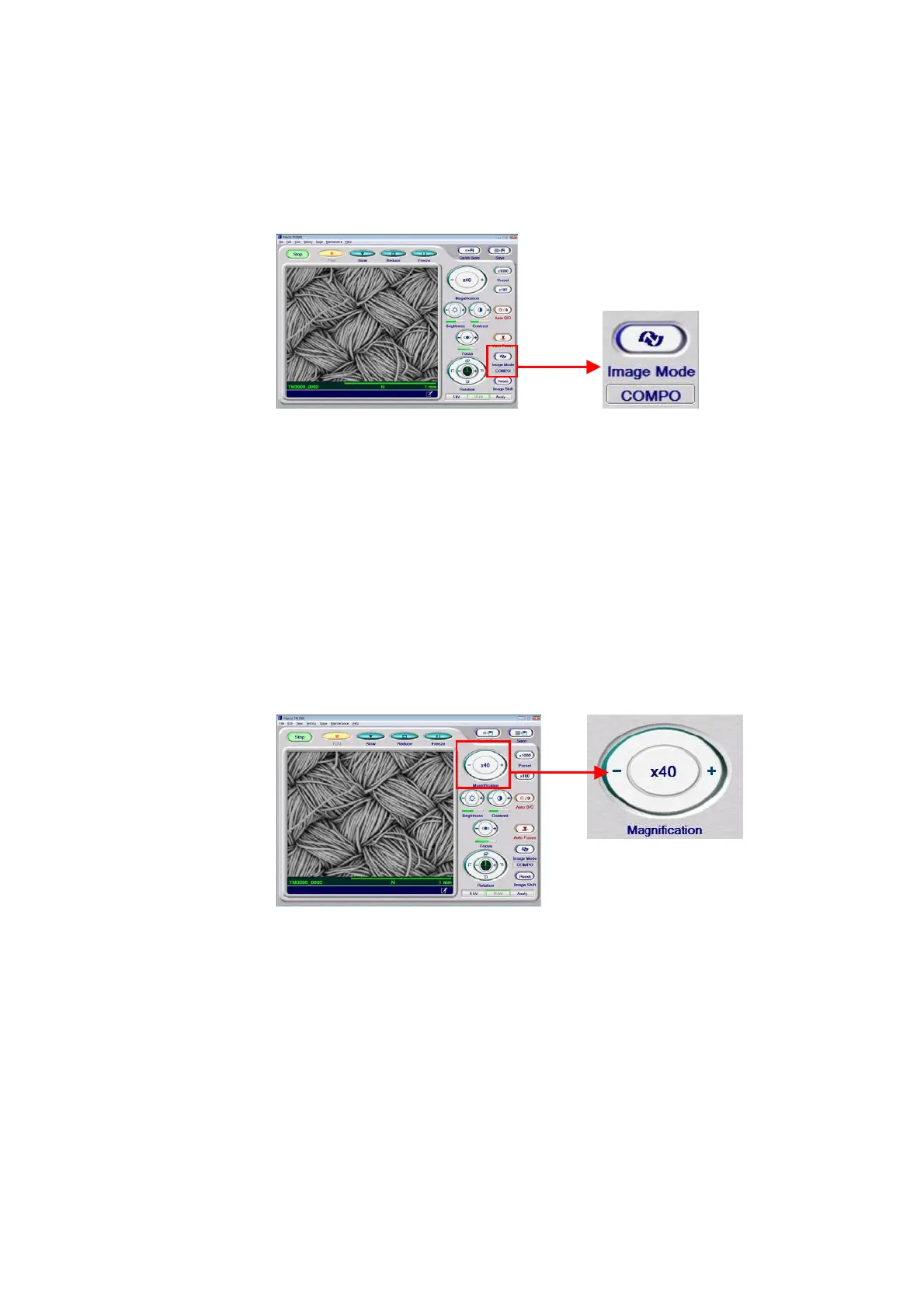
Image observation can be conducted in any of three image modes: COMPO, shadow, and
TOPO.
Figure 4.2.11 Setting an Image Mode (Changing Image Modes)
For details, see 4.3.12 Image Mode Button.
4.2.12 Setting a Magnification
A magnification can be set by any of the following methods:
1. Clicking the Magnification Button
Figure 4.2.12-1 Setting a Magnification (Operating the Magnification Button)
To increase the magnification, click the + button; to reduce it, click the – button. The
magnification changes by one stop at a time. Clicking the button continuously causes the
magnification to change continuously one stop at a time. For the number of available stops,
see Section 4.3.16 or 1.3.



 To Next Page