4 - 29
The double-clicked position moves to the center of the observation screen.
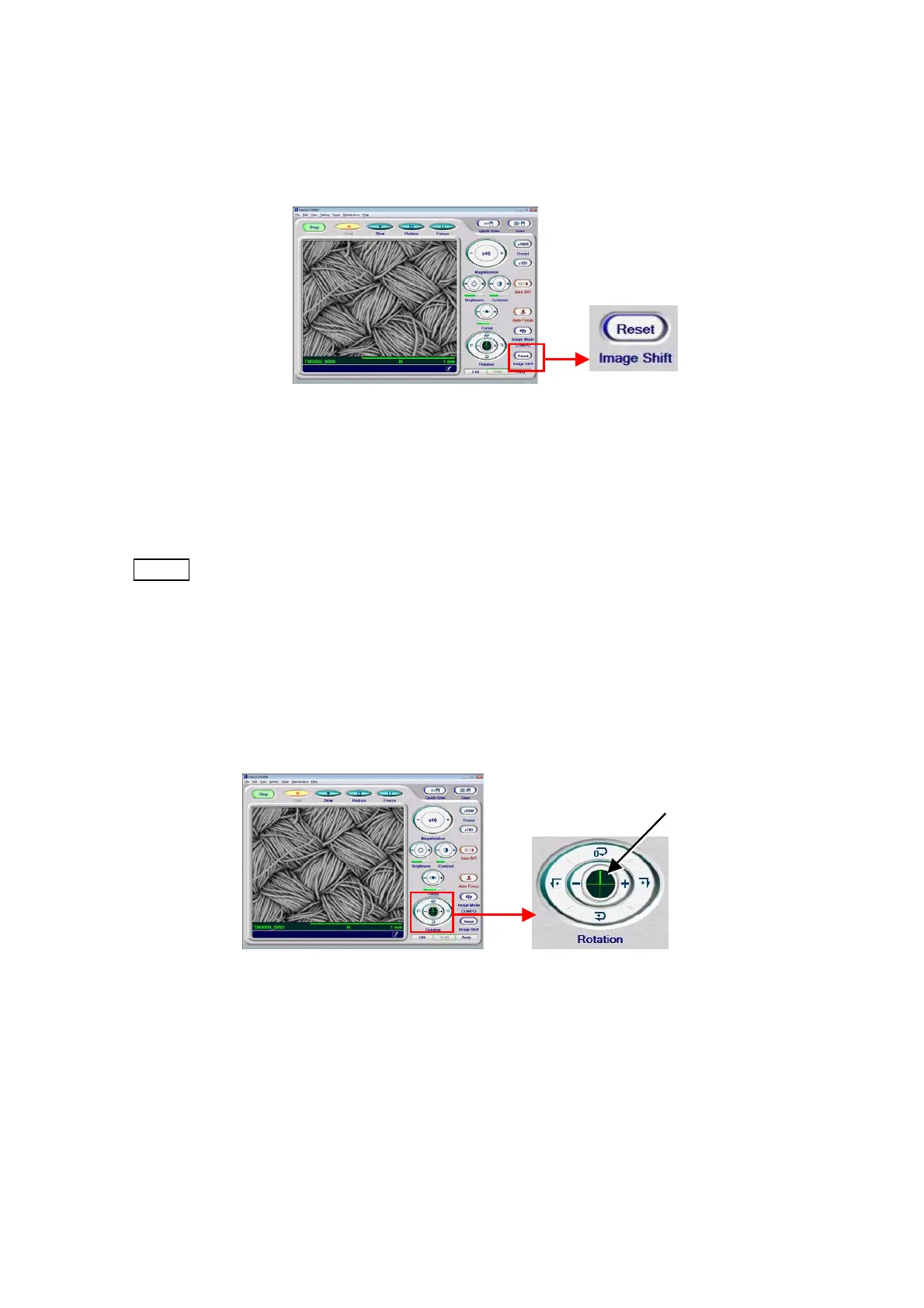
4. Resetting the Image Shift
Figure 4.2.10-6 Selecting an Observation FOV (Image Shift Reset Operation)
Clicking the image shift reset button returns the FOV to the position that was in effect before
image shifting was performed.
NOTE
: Because the range over which the FOV can be moved by image shifting is limited
(see Section 1.3), if the FOV ceases to move, press the Reset button once, move
the FOV by manipulating the XY knobs, and then use the Image Shift again for
fine adjustments.
5. Observation Image Rotation Operation Rotation is a function that rotates the display
image by turning the direction in which electron beam scanning is performed.
Figure 4.2.10-7 Selecting an Observation FOV (Rotation Operation)
For details, see 4.3.24 Rotation Button.
Indicator



 To Next Page