2.2.6 Checking the Driver Software
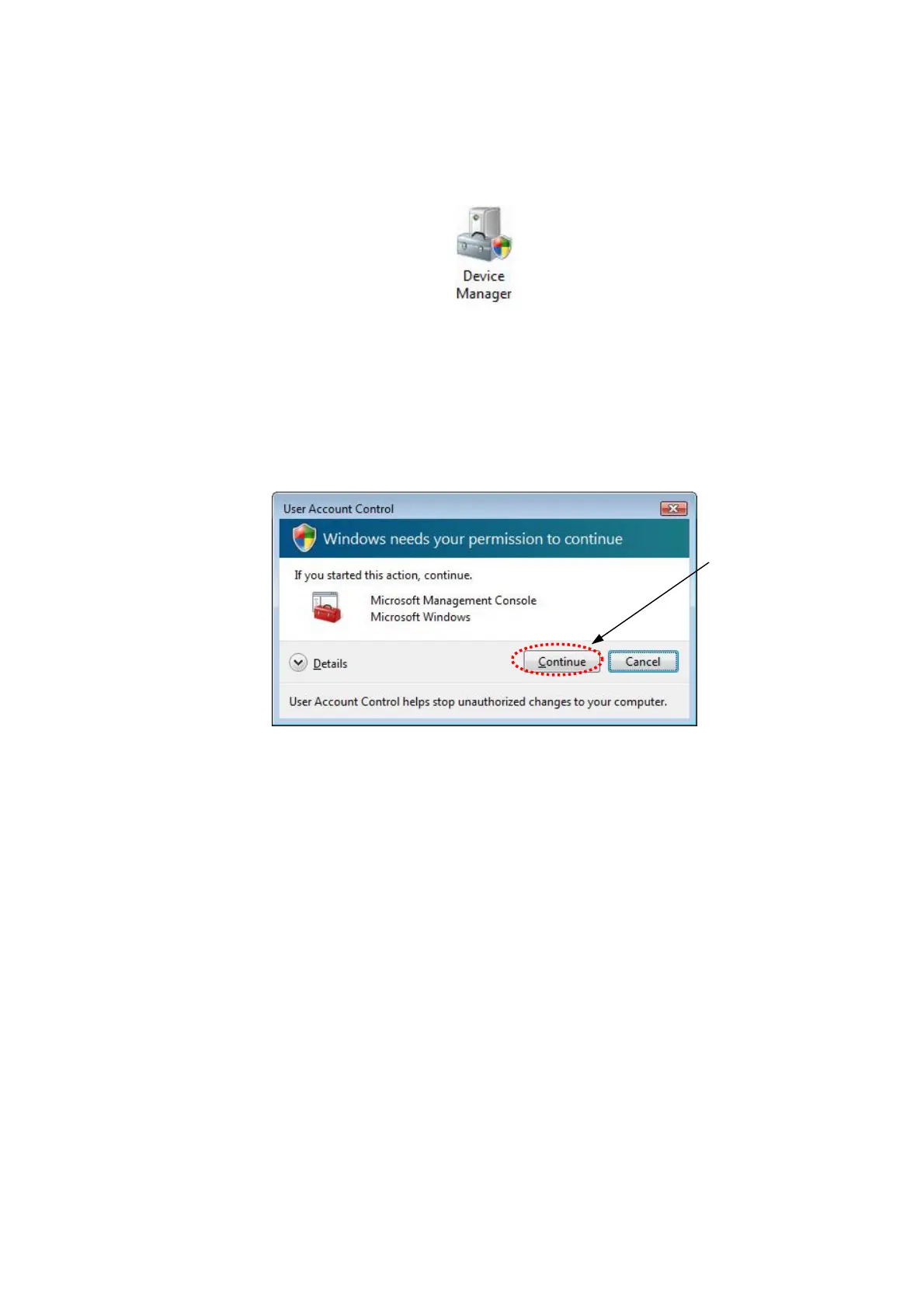
1. From [Control Panel], open [Device Manager].
Figure 2.2.6-1 Device Manager Icon
※ If Device Manager fails to appear, click [Classic View] to display it.
2. The window (User Account Control) shown in Figure 2.2.6-2 appears. Click [Continue].
Click
Figure 2.2.6-2 User Account Control Window
2 - 19



 To Next Page