4 - 40
4.2.17 Shutting Down the System
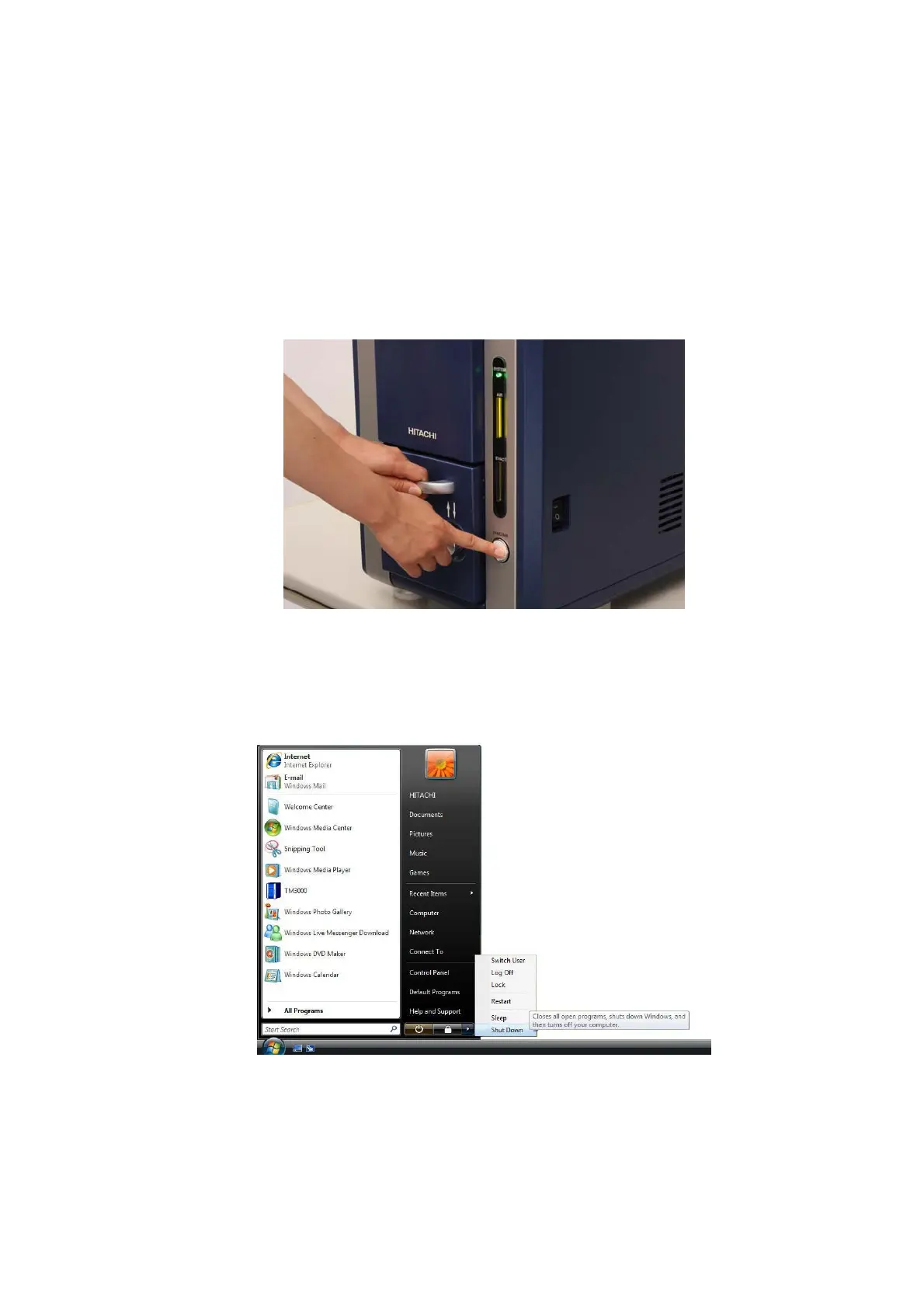
1. When stopping to observe other specimens on a continuing basis, press the EVAC/AIR
switch to set the specimen chamber to the atmospheric pressure, and remove the specimen
that had been loaded.
2. Press the EVAC/AIR switch to set the specimen chamber to a vacuum
(observation-enabled) status.
Figure 4.2.17-1 Pressing the EVAC/AIR Switch (Evacuation Operation)
3. Close the application, and turn off the PC.
Figure 4.2.17-2 Turning the PC Off



 To Next Page