4 - 97
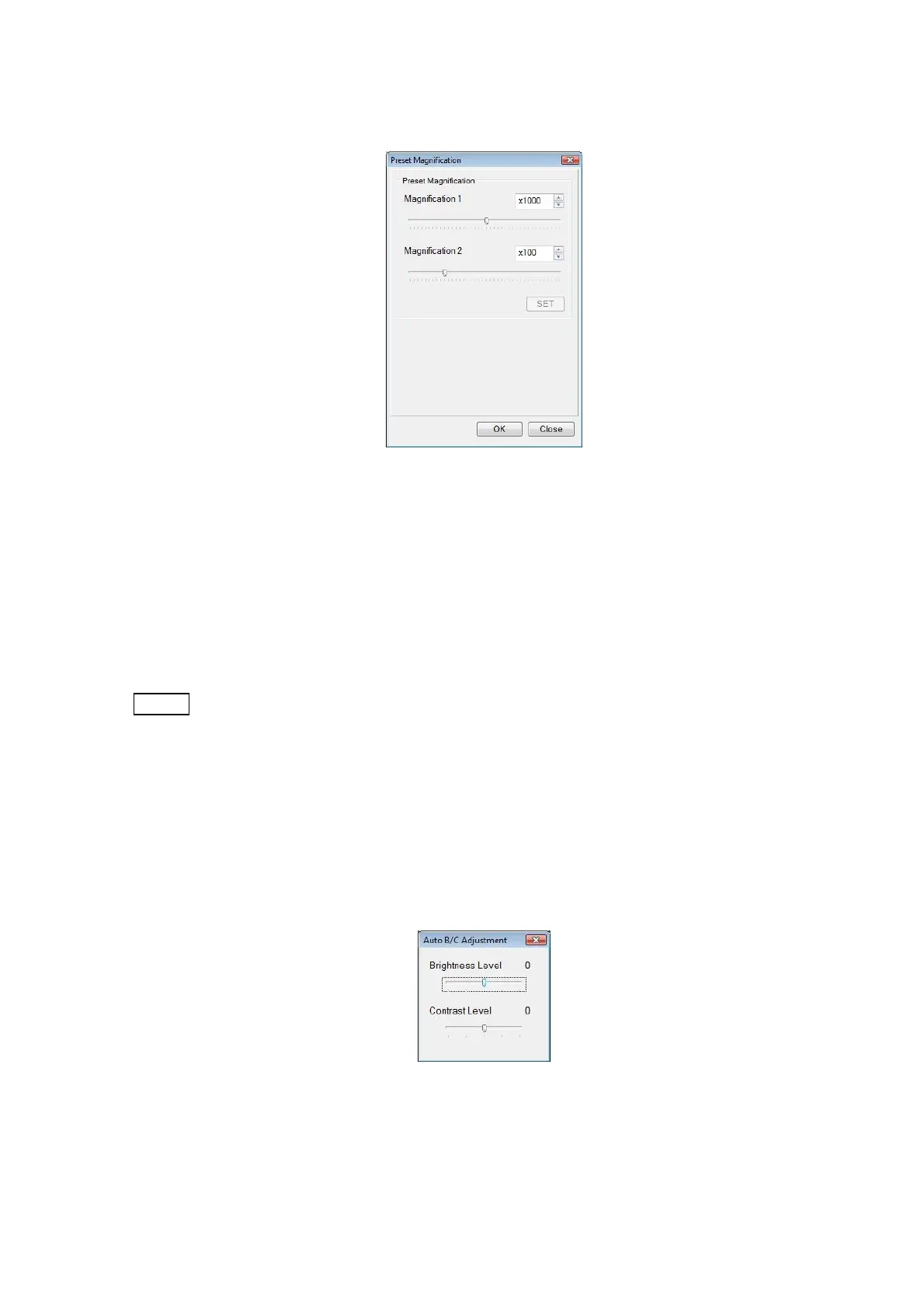
4.3.33 Preset Magnification Window
Figure 4.3.33 Preset Magnification Window
Registers preset magnifications. Magnifications can be registered independently in Preset
Magnifications 1 and 2. Using the slider or the up/down button on the Preset Magnification
window, preset magnifications can be specified. Clicking the [SET] or [OK] button registers the
preset magnifications. The results are applied to the magnification on the Preset button on the
Operation screen.
NOTE
: If two magnifications with a large magnification difference, such as a low
magnification (for example, x100 or less) or a high magnification (for example,
x10000 or higher) are set and switching is made between them, an observation
FOV deviation can occur. In such a case, change magnifications by using the
observation magnification button. Hitachi recommends that the Preset button be
used at x5,000 or less.
4.3.34 Auto B/C Adjustment Window
Figure 4.3.34 Auto B/C Adjustment Window



 To Next Page