4 - 22
4.2.7 Setting an Observation Condition
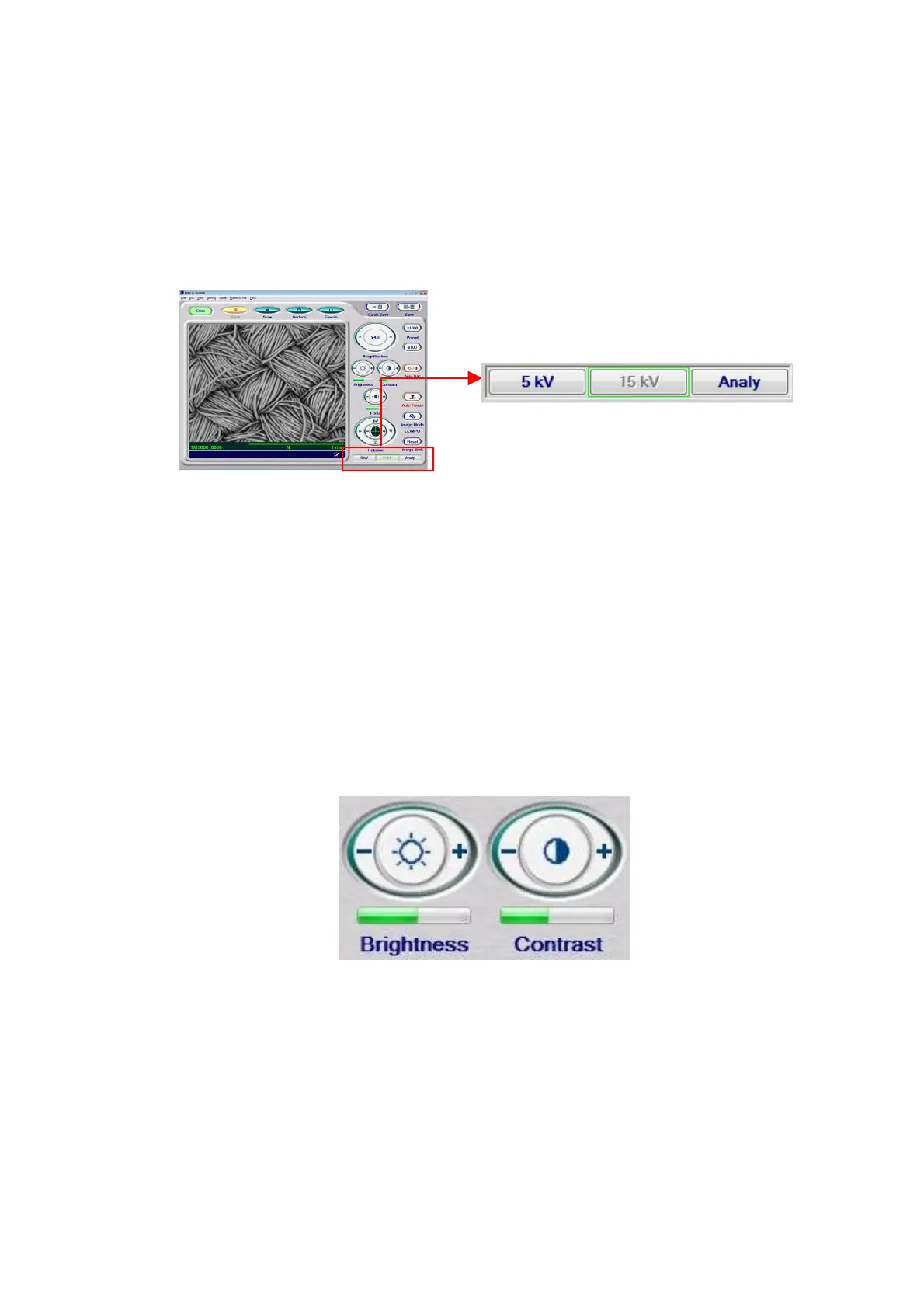
Select an observation condition either by operating the observation condition buttons in the
observation condition setup unit or from the View menu. On the observation condition button,
the part enclosed in a green frame represents the currently selected observation condition
(when the system is started, the previous observation condition is displayed).
Figure 4.2.7 Setting an Observation Condition
For details on how to select an observation mode, see 4.3.13 Observation Condition
Selection Button.
4.2.8 Adjusting the Brightness/Contrast of an Image
1. Manual Operation This operation allows the user to adjust the brightness and contrast
of an observation screen.
For further details, see 4.3.18 Brightness Button and 4.3.19 Contrast Button.
Figure 4.2.8-1 Brightness/Contrast Adjustment Buttons



 To Next Page