4 - 38
1c. Click the [SET] button to commit the settings. After committing the settings by clicking
the [OK] button, close the Setting for Save window.
2. Standard Save For details, see 4.3.15 Save Button.
3. Quick Save For details, see 4.3.14 Quick Save Button.
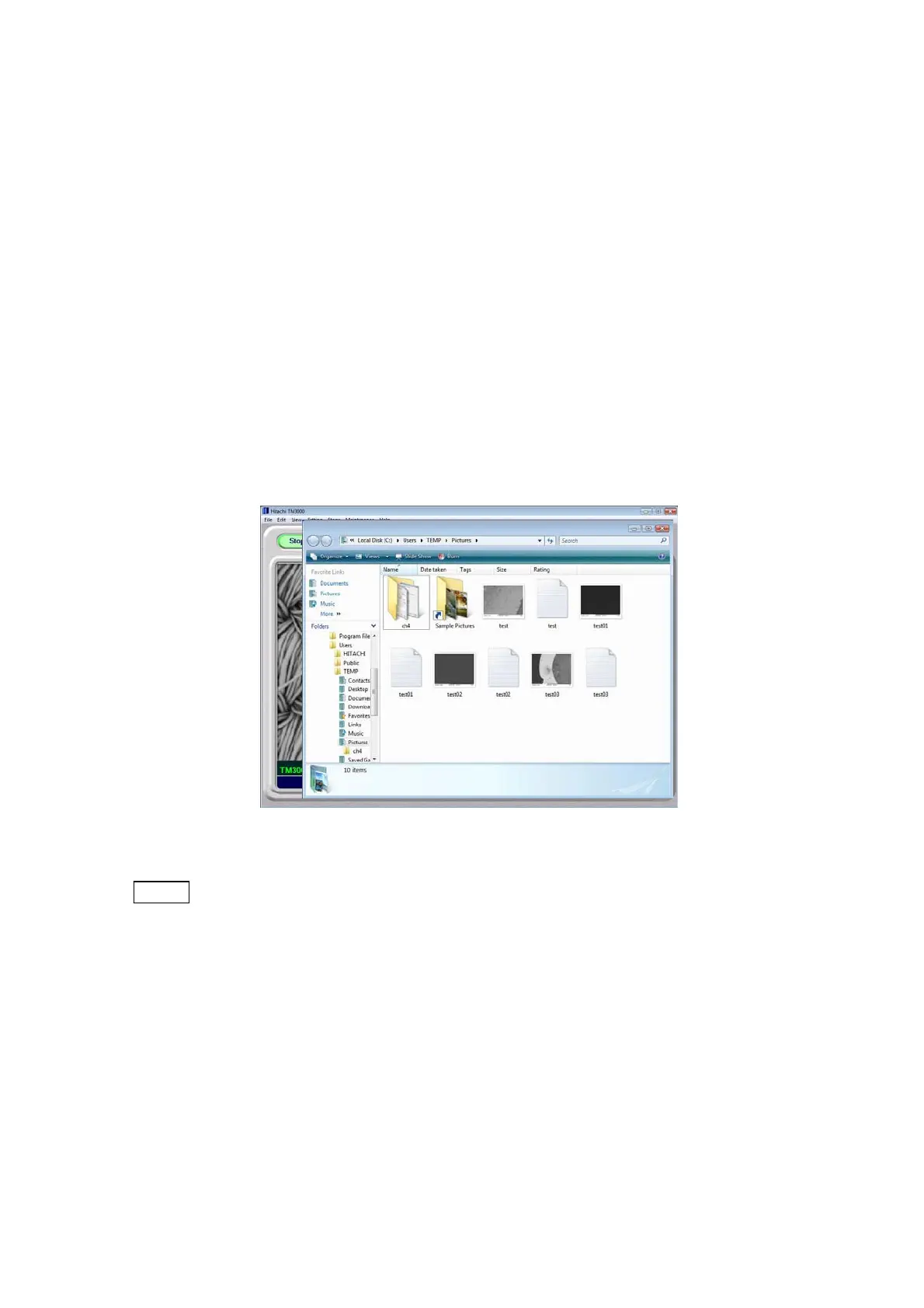
4.2.15 Checking the Image Data
Using Windows Explorer, display a list of saved images.
1. On the keyboard, press the [F9] key.
2. Open the folder in which an image was saved last.
Figure 4.2.15 Image Data Save Folder Screen
NOTE
: If reduced images are not displayed in the folder, click the [View] button on the
Toolbar and select either [Medium Icons] or [Large Icons]. This displays a list of
saved images in the folder.



 To Next Page