4 - 20
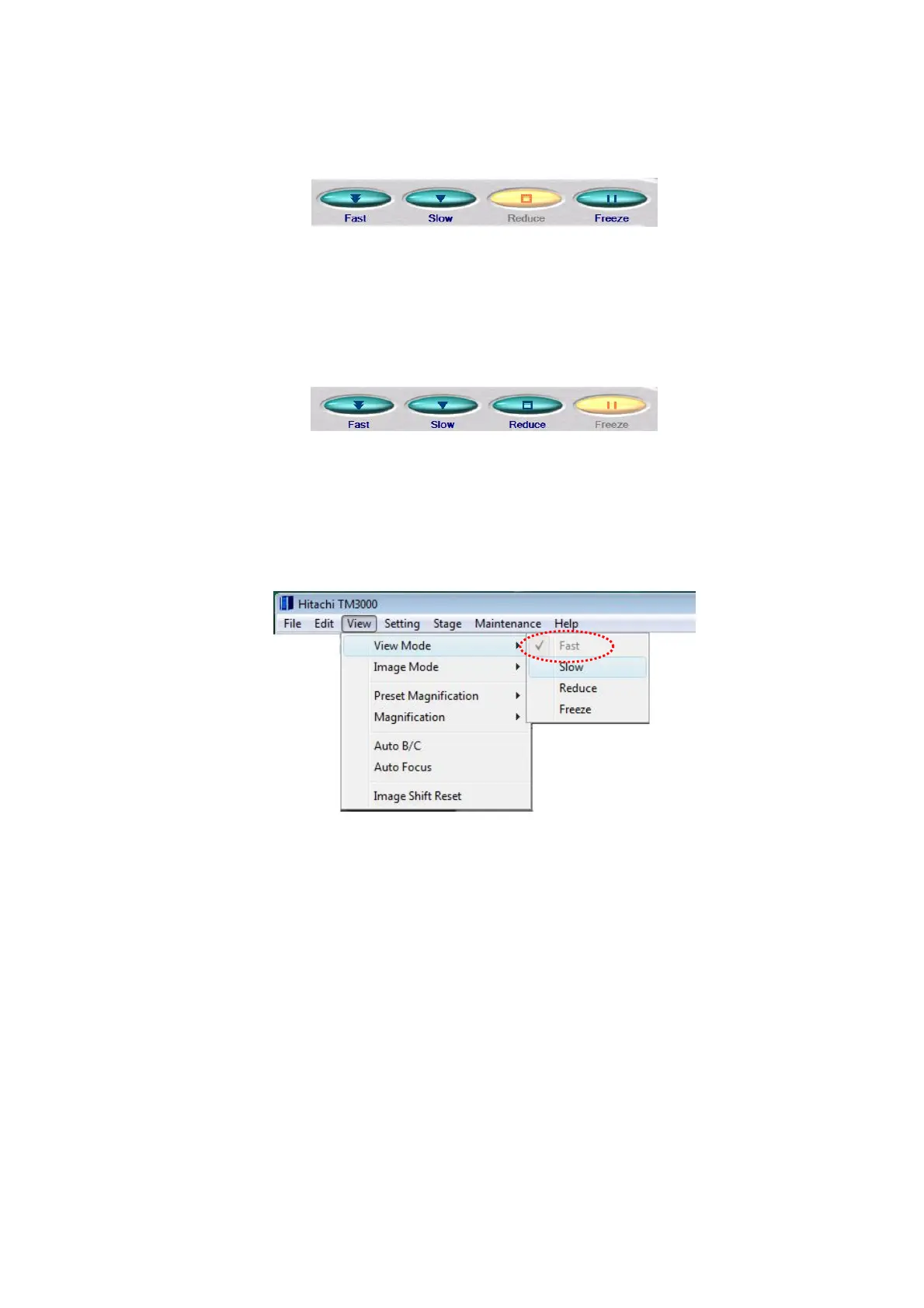
1c. Reduce Mode This is a display mode well-suited for the adjustment of the brightness
or focus of the image being observed.
Figure 4.2.5-4 Display Mode Buttons (Image Adjustment)
1d. Freeze Mode This display mode allows the user to hold the image being observed
still.
Figure 4.2.5-5 Display Mode Buttons (Freeze Image)
2. Selecting a Display Mode from the View Menu Click a Fast, Slow, Reduce, or
Freeze among the available display modes.
Figure 4.2.5-6 Selecting a Display Mode (Fast)
The selected display mode is check-marked.



 To Next Page