4 - 51
1e. Home position button Moves the motor drive stage to home position.
NOTE
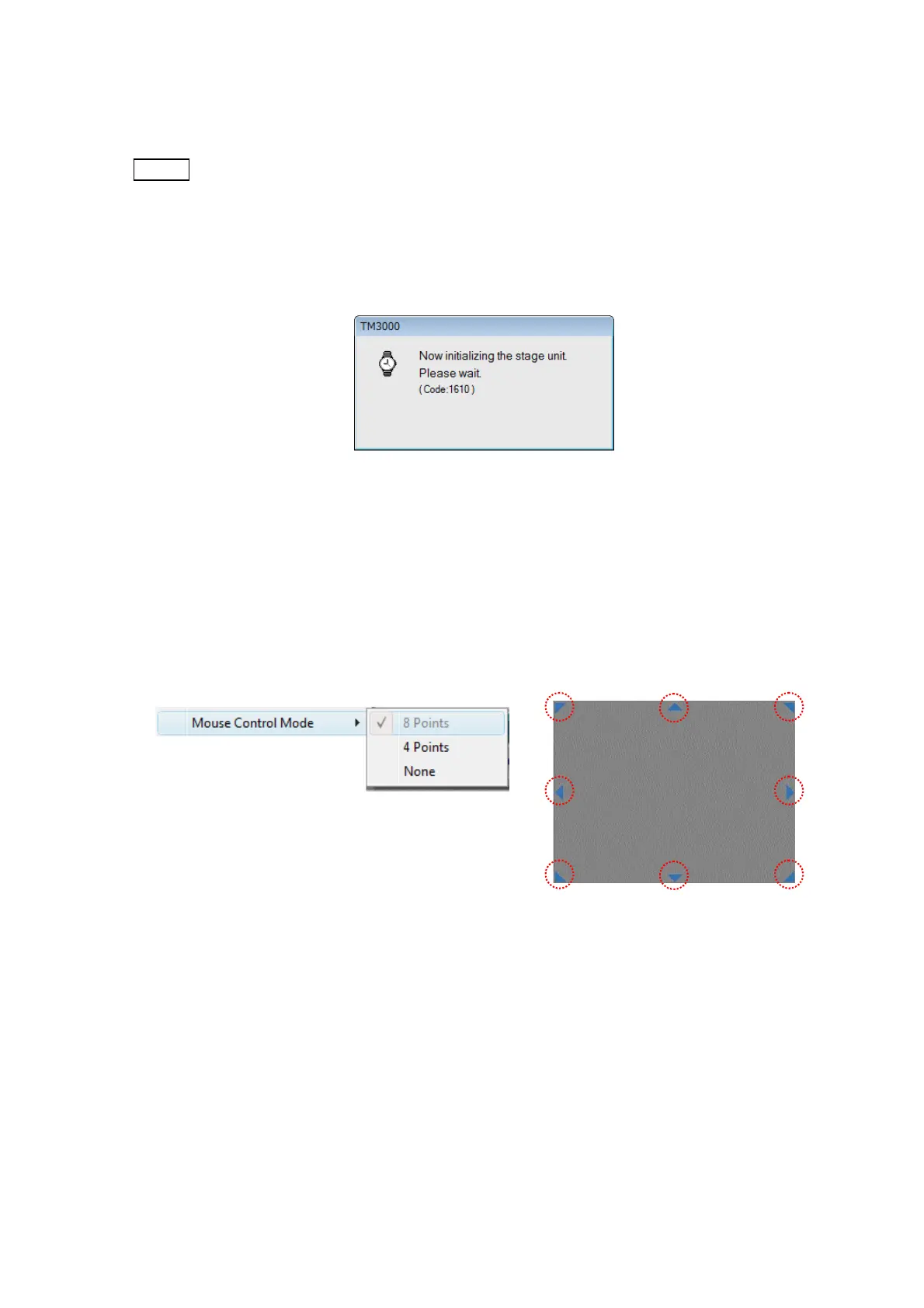
: In the following cases, the following dialog is displayed until the initialization
processing is completed. At this time, the operation screen cannot be operated.
・ When the initialization of the stage position (starting point movement) isn't
completed while the application program is starting
・ When re-initialization of the stage is occurred.
Figure 4.3.7-3 Stage Initialization
2. Mouse Control Mode Displays the triangular stage move button on the observation
screen. The mouse control mode can select the following "8 Points", "4 Points", and "None".
2a. 8 Points Display the stage operation button in eight directions.
(top/bottom/right/left/upper left/upper right/lower left/lower right)
Figure 4.3.7-4 Mouse Control Mode 1



 To Next Page