4 - 59
1. COMPO Sets the observation image to the COMPO condition. This is a mode in which
the system is turned on.
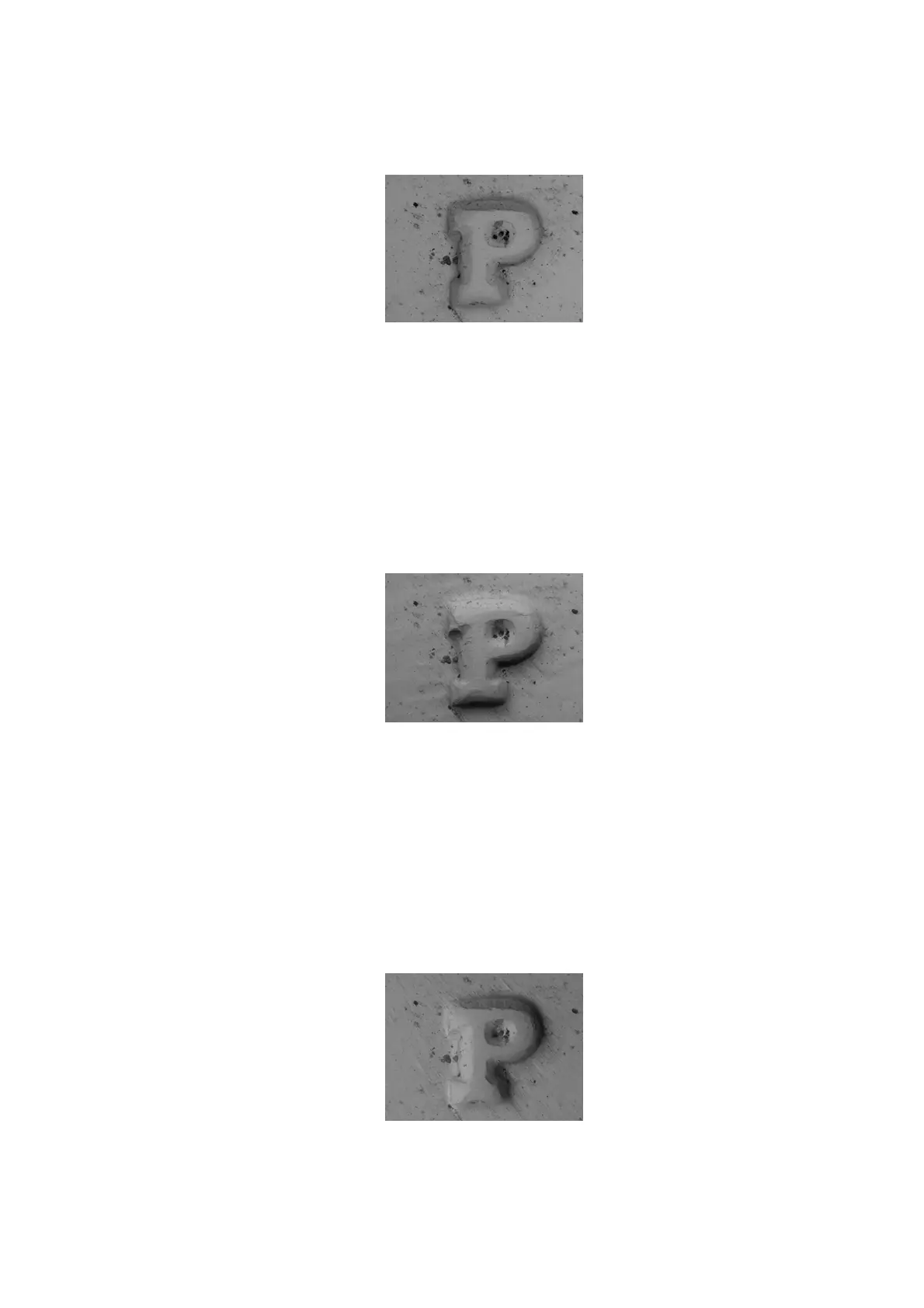
Figure 4.3.12-3 Setting an Image Mode (COMPO Mode)
2. Shadow 1 Sets the observation image to a shadow image (an image illuminated from
the above).
This method is useful for observing specimen that would lack solidity when observed in
standard mode.
When Shadow 1 is selected, the information area in the lower right part of the observation
screen is indicated by an [S] mark (see 4.3.2).
Figure 4.3.12-4 Setting an Image Mode (Shadow 1 Mode)
3. Shadow 2 Sets the observation image to a shadow image (an image illuminated from
the left).
This method is useful for observing specimen that would lack solidity in when observed
COMPO mode.
When Shadow 2 is selected, the information area in the lower right part of the observation
screen is indicated by a [D] mark (see 4.3.2).
Figure 4.3.12-5 Setting an Image Mode (Shadow 2 Mode)



 To Next Page