Affirm Breast Biopsy Guidance System Service Manual
Chapter 3: Installation, Verification, and Removal
MAN-05754 Revision 002 Page 39
Removal of Device the Mount
1. Flip the device mount lever up to unlock the device mount.
2. Slide the device mount off the Lateral Arm.
Biopsy Device
Follow the directions supplied by the manufacturer to install or remove the biopsy
device and adapter. Carefully insert the biopsy needle through the disposable needle
guide when installing the biopsy device.
Biopsy Device Precautions with Lateral Arm
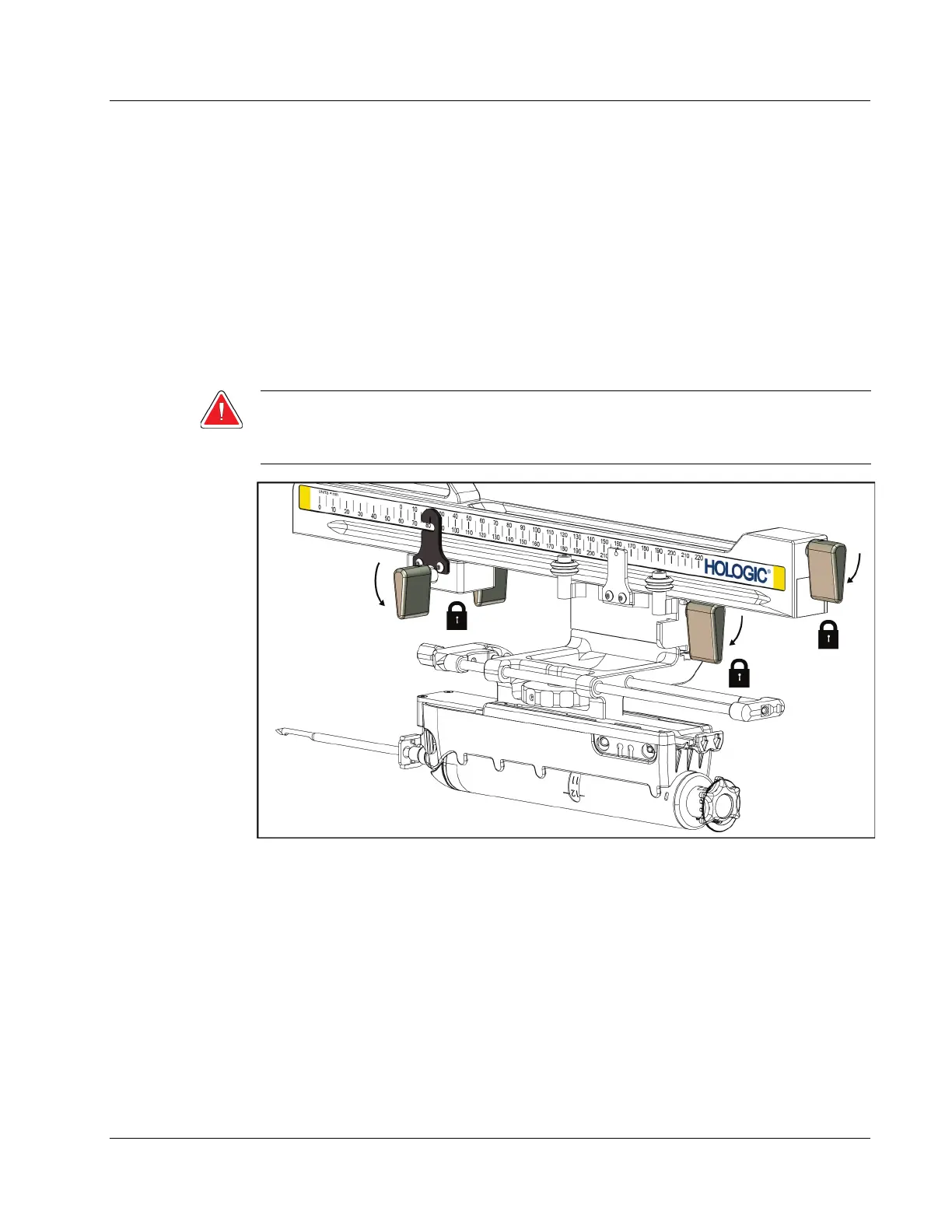
Warning:
Make sure that the carriage lever, device mount lever, and X-Stop lever are
fully locked before firing the biopsy device or acquiring tissue samples.
Figure 33: Lock Levers in Fully Locked Position












 To Next Page