Affirm Breast Biopsy Guidance System Service Manual
Chapter 4: Calibration Procedures
Page 52 MAN-05754 Revision 002
c. Slide the Lateral Arm X-Stop and the Lateral Arm carriage to move to the Lat X
position in the Lateral Arm Calibration Target List (see the following table). The
Biopsy Control Module shows that you have reached the target.
Table 5: Lateral Arm Calibration Target Coordinates List (in mm)
1 0.0 70.0 10.0 35.0 110 Right
2 0.0 45.0 70.0 135.0 85 Right
3 0.0 -40.0 50.0 35.0 0 Right
4 0.0 -40.0 25.0 135.0 0 Right
5 0.0 15.0 20.0 60.0 55 Right
6 0.0 -70.0 10.0 35.0 110 Left
7 0.0 -45.0 70.0 135.0 85 Left
8 0.0 40.0 50.0 35.0 0 Left
9 0.0 40.0 25.0 135.0 0 Left
10 0.0 -15.0 20.0 60.0 55 Left
9. Confirm that the exposure technique has been set to kVp=25, mAs=10, filter=Rh and
take the Stereo Target image pair of the QAS Needle.
10. Accept the image.
Tip:
For the following steps, use the zoom and/or magnification feature to enlarge the target
area.
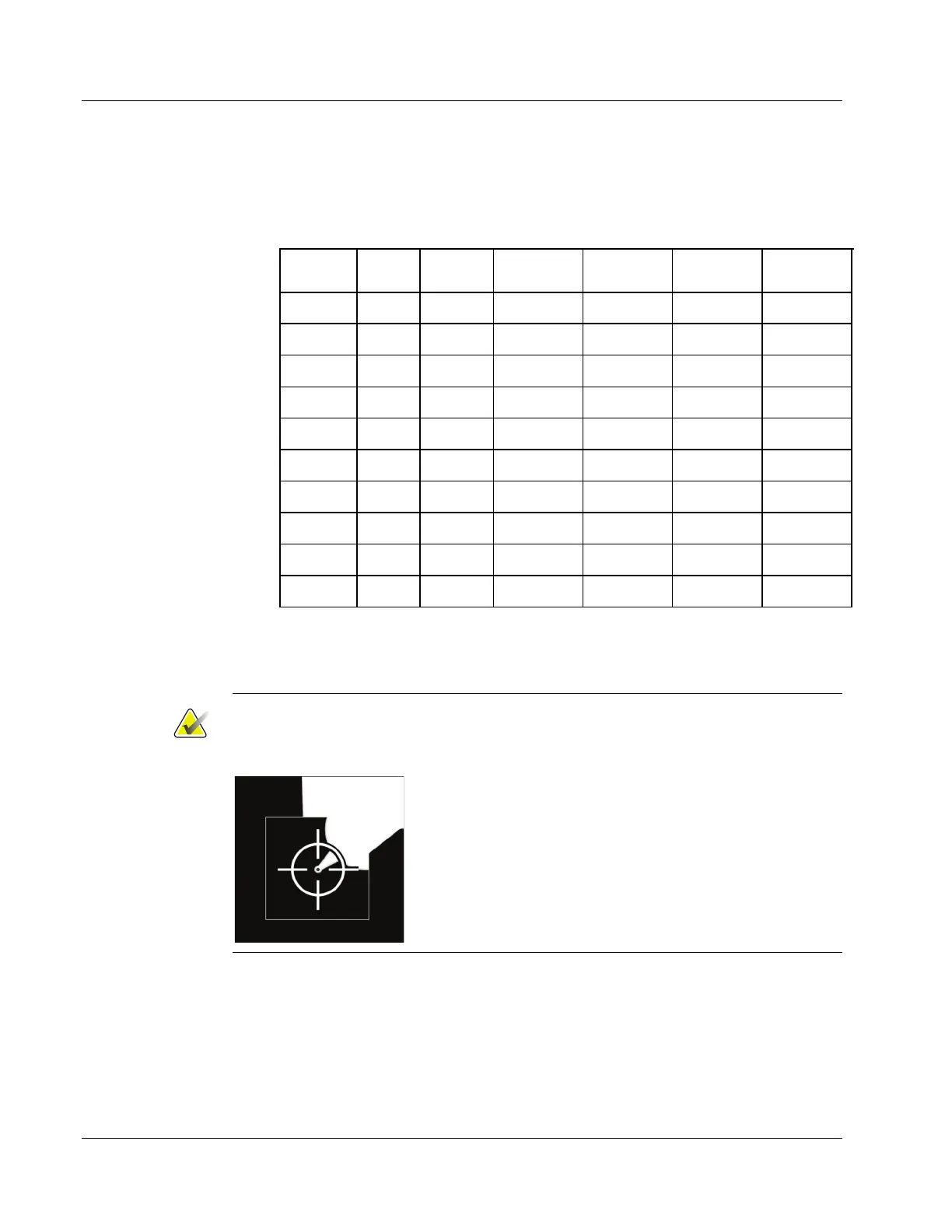
11. The system automatically generates a target on the tip of the center of the needle.
Adjust the target as necessary.
12. Accept the target.
13. Select the next stereo pair, and repeat steps 8 through 12 for the next four locations in
the Lateral Arm Calibration Target List.












 To Next Page