Affirm Breast Biopsy Guidance System Service Manual
Chapter 3: Installation, Verification, and Removal
Page 16 MAN-05754 Revision 002
11. In the same screen as in step 6, import the new activation file. Refer to the previous
figure for item references.
a. Select Browse (item 3).
b. In the browser dialog, navigate to the folder containing the new activation file,
select the file, and click Open.
c. Click Import (item 4).
d. Click Validate (item 5) to confirm that the proper software has been loaded for
your system. (If successful, a "Validate Complete, no errors detected" message
appears).
12. Exit from System Tools and reboot the computer.
13. In the Capture application, navigate to Admin > About screen > Licensing tab and
verify that the new software features are installed.
3.2 Unpacking
Inspect the shipping container for external damage or evidence of mishandling.
If any damage is evident, note the type of damage on the shipping manifest, then notify
Hologic of the incident. If shipping damage is of a concealed nature, contact the carrier as
soon as such damage is found and request an inspection for shipping damage. Normally,
any claims for shipping damage must be completed within 15 days of receiving the
shipment.
Report all damage claims to Hologic immediately. If it is necessary to repack any items
for return to the factory, use the original packaging materials when possible.
3.3 Preinstallation Check
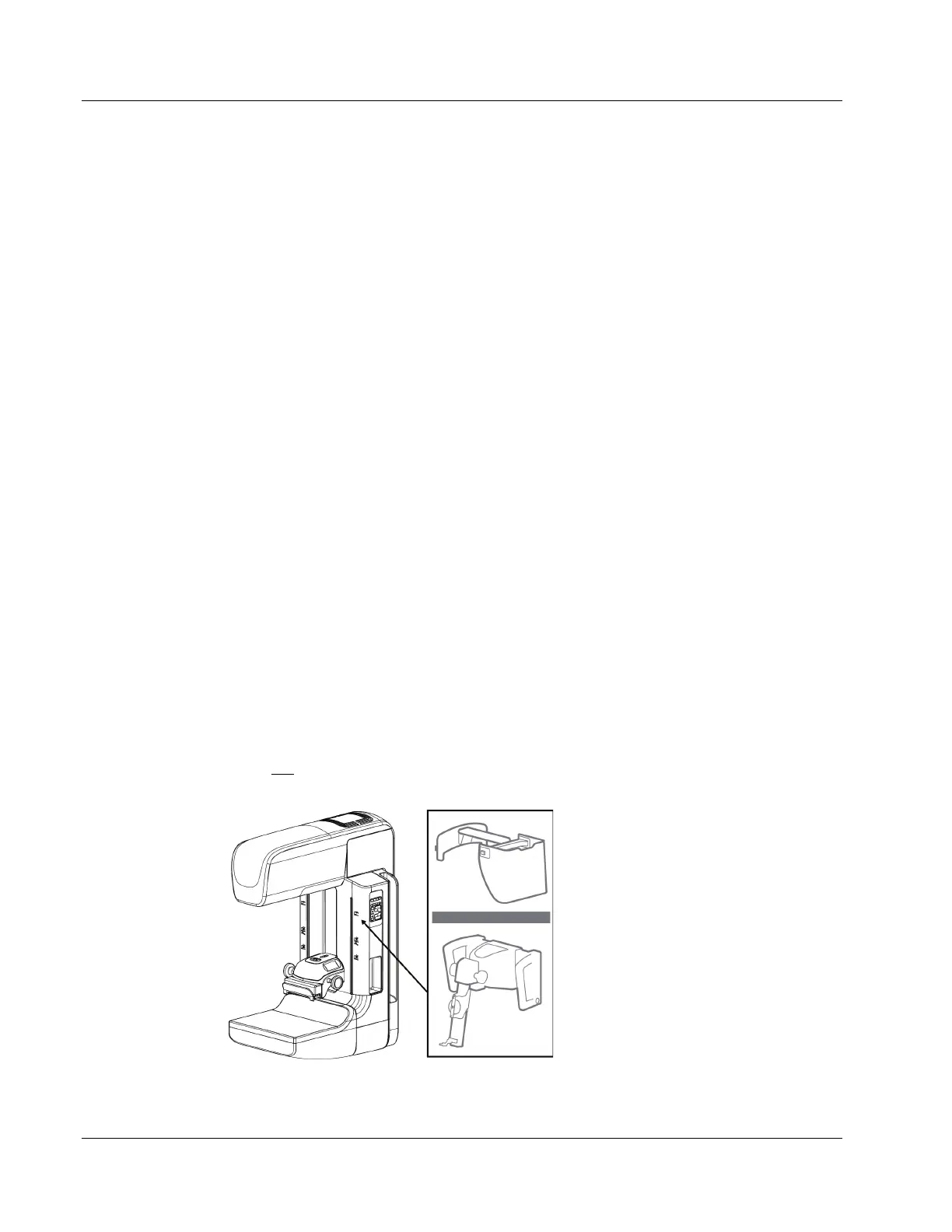
If your Gantry system serial number is listed as 8100XXXXXXX and the last three digits is
less than 488, check the C-arm housing for the presence of the Affirm system icon. If the
icon is not present, install FMI Kit ASY-04074, C-Arm Upgrade for Affirm Breast Biopsy
System, to prepare the Gantry to receive the Affirm system.
Figure 9: Affirm System Icon Location












 To Next Page