Faxitron CT Specimen Radiography System User Guide
Chapter 2: General Information
Page 14 5081-9544 Revision 004
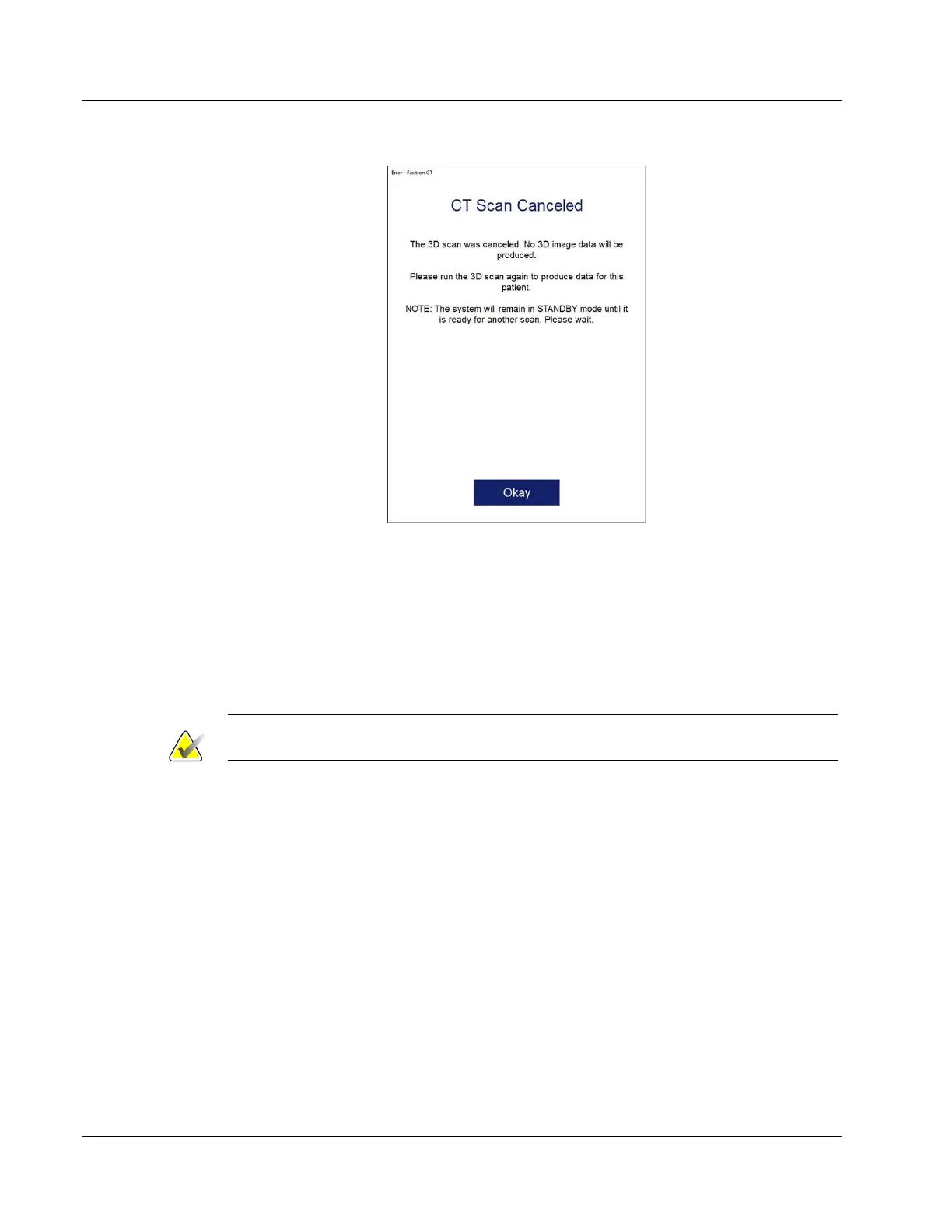
Figure 3: “CT Scan Cancelled” Error Message
The system will revert to “Standby” whenever the door is opened during x-ray
generation.
1. Click the Okay button in each error message,
2. Close and/or verify the chamber door is fully closed,
3. The system should now be “Ready” for x-ray acquisition.
4. Repeat acquisition.
Note
Contact Hologic if error message is persistent.
2.5 Compliance
This section describes the system compliance requirements and the responsibilities of the
manufacturer.
2.5.1 Compliance Requirements
The manufacturer has the responsibility for the safety, reliability, and performance of this
equipment with the following provisions:
• The equipment is used according to the instructions for use.
• The assembly operations, extensions, adjustments, changes, or repairs are performed
only by authorized persons.
• The network and communication equipment must be installed to meet IEC
Standards.













 To Next Page