Faxitron CT Specimen Radiography System User Guide
Chapter 4: Quick Start – Basic Operation of the Faxitron CT
5081-9544 Revision 004 Page 35
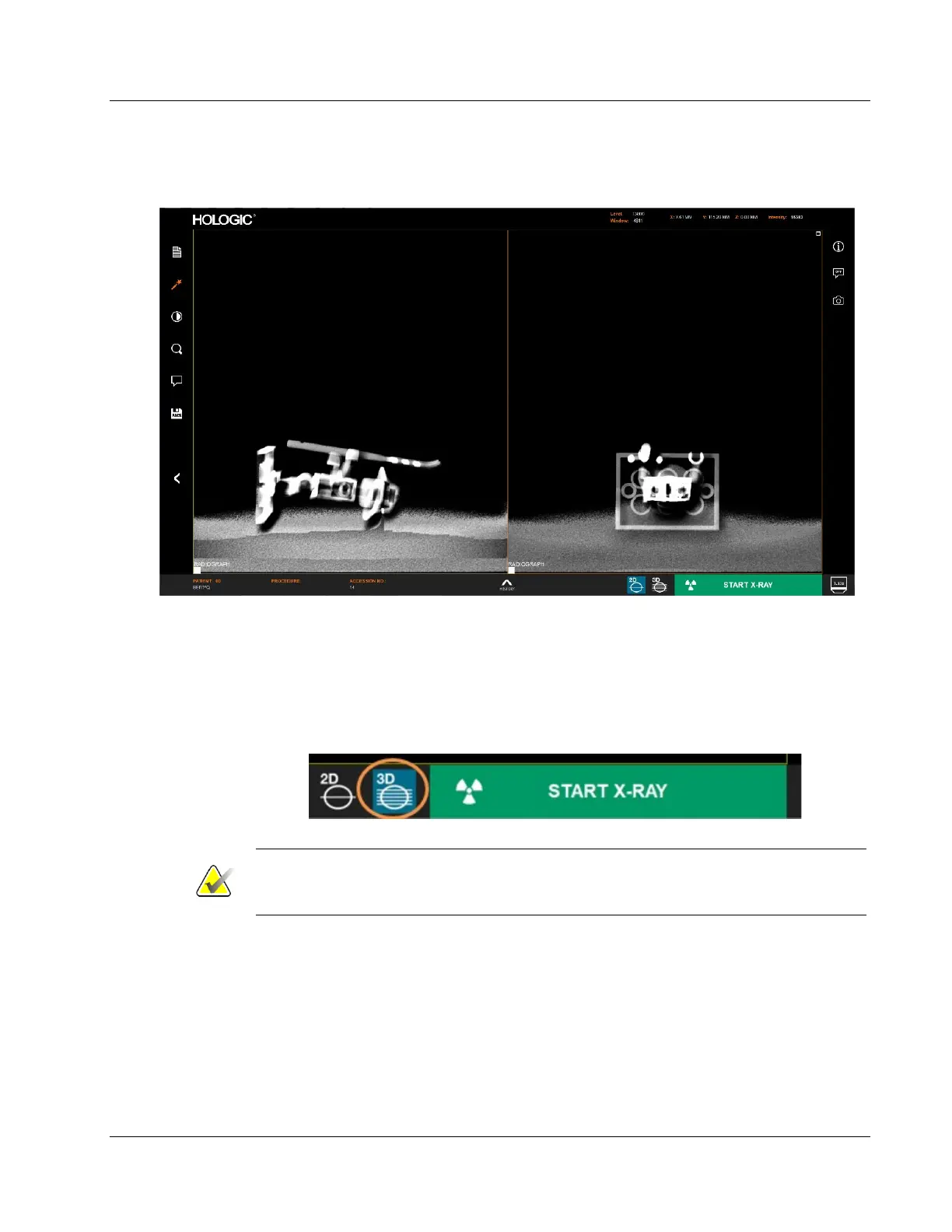
When the exposure is complete the computer will process the data and after a few
seconds display two orthogonal images.
Figure 24: 2D Image Screen
3D (CT) Imaging Mode
Select 3D mode by selecting the 3D icon then click the green Start button to begin the
scan. The CT reconstruction takes approximately 4 minutes. If there is metal in the
specimen, the software takes an additional 1 min to post process the image to remove
any metal artifacts.
Figure 25: 3D Mode Selected
Note
Processing times are for guidance only and may change based on the size of the
specimen and future system improvements.













 To Next Page