Faxitron CT Specimen Radiography System User Guide
Chapter 6: Faxitron CT Software Operation
5081-9544 Revision 004 Page 63
The screen shot can be saved in any of the file types shown below:
Figure 73: Save Snapshot File Types
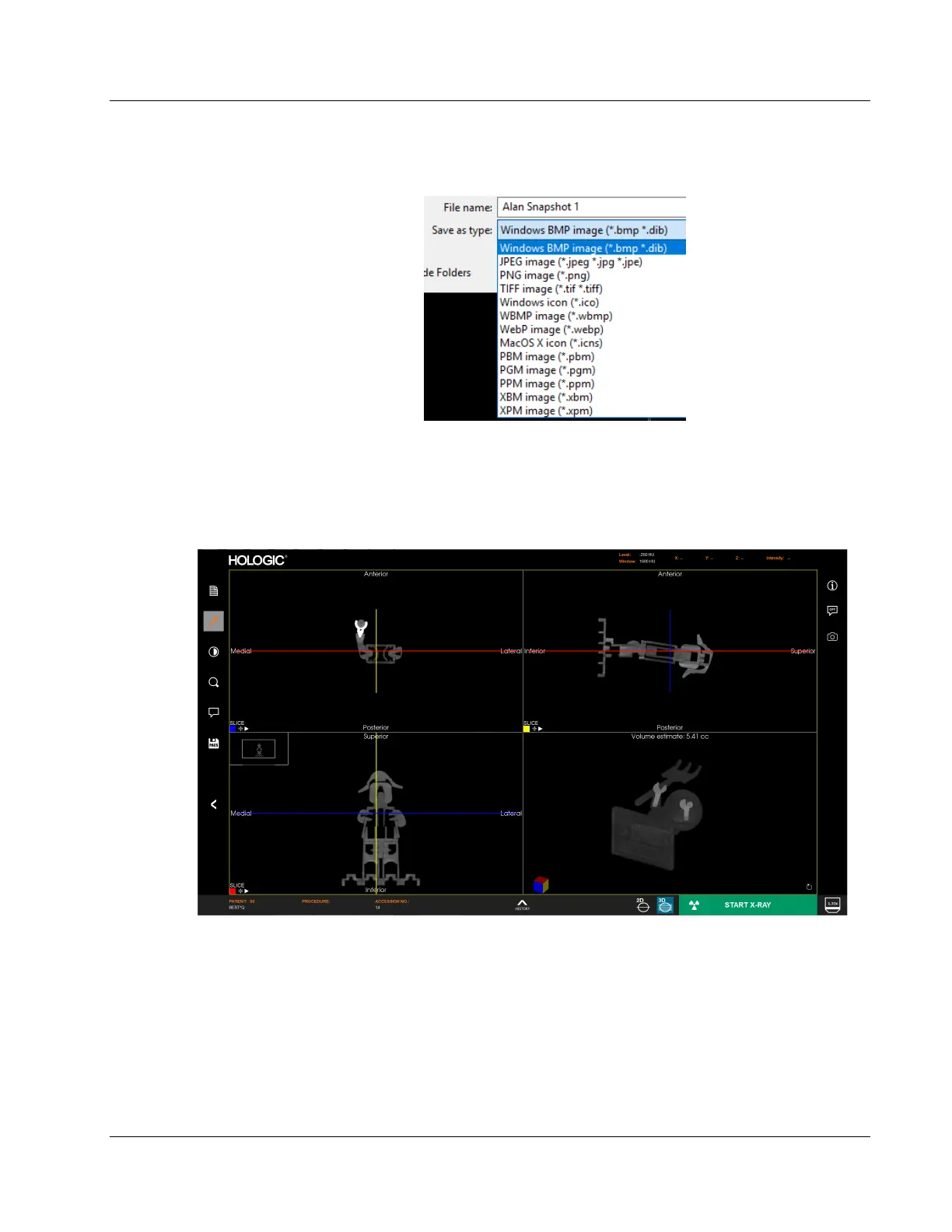
6.8 3D Images
The 3D View is divided into 4 images, which are described later in this section.
Figure 74: Faxitron CT (3D) Display
The bottom right image is the 3D rendered view of the specimen. Holding down the left
mouse button allows the user to rotate the specimen in 3D. As the specimen is rotated
the cube in the bottom left corner will rotate in the same way to help with orientation.
Use the right mouse button for zooming in and out.
The middle button for pan (move left, right, up, or down).













 To Next Page