Faxitron CT Specimen Radiography System User Guide
Chapter 5: Calibration
Page 42 5081-9544 Revision 004
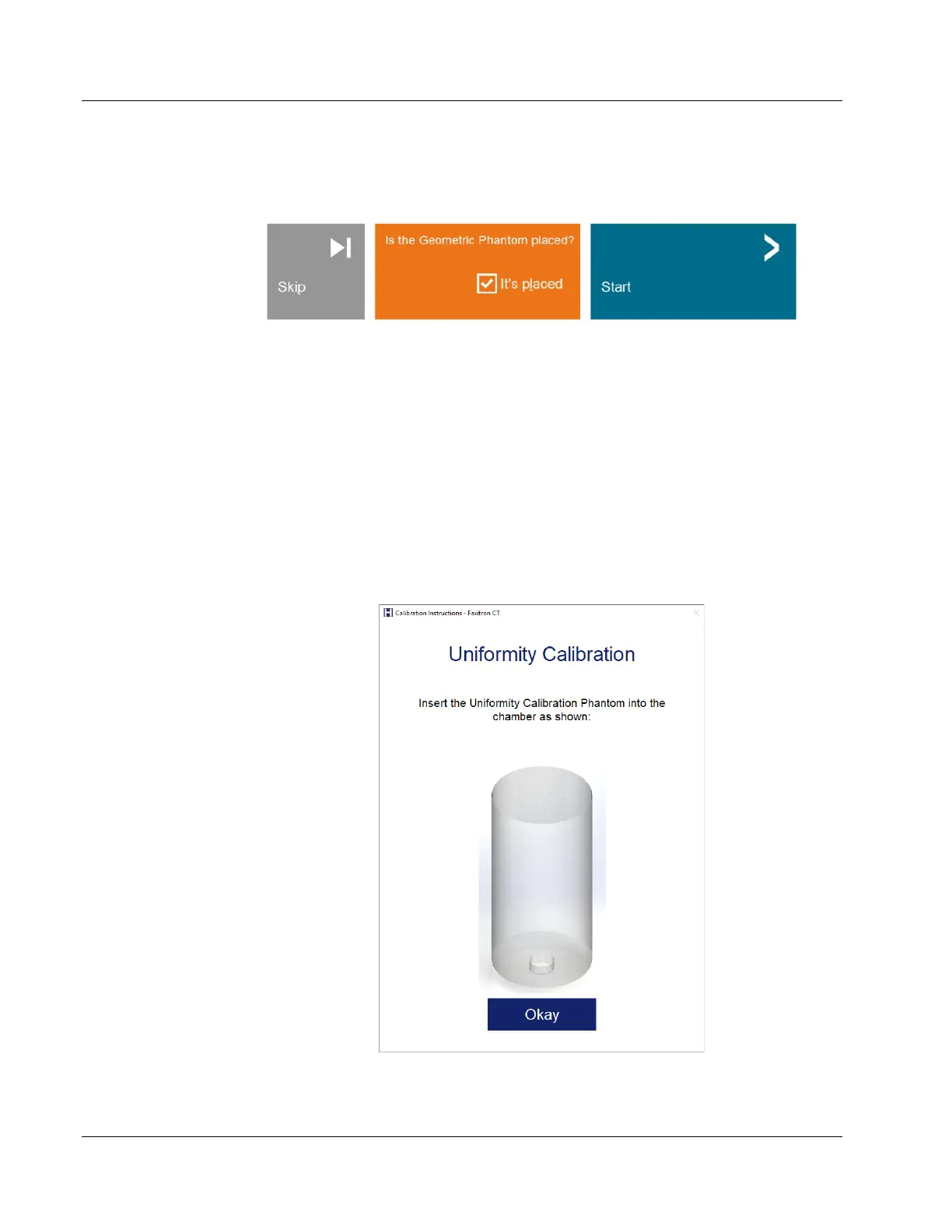
Place the Geometric Calibration Phantom on the pedestal then click the Okay button in
the dialog. The Start Geometric Calibration Dialog will open.
Figure 37: Start Geometric Calibration
Check the box to confirm the Phantom is placed then click the Start button.
The calibration will begin taking a full 360-degree image of the phantom which takes up
to four minutes.
5.3 Uniformity Calibration
The uniformity calibration ensures that density measurement of the system (Hounsfield
units) is calibrated correctly.
Click the Calibrate button in the Home Menu, then Uniformity Calibration in the
Calibrate Menu. A Uniformity Calibration Instruction Dialog will open.
Figure 38: Uniformity Calibration Instruction Dialog













 To Next Page