Faxitron CT Specimen Radiography System User Guide
Chapter 6: Faxitron CT Software Operation
Page 70 5081-9544 Revision 004
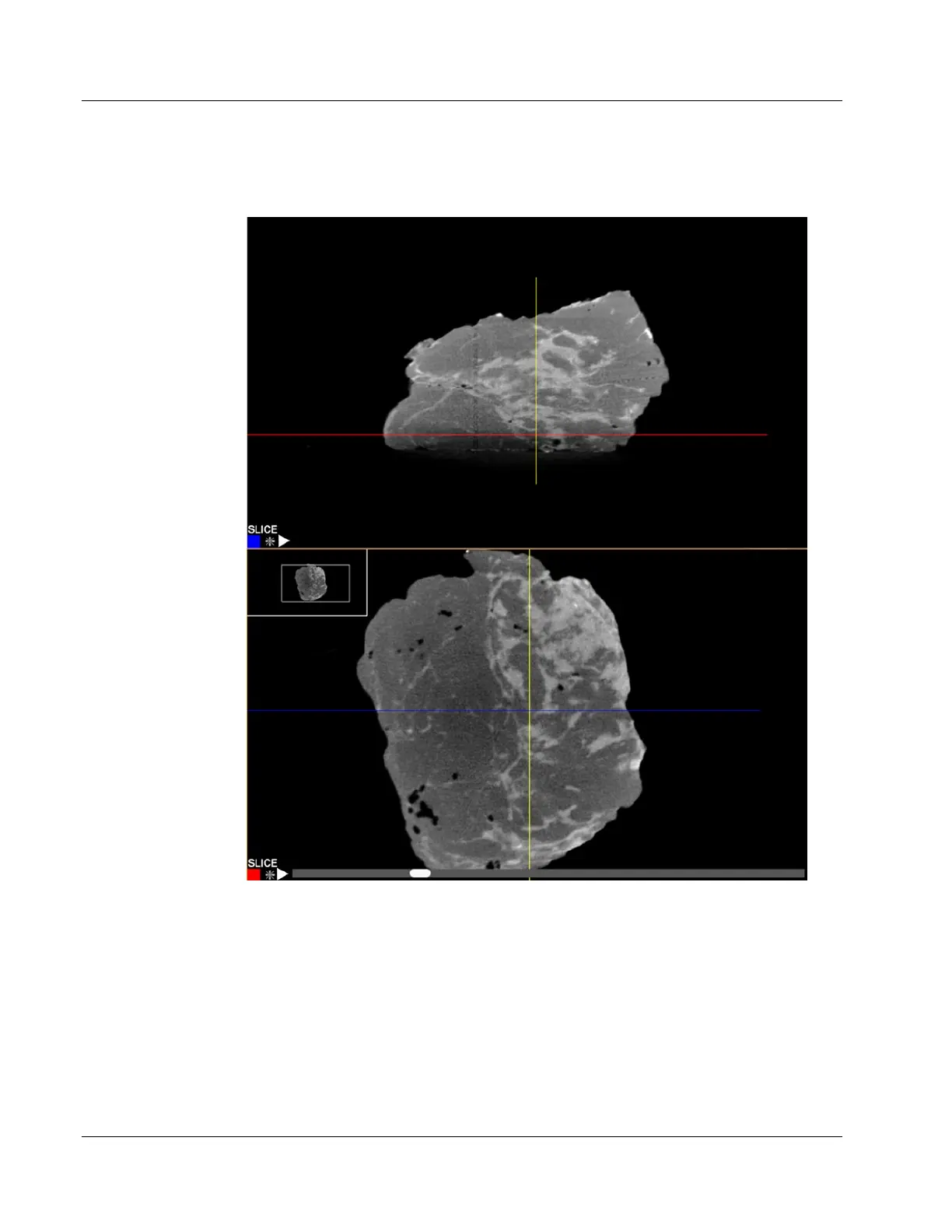
For example, as the scroll bar goes left the Red line on the other view moves down
indicating the position of the slice.
Figure 87: Faxitron CT Slice Views
6.8.3 MIP View
Each of the slices view can be changed to a MIP (Maximum Intensity Projection) view.
This takes all the slices together and calculates the maximum brightness. This is very
useful to find calcifications and markers within the tissue.
In this exchange the top image is the MIP view. By grabbing the line in the top view with
a left click and hold, the user can move to a position that dissects an area of interest, like
a calcification circled below. Then in the corresponding slice view the position of that













 To Next Page