Faxitron CT Specimen Radiography System User Guide
Chapter 6: Faxitron CT Software Operation
5081-9544 Revision 004 Page 57
6.6.5 Annotations
User Annotations in the Faxitron CT Software allows the user to apply a graphic
“overlay” commonly called “annotations” to an image. These annotations take the form
of text, lines, “free form” lines, arrows, ellipse, and boxes. This allows additional
information and “markers” to be added to the image if desired. Once applied to the
image annotations can be easily turned on and off, i.e., revealed or hidden at will.
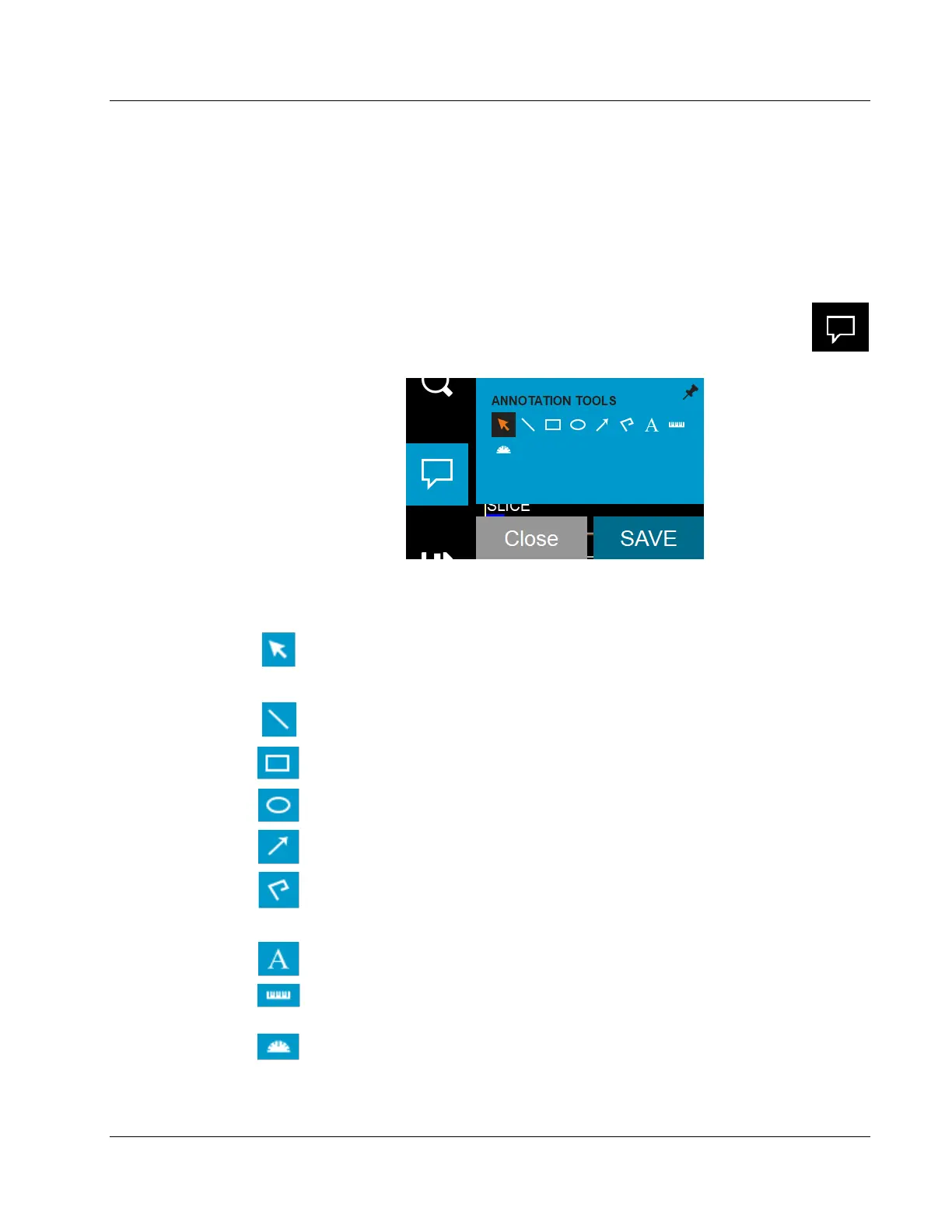
Click the Access image annotations tools button to open the Annotation Tools.
Figure 57: Access Image Annotations Tools Button
Figure 58: Annotations Tools
The tool pallet consists of nine (9) tool options.
Selection Tool
Used to “Select” annotations currently displayed in an
image. Once selected the annotation(s) can be modified or
deleted.
Line Tool Draws a straight line.
Box Tool Draws a box.
Circle Tool Draws a circle.
Arrow Tool Draws a line with an arrow at the end.
Polygon Open
Line Tool
Draws freeform “open segmented” lines. The line will
follow your mouse movements, no matter how
complicated.
Text Tool Creates a “textbox” where you can type text-based data.
Ruler Tool
Draws a ruled line segment and displays the length of the
line in millimeters (mm).
Protractor Tool
Draws an angle on screen and provides the degree of the
angle. Just like a protractor.













 To Next Page