Faxitron CT Specimen Radiography System User Guide
Chapter 4: Quick Start – Basic Operation of the Faxitron CT
Page 30 5081-9544 Revision 004
Additional Recommendations for Consistent Image Quality:
• Allow the system to perform a complete calibration daily prior to initial system
use. The system is configured to prompt for this calibration, if needed, when
you start the software.
• Perform a calibration after moving the system to another room to avoid
potential imaging difficulties associated with room-to-room ambient
temperature and humidity differences.
Note
During operation the touch screen on the Faxitron CT control panel will show the status
at the top of the screen. For example – Calibrating, Stand-by, and Ready.
4.2 Calibration
Note
This section provides a summary of Image Calibration only. Refer to Chapter 5,
Calibration, for instructions on Geometric and Uniformity Calibration.
Ideally allow the system to warm up for 30 minutes before calibration. This will ensure
that the internal detector electronics have stabilized, and the system will produce a
higher quality image.
The software is configured to require Image Calibration at the start of each day, or if 12
hours have elapsed since the last calibration. Follow the prompts provided on the screen.
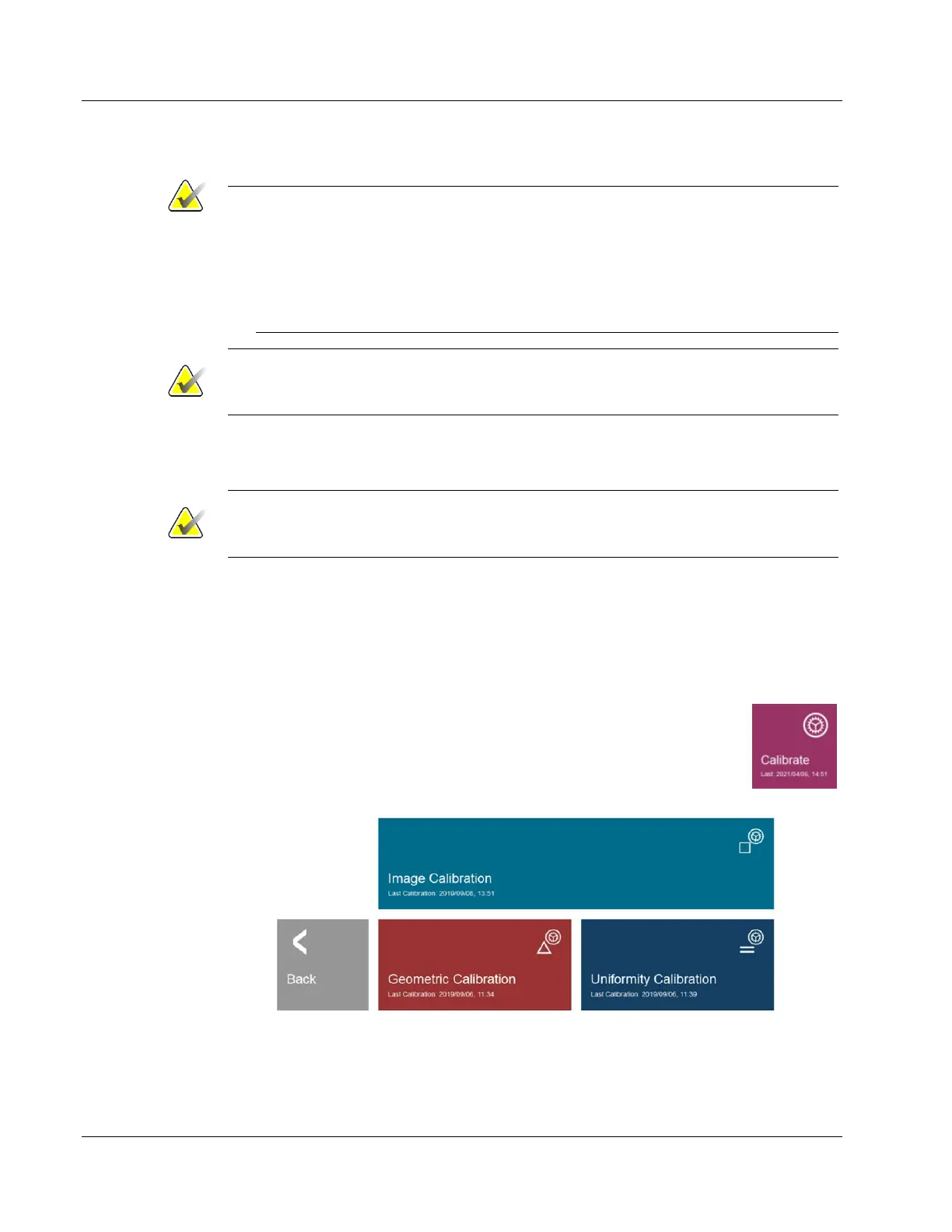
To calibrate the system at any time, click the Calibrate button in the Home
Menu then click Image Calibration.
Figure 14: Calibrate Button
Figure 15: Calibration Menu













 To Next Page