Faxitron CT Specimen Radiography System User Guide
Chapter 6: Faxitron CT Software Operation
5081-9544 Revision 004 Page 73
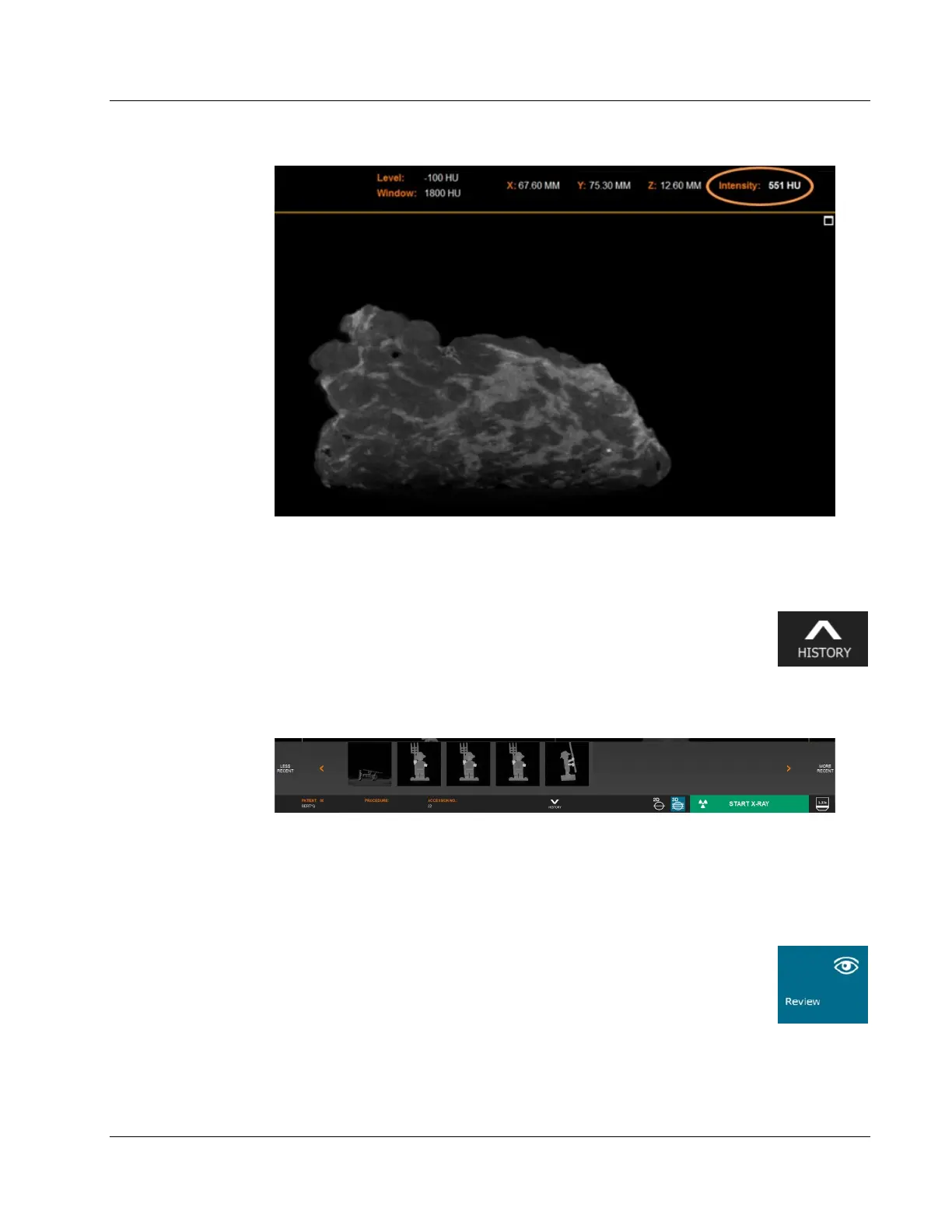
Figure 91: Hounsfield Units - Calcification
6.9 Current Patient Image History
Previous images captured during a procedure may be reviewed by clicking
the History button at the bottom of the screen.
Figure 92: Image History Button
A “Thumbnail Strip” along the bottom will show thumbnails of the images captured
during this procedure. Select the image you want to load onto the main view.
Figure 93: Image History Thumbnail Strip
The History button will point up when the Image History Thumbnail strip is hidden, and
down when the strip is shown.
6.10 Review
Click the Review button in the Home Menu page to enter Review mode.
Figure 94: Review Mode Button in the Home Menu
The Review page is comprised of 4 sections. The Patient List at the top, the Procedure
List on the lower left, the Image List on the lower right and the image preview in the
middle.













 To Next Page