Faxitron CT Specimen Radiography System User Guide
Chapter 4: Quick Start – Basic Operation of the Faxitron CT
5081-9544 Revision 004 Page 33
4.3.1 Enter Patient Data
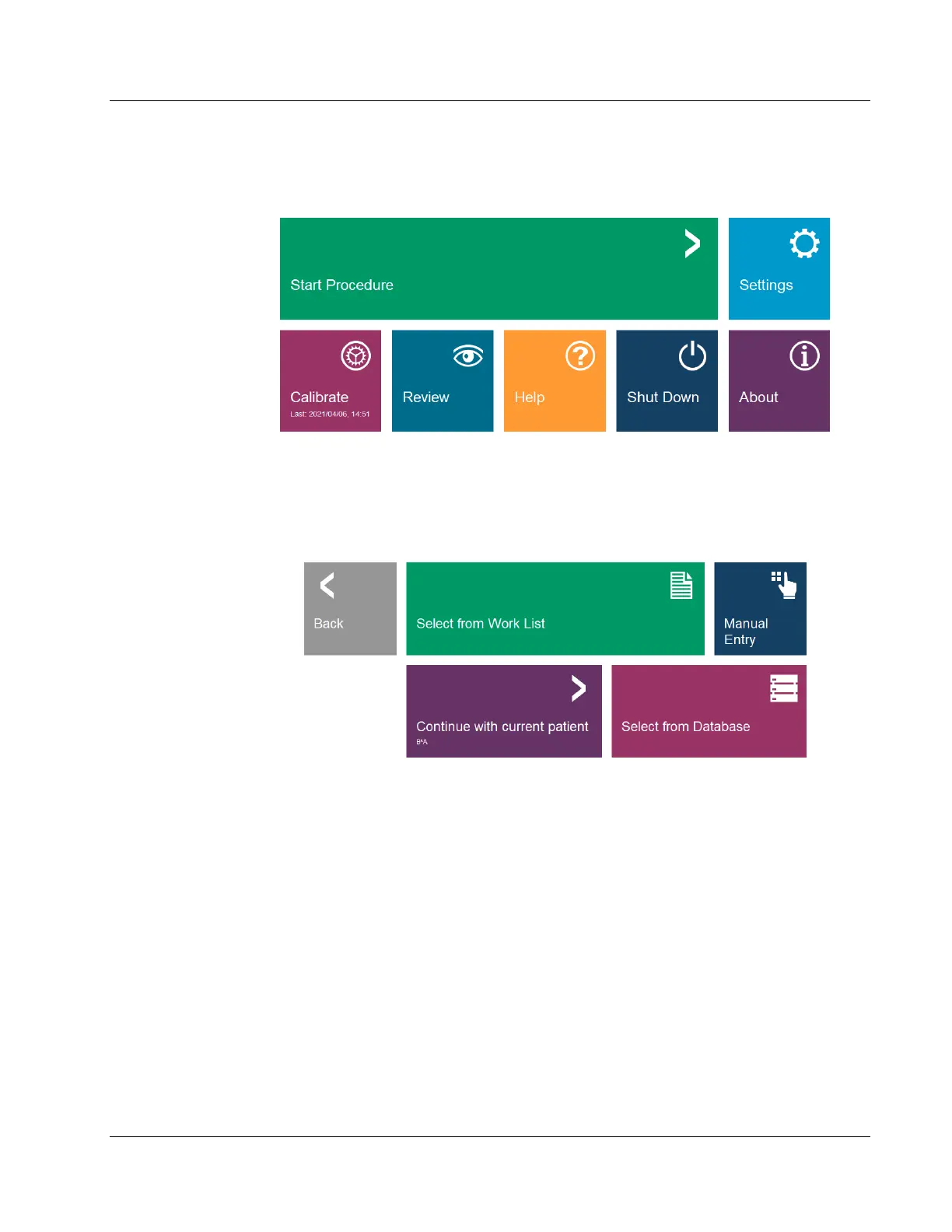
Click the Start Procedure button in the Home Menu.
This will open the Start Procedure Menu, which provides options to Select from Work
List, if configured, Continue with Current Patient, if there is a previous patient used,
Manual Entry, or Select from Database. See Chapter 6 for more details.
Click the Manual Entry button.
Figure 21: Start Procedure Menu
The Patient Information Editor Dialog will open.













 To Next Page