Faxitron CT Specimen Radiography System User Guide
Chapter 6: Faxitron CT Software Operation
5081-9544 Revision 004 Page 69
6.8.2 Slice Views
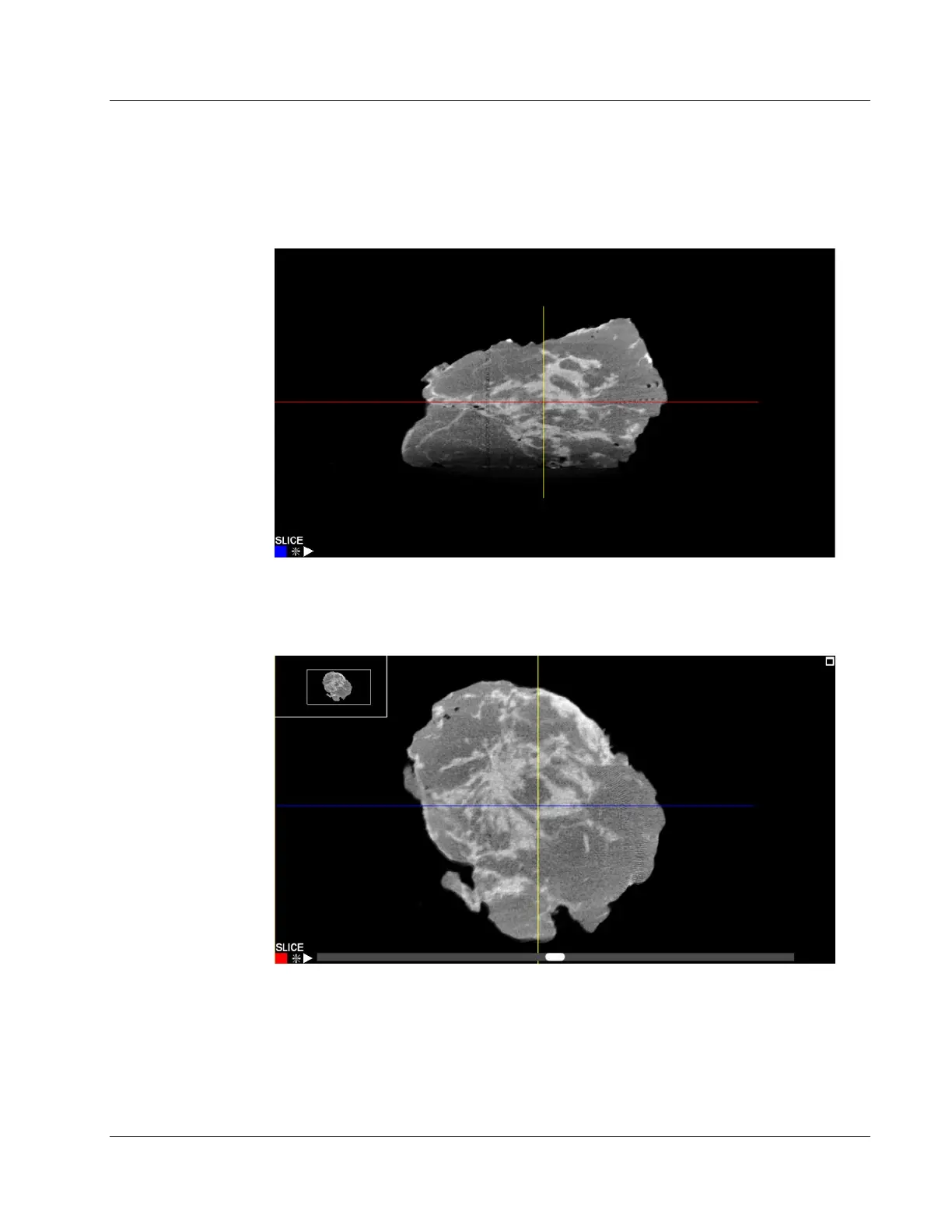
The bottom right image is a reconstructed 3D view of the specimen. The other 3 views
show the reconstructed specimen slices in each of the main axis.
Figure 85: Faxitron CT Slice View
The blue colored square shows that the view above is the slice of the specimen through
the blue line shown below.
Figure 86: Faxitron CT Slice View
When a slice view is selected a scroll bar will appear under the image. Moving this scroll
bar will adjust the position of the slice along an axis perpendicular to the screen. This is
indicated by the corresponding line moving up and down in the other view.
In addition, by selecting the line in the other view it can be dragged up and down to
move the slice position. This is the same for all 3 axes.













 To Next Page