Faxitron CT Specimen Radiography System User Guide
Chapter 6: Faxitron CT Software Operation
Page 68 5081-9544 Revision 004
This coloring of the Cube is similar to how specimens are linked to show their
orientation.
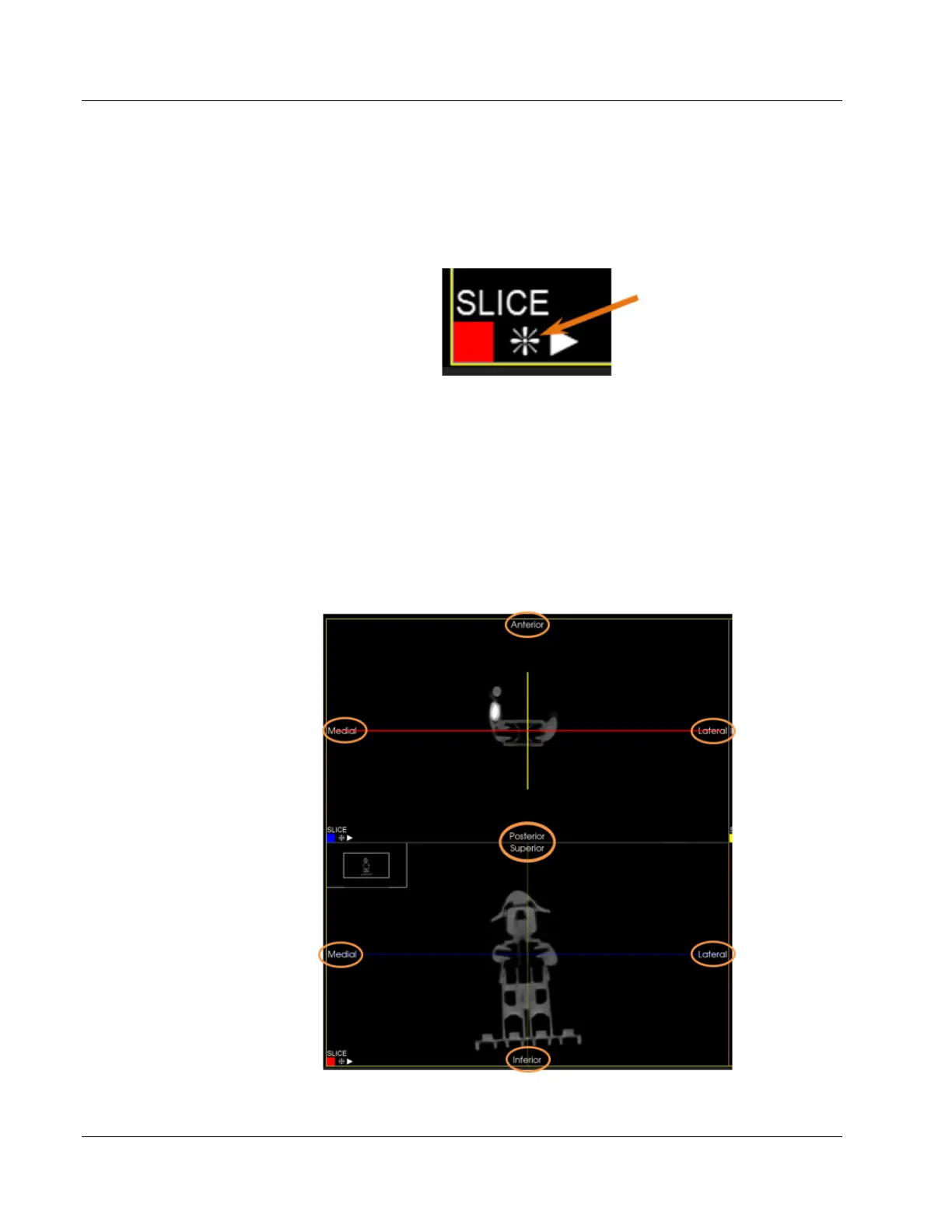
Orientation Markers can be displayed in each view to aid the user in associating each
slice view to the precise anatomical direction.
Figure 83: Orientation Marker Button
Click the Orientation Marker button to toggle the markers on or off. The button only
toggles the markers for that particular view or pane.
Orientation Markers will be displayed as follows:
• Medial, Lateral, Anterior, and Posterior in the upper left view,
• Inferior, Superior, Anterior, and Posterior in the upper right view, and
• Medial, Lateral, Superior, and Inferior in the lower left view.
Upper and lower left views shown below.
Figure 84: Faxitron CT Orientation Markers













 To Next Page