Faxitron CT Specimen Radiography System User Guide
Chapter 5: Calibration
Page 40 5081-9544 Revision 004
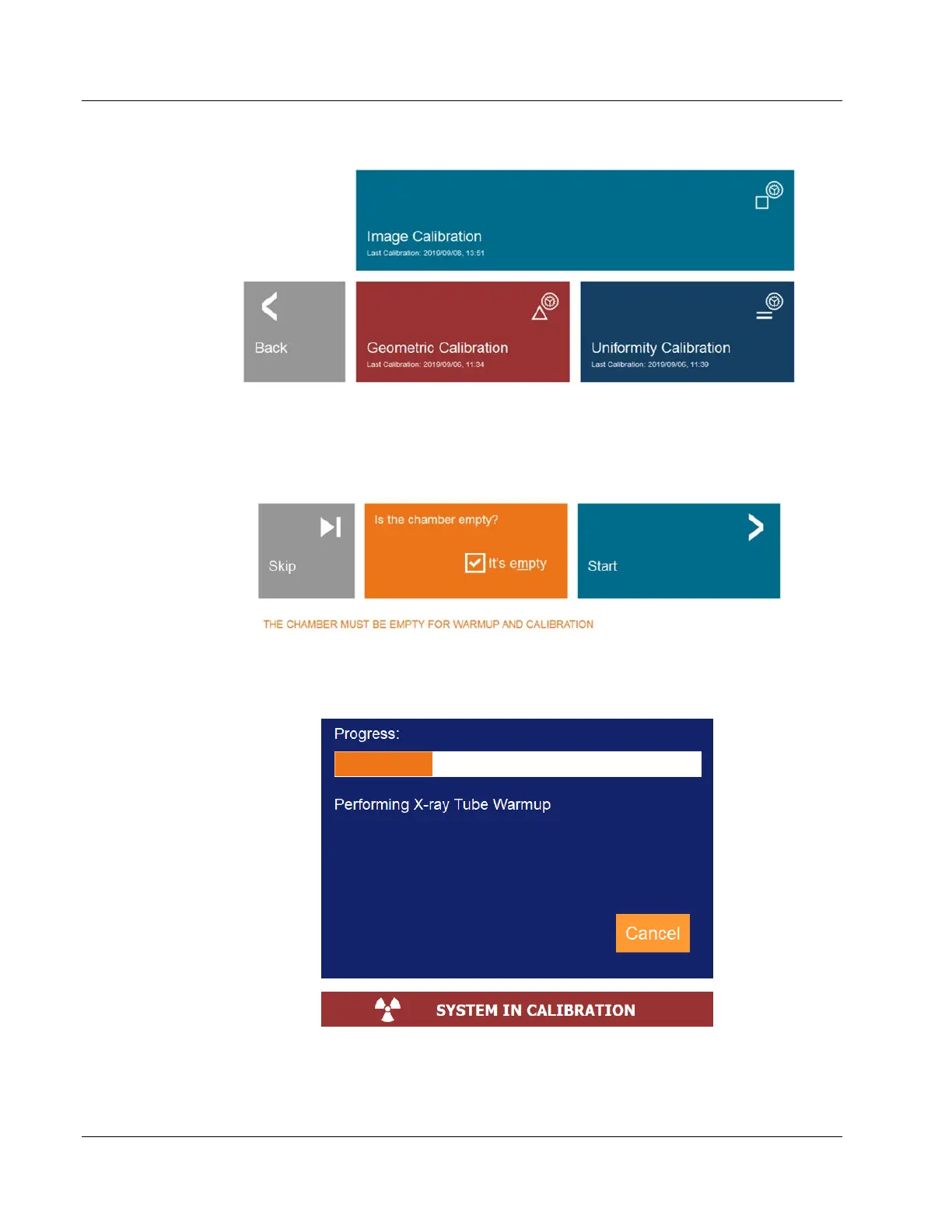
Figure 33: Calibration Menu
Ensure the chamber is empty, including the foam tray, check the box to confirm the
chamber is empty, then click the Start button.
Figure 34: Start Image Calibration
A Calibration Progress Window will open, and the system will begin Image Calibration.
Figure 35: Calibration Progress Window
X-Rays are generated as part of the warmup and calibration procedures. If the user needs
to stop the calibration, they may click the Cancel button in the Calibration Progress













 To Next Page