Faxitron CT Specimen Radiography System User Guide
Chapter 6: Faxitron CT Software Operation
5081-9544 Revision 004 Page 61
6.6.7 Back to Main Menu
The Back button exists the Image Acquisition or Review Mode and returns to
the Home Menu.
Figure 65: Back to Main Menu Button
6.7 Right Tool Bar
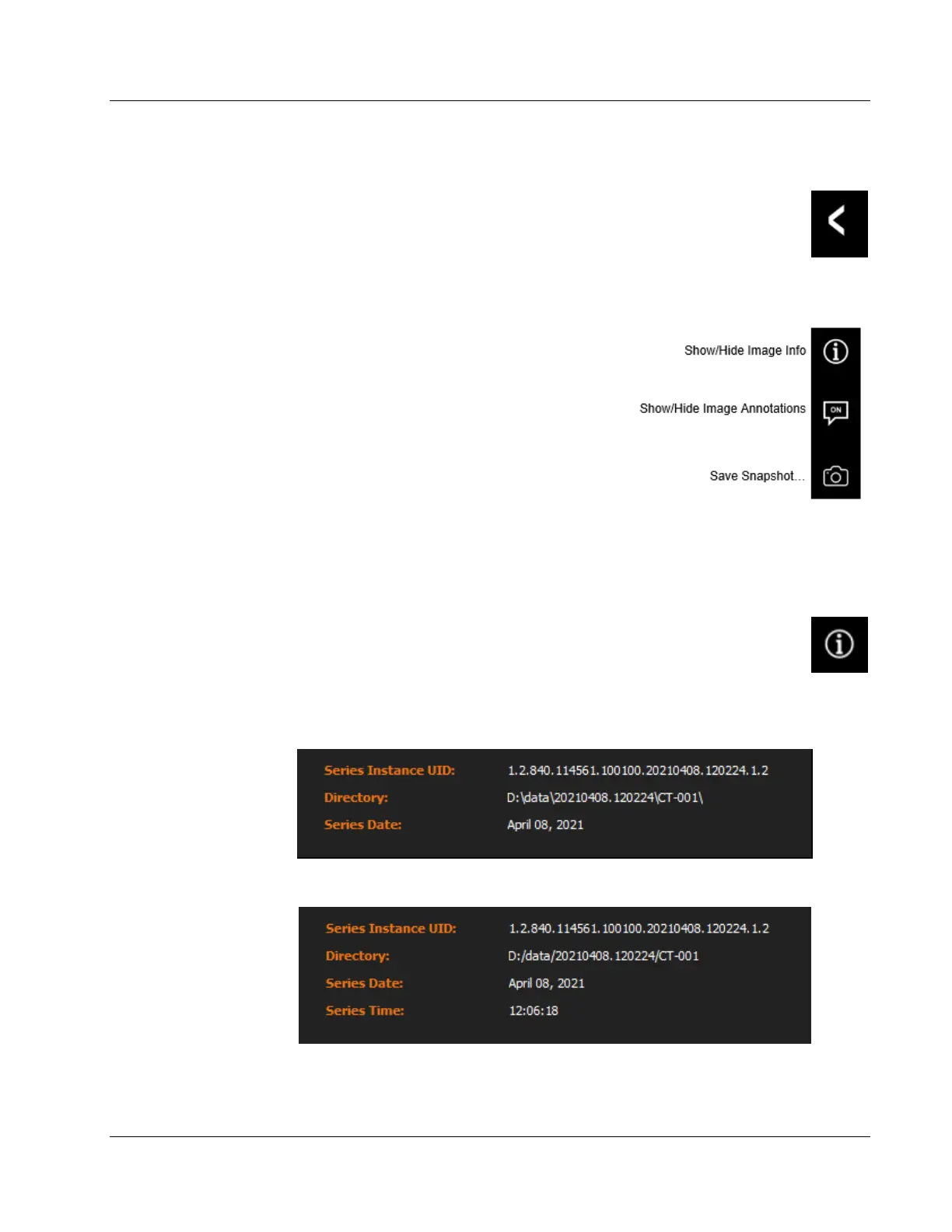
The Right Tool Bar, located in the upper right
corner of the image screen, provide quick access to
a few useful functions. These tools are only active if
an image is displayed.
6.7.1 Show/Hide Image Info (Image Properties)
After an image is taken, the current image properties can be viewed by pressing the (i)
button in the Right Tool Bar. The image Properties Dialog box will be displayed
in the top right corner of the image.
Figure 67: Show/Hide Image Info Button
The exact content of the image properties dialog is dependent on whether it is opened in
Imaging Mode or Review Mode. See figures below.
Figure 68: Image Properties from Image Acquisition Screen
Figure 69: Image Properties from Review Screen
Figure 66: Right Tool Bar













 To Next Page