Faxitron CT Specimen Radiography System User Guide
Chapter 4: Quick Start – Basic Operation of the Faxitron CT
5081-9544 Revision 004 Page 31
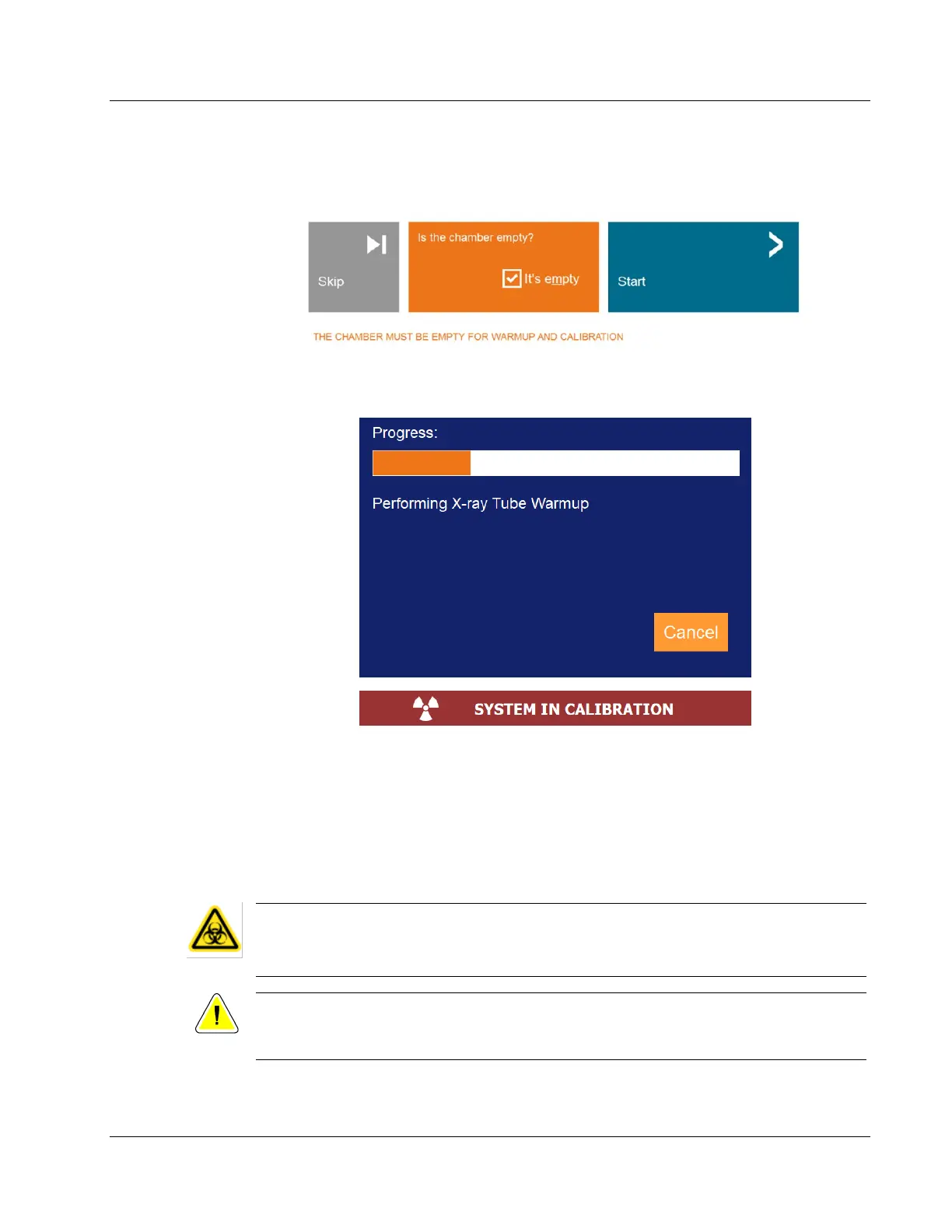
Ensure the chamber is empty, including the foam tray, check the box to confirm the
chamber is empty, then click the Start button.
Figure 16: Start Image Calibration
A Calibration Progress window will open, and the system will begin Image Calibration.
Figure 17: Calibration Progress Window
X-Rays are generated as part of the warmup and calibration procedures. If the user needs
to stop the calibration, they may click the Cancel button in the Calibration Progress
window, press the physical Stop button on the system control panel, or press the Stop
button in the control panel touch screen.
4.3 Basic Imaging Procedure
Warning:
Use approved containers or gloves in order to avoid contact with any
potentially hazardous samples.
Caution:
Use of controls or adjustments or performance of procedures other than those
specified herein may result in hazardous radiation exposure.













 To Next Page