Faxitron CT Specimen Radiography System User Guide
Chapter 4: Quick Start – Basic Operation of the Faxitron CT
5081-9544 Revision 004 Page 37
4.4 Saving Images to PACS
The 2D and 3D (CT) image series can be sent to the PACS network for storage,
assuming a PACS connection has been configured, by clicking the PACS Store button in
the left tool bar.
Figure 28: PACS Store Button
Note
The system will send the images that are currently shown on the screen at the time the
PACS Store Button is clicked.
The green Start X-Ray Button becomes a SENDING TO PACS status bar and will revert
back to the Start X-Ray button when storage to PACS is complete.
Figure 29: SENDING TO PACS Status Bar
Caution:
To avoid the risk of lost or corrupt files do not shut down the system while the
images are still being sent.
Note
All images are automatically saved locally as a backup.
4.5 Shutdown Procedure
There are 2 options to shutdown Faxitron CT systems:
1. Press and hold the ON/OFF button on the front of the system until a “Beep” is heard.
This will shut down the software, computer, and system.
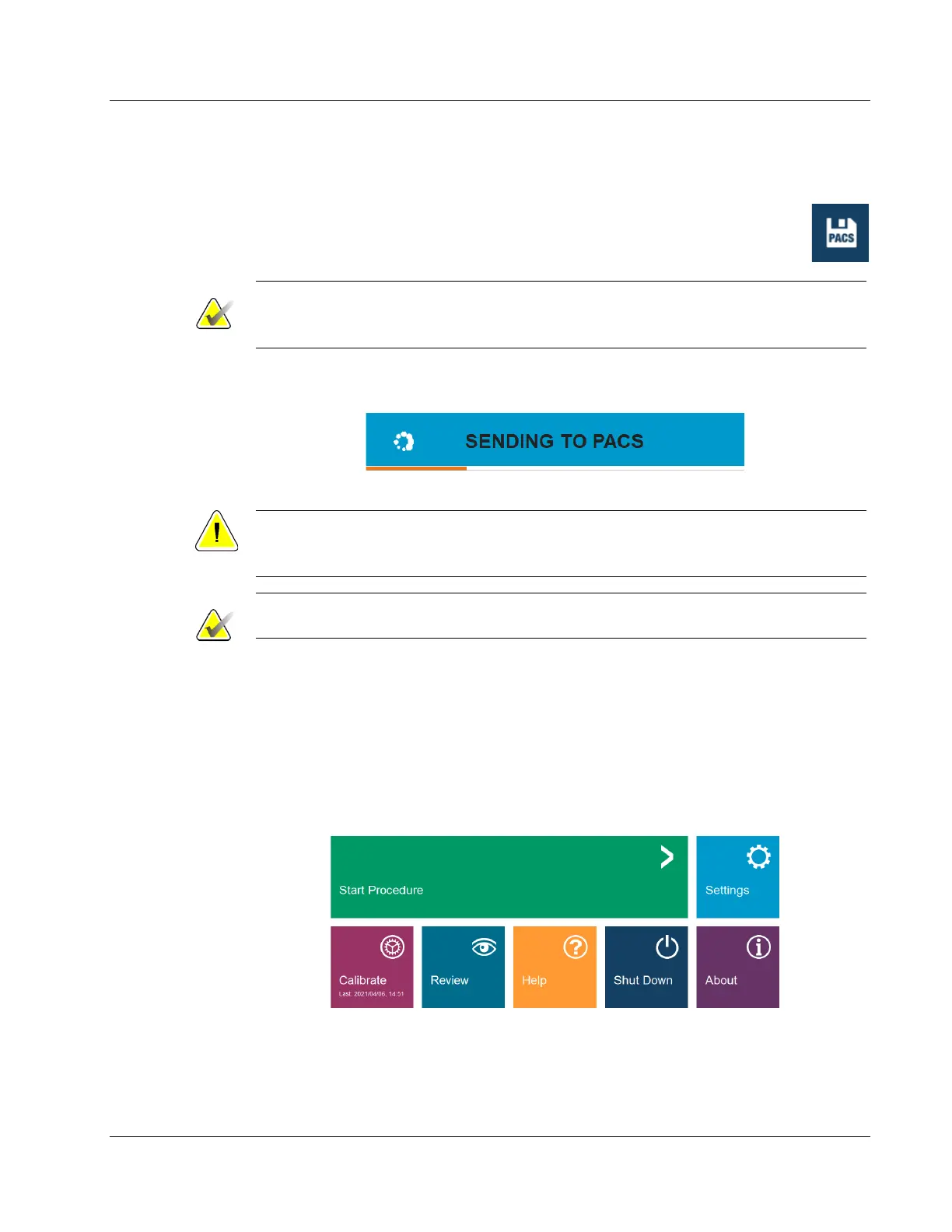
2. Or, from the software click the Shut Down button from the Home Menu. A second
screen will pop-up to confirm that the Shut Down. Click Okay.
Figure 30: Shut Down Button – Home Menu













 To Next Page