Faxitron CT Specimen Radiography System User Guide
Chapter 6: Faxitron CT Software Operation
5081-9544 Revision 004 Page 49
6.4.4 Select from Database
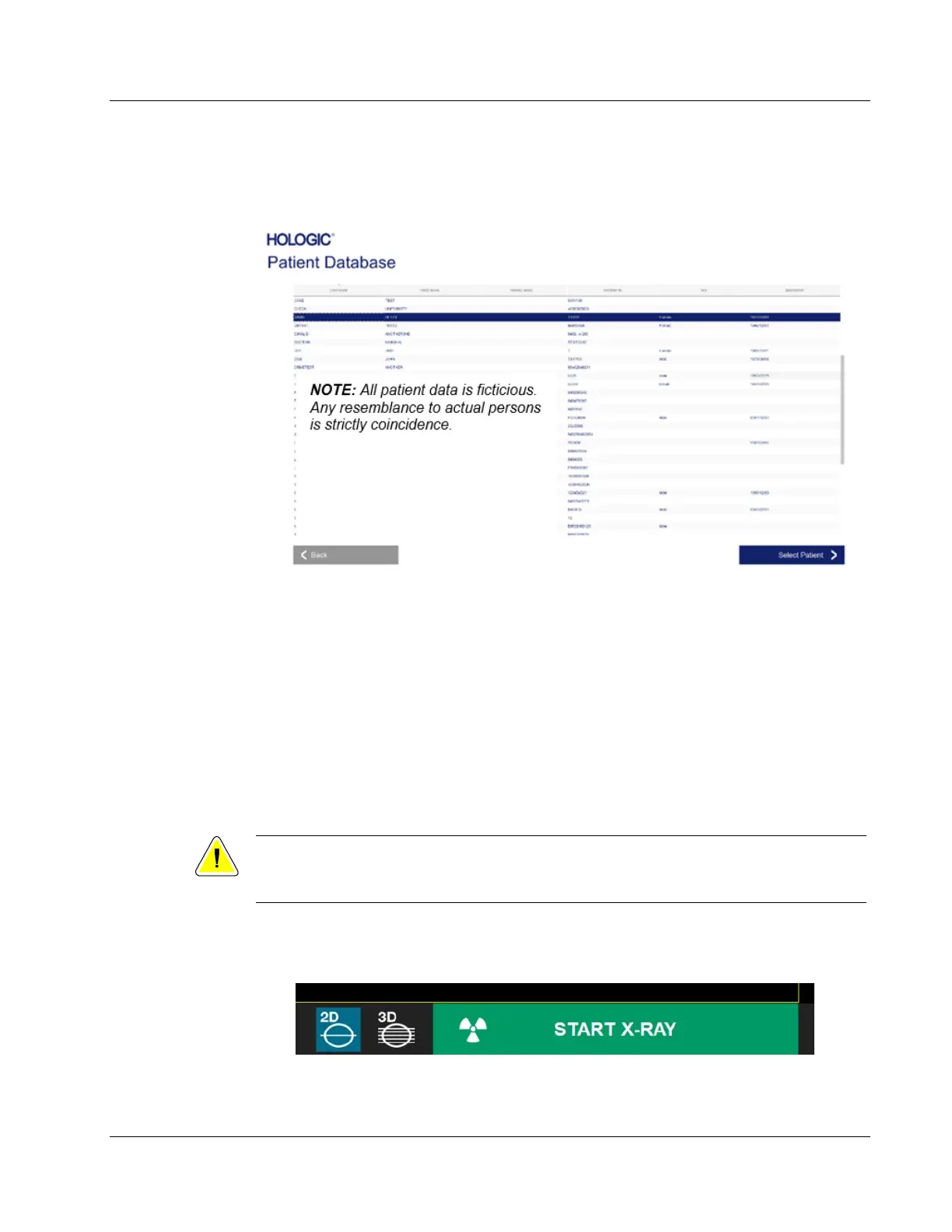
Clicking the Select from Database button will display the following page.
Figure 45: Selecting Patient from Local Database Entries
The user selects the patient from the table and then clicks on the Select Patient button
which opens the Patient Information editor. Complete required entries and click the
Accept button. Refer to Section 6.4.1.
Patients can be stored in the Database as the system is being used, plus patient
information can be imported to the local Database from the Work List using the Save to
Database button, as described in section 6.4.1.
The software allows the user to sort the data by selecting the column title.
6.5 Image Acquisition
Caution:
To ensure optimum image quality do not touch the Faxitron CT system during either
2D or 3D image acquisition.
See Chapter 4, Quick Start – Basic Operation of the Faxitron CT, for information on how to place
the specimen into the system and acquire an image.
Figure 46: Start X-Ray Button













 To Next Page