Faxitron CT Specimen Radiography System User Guide
Chapter 6: Faxitron CT Software Operation
Page 52 5081-9544 Revision 004
The following sections outline the manipulation of the images.
6.6 Left Tool Bar/Image Tools
The software provides various tools to control various image attributes or parameters, x-
ray acquisition, image views, image tools, and DICOM settings/access. The most
commonly used tools are in a Tool Bar. The Tool Bar and Menus are described in more
detail in the following pages.
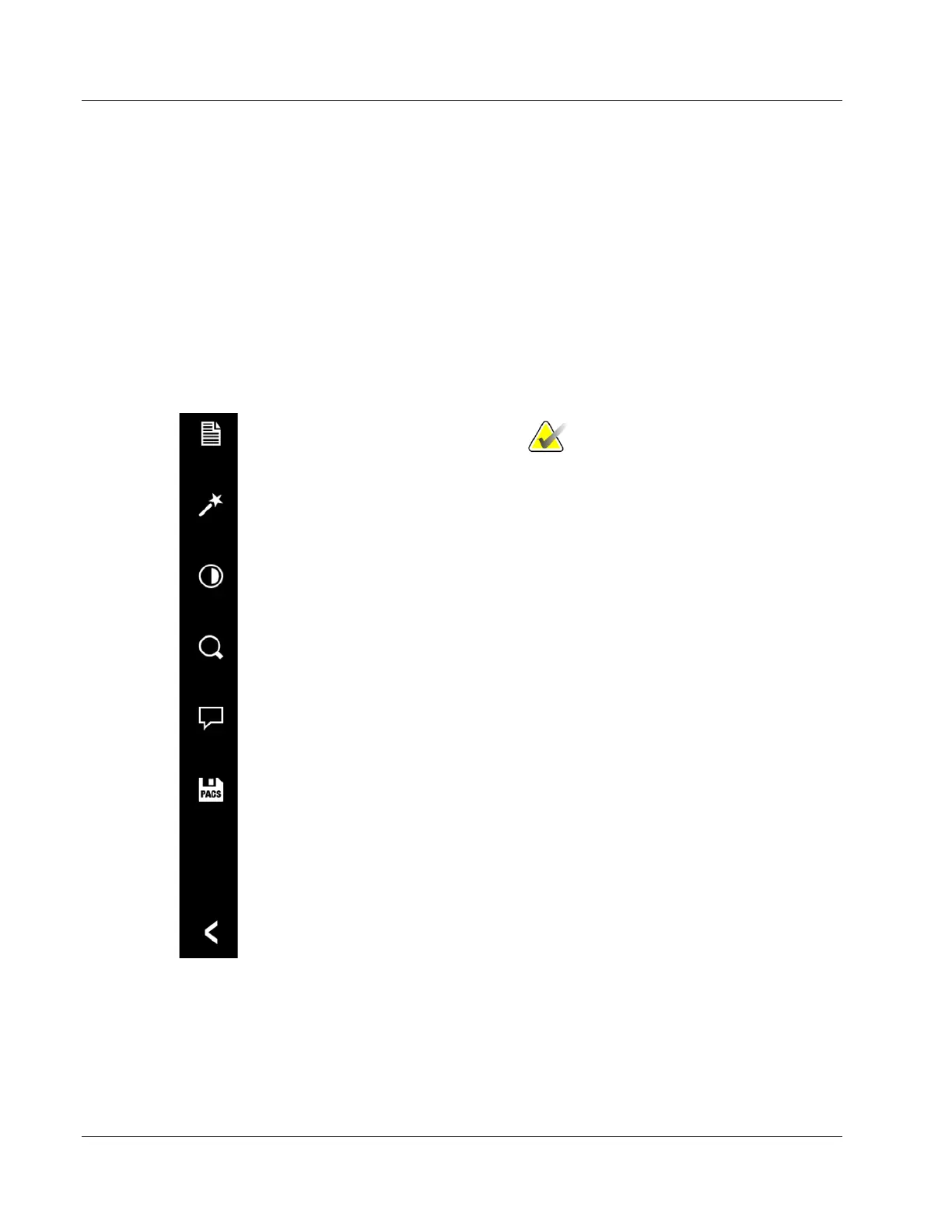
The software provides single click access to a number of commonly used tools or
functions with a vertical tool bar located on the left side of the screen. More detailed
descriptions follow in the next pages.
(Patient Information Viewer)
Toggle Image Enhancement On/Off
Adjust Image Contrast
(Window Level Tool)
Adjust Image Zoom
(Zoom Level Tool)
Access Image Annotation Tools
(Annotation Tools)
Save Image Data to PACS
Back to Main Menu (Home Menu)
NOTES:
The following tools will only be enabled after
an x-ray image has been acquired:
• Toggle Image Enhancement on/off
• Adjust Image Contrast
• Adjust Image Zoom
• Access Image Annotations Tools
These same tools will be disabled during
subsequent image acquisitions.
The PACS Save tool is enabled when the
system is connected to a PACS network.
Figure 50: Left Side Tool Bar
Undocking Tools and Dialogs
The Patient Information Editor (Dialog), Window Level Tool, Zoom Tool, and
Annotation Tools are docked to the left side of the image window when they are opened.
They can be undocked by clicking on the pin Icon in the upper right corner. Undocking













 To Next Page