Faxitron CT Specimen Radiography System User Guide
Chapter 6: Faxitron CT Software Operation
5081-9544 Revision 004 Page 79
6.14 Help
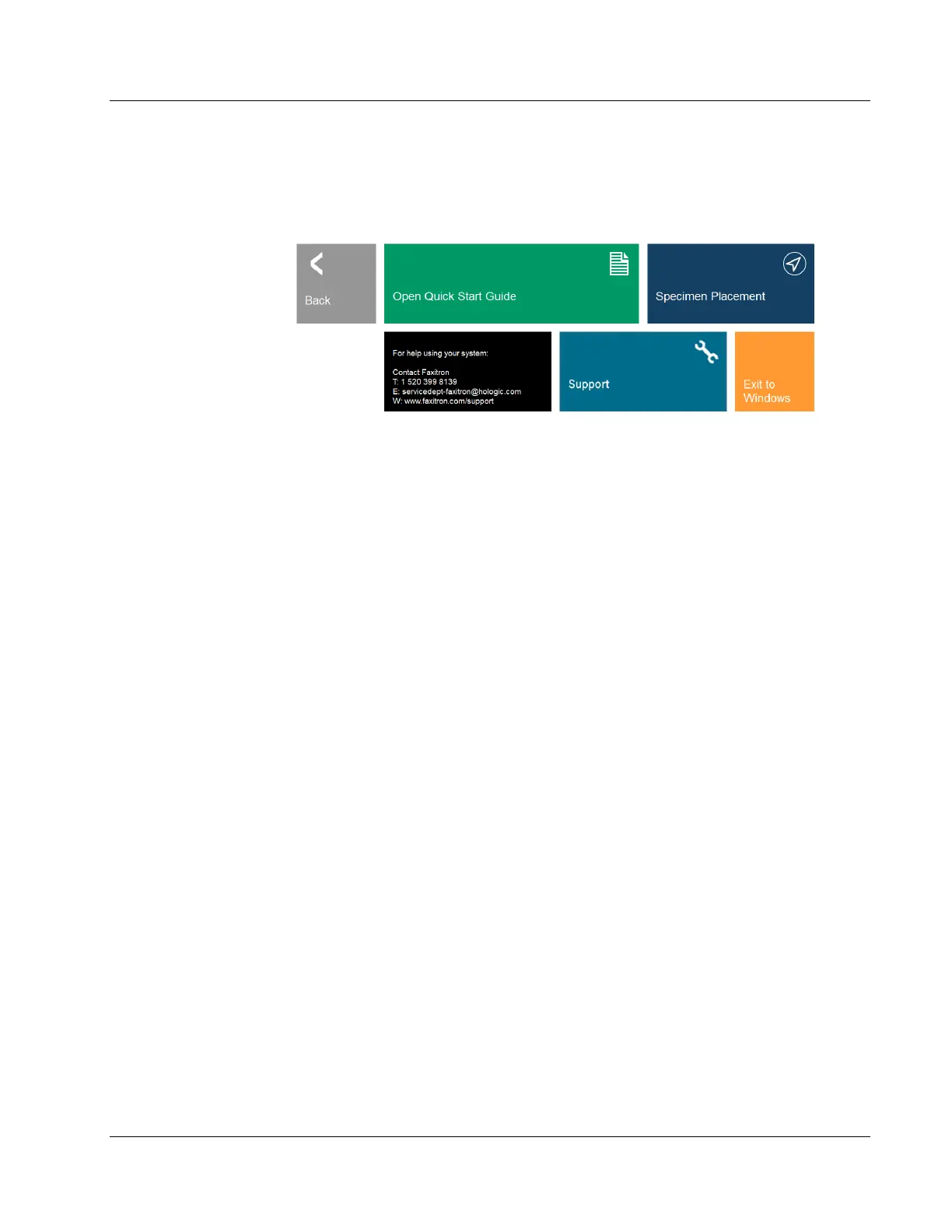
Clicking the Help button brings the user to the Help page.
Figure 105: Help Menu
From the Help menu you can:
• Open the Quick Start Guide,
• View a short animation demonstrating the proper Specimen Placement,
• Get the contact information for help in using your system,
• The Support button provides information on contacting Hologic’s technical support
team and
• Exit to Windows.













 To Next Page