Faxitron CT Specimen Radiography System User Guide
Chapter 6: Faxitron CT Software Operation
Page 46 5081-9544 Revision 004
6.4 Patient Data
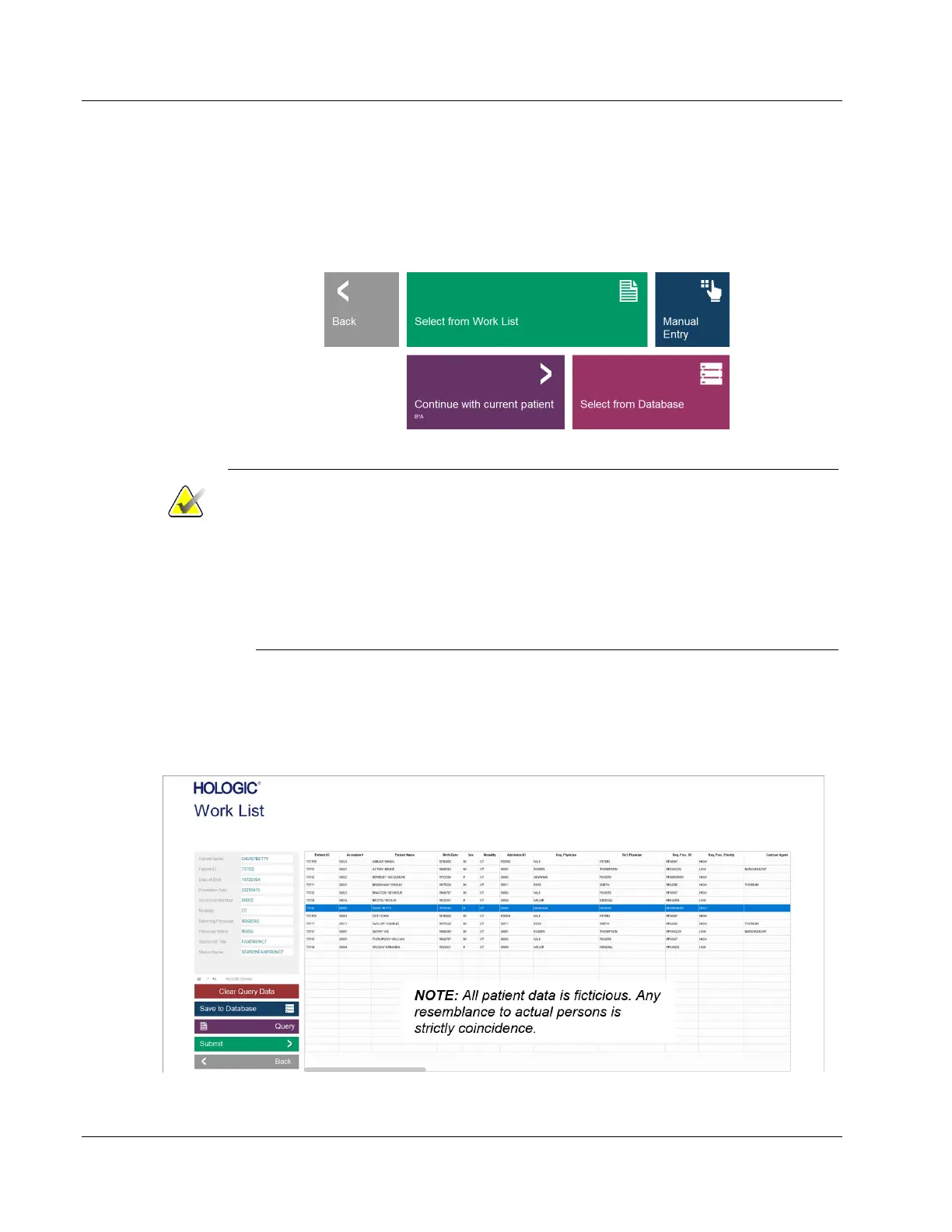
The Start Procedure button takes the user to the Patient Data Entry Menu which
provides methods to enter patient data. If a Work List has been configured correctly, the
button will be green. The options are explained in the following pages.
Figure 41: Start Procedure Menu
Notes
• If patient data is entered manually, and includes the patient’s middle initial,
then all occurrences of the patient name will display the middle initial.
• If patient data is selected from a Work List and a complete middle name was
received it will be displayed as middle initial in the Patient Information
Editor/Viewer. The full middle name will be stored in the Database, displayed
in the Review Mode Patient List, the lower left corner of the image viewer
screen, and included in the DICOM image headers.
6.4.1 Select from Work List (Modality Work List)
If a Work List has been configured the user can click the Select from Work List button
which will display the following pages.
Figure 42: Modality Work List Dialog













 To Next Page