Faxitron CT Specimen Radiography System User Guide
Chapter 6: Faxitron CT Software Operation
5081-9544 Revision 004 Page 47
On the left are various filters that may be used to search for scheduled procedures. Enter
a search parameter into the field(s) and select the Query button located in the bottom left
corner. The table is re-populated with the entries that match the queried information. Up
to 1025 matching results are displayed in a scrollable list.
Note
If more than 1025 matching results are returned the excess results are ignored. This
limit is not configurable.
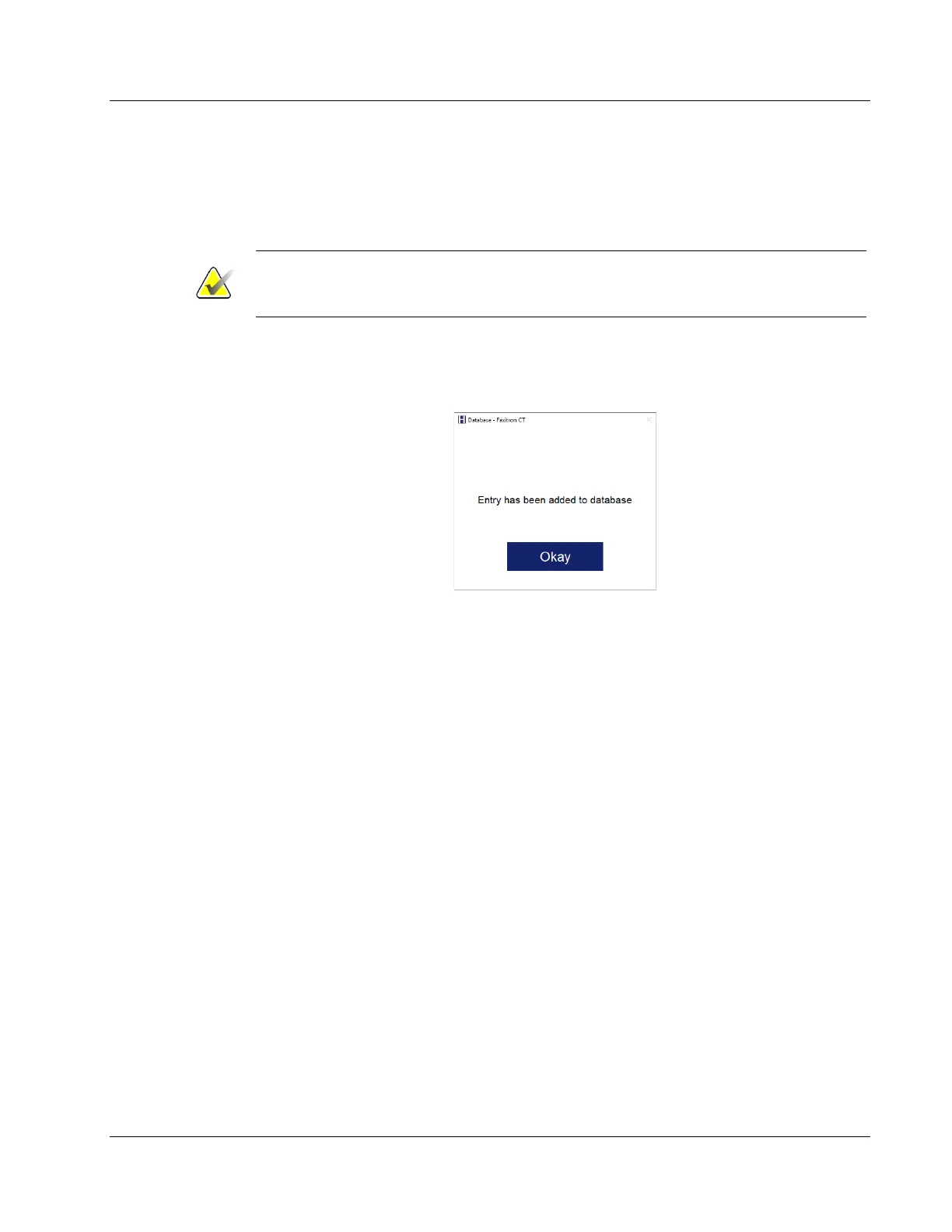
A patient’s information can be imported to the local Database from the Modality Work
List by clicking the Save to Database button. A dialog will pop-up confirming that the
information was added to the database. Click the Okay button.
Figure 43: Admin Screen
The user can then select any entry then click the Submit button to automatically populate
the Patient Information Editor with the patient information.
The Patient Information Editor (Set/Edit Patient Data Dialog) will open. Complete any
remaining required fields and click the Accept button to proceed to image acquisition.













 To Next Page